Introduction
If you want to compress PDF to 200KB without losing quality, the good news is that it is absolutely possible using modern PDF compression tools. Today’s PDF compressors are much smarter than older methods. They use advanced compression algorithms and AI-based optimization techniques to reduce file size while keeping text sharp, images clear, and layout unchanged.
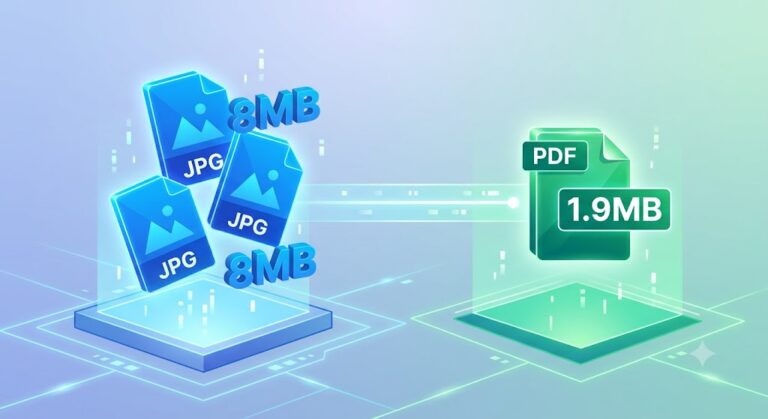
In simple terms, PDF compression means reducing the file size by removing unnecessary data like duplicate images, hidden elements, or heavy-resolution graphics that are not needed for everyday use. With the right tool, you can easily convert a large PDF (even 5MB or more) into a small 200KB file without noticeable quality loss.
This is especially important for students, job applicants, and professionals. Most government job portals, online exam systems, and email platforms have strict file size limits. For example, many websites only accept PDFs under 200KB–300KB. If your file is larger, it gets rejected or fails to upload.
That’s where PDF compression becomes essential. Whether you are submitting documents for a job, sending files via email, or uploading forms online, reducing PDF size helps you save time and avoid errors.
In this guide, you will learn how to compress PDF to 200KB without losing quality, the best tools, real examples, benefits, and frequently asked questions. Everything is explained in a simple, step-by-step way so anyone can follow it easily—even beginners.
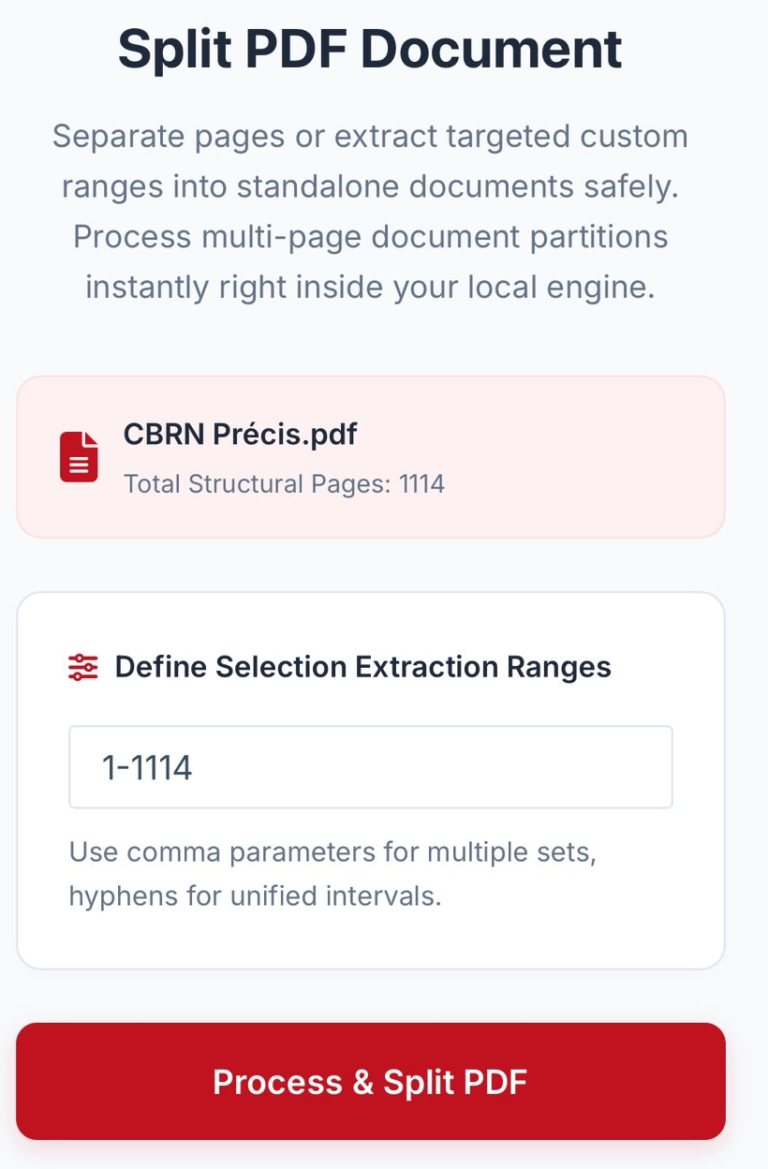
You May Also Use These Tools
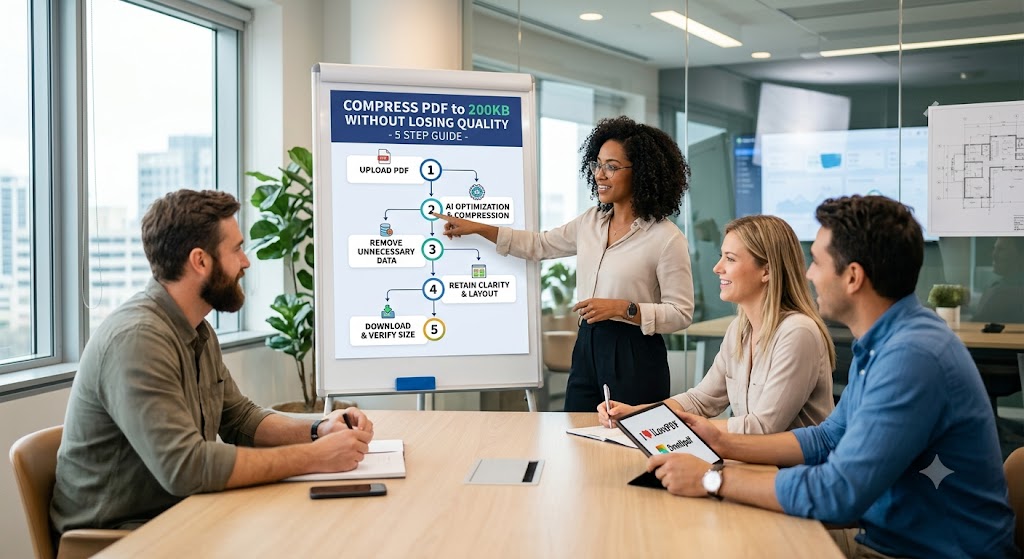
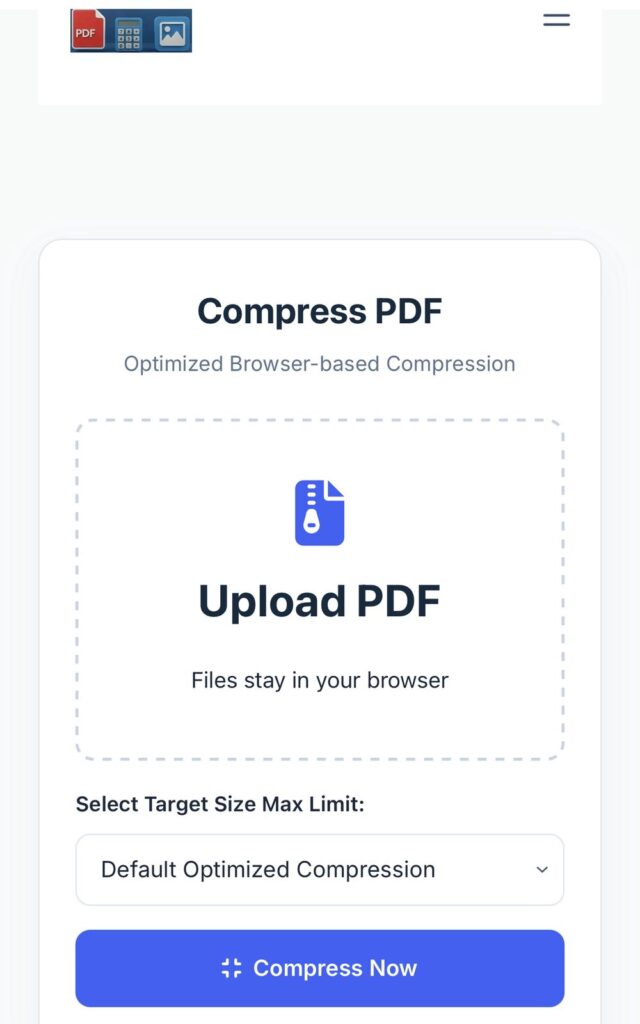
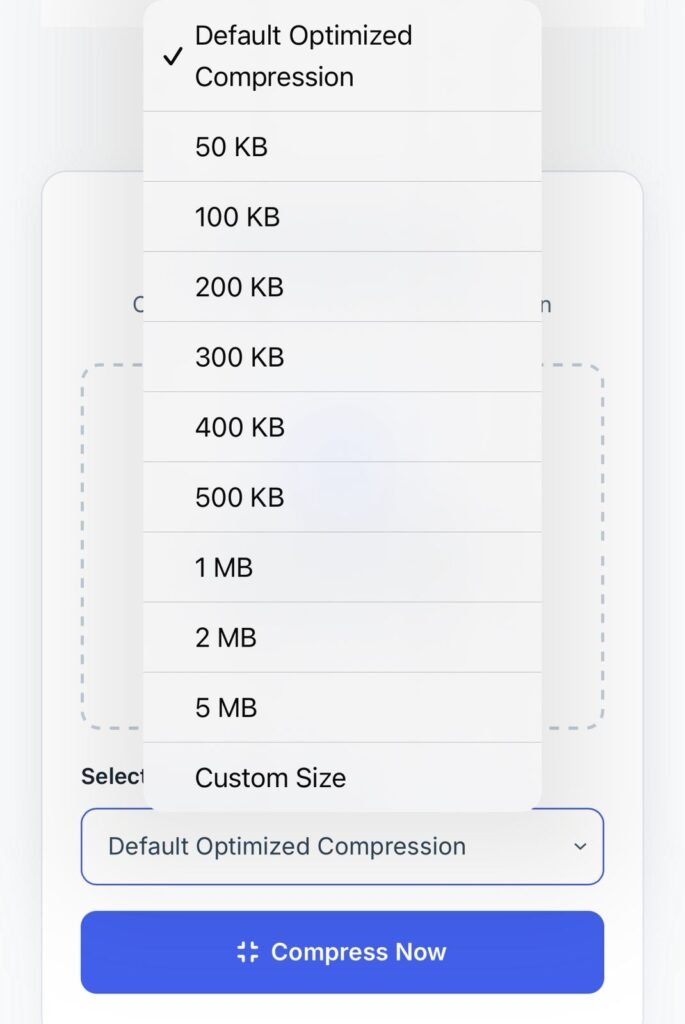
How to Compress PDF to 200KB (Step-by-Step Guide)
You can compress a PDF using online tools or offline software. Here are both methods:
🔹 Method 1: Using Online Tools
- Open any trusted PDF compressor website
- Upload your PDF file
- Choose compression level (High/Medium)
- Click “Compress PDF”
- Download your optimized file (near 200KB)
🔹 Method 2: Using Offline Tools (Adobe / Software)
- Open PDF in ProKitBag or similar software
- Go to “File >Choose your Size > Reduced Size PDF”
- Choose compatibility settings
- Save the file
- Check file size and adjust if needed
💡 Pro Tip:
If your file is still large, reduce image resolution inside the PDF before compressing again.
Best Tools for PDF Compression (Comparison Table)
| Tool Name | Speed | Quality | Free/Paid | File Control |
|---|---|---|---|---|
| Smallpdf | Fast | High | Free + Paid | Medium |
| iLovePDF | Fast | High | Free + Paid | High |
| Adobe Acrobat | Medium | Very High | Paid | Very High |
| PDF2Go | Fast | Medium | Free | Medium |
| Sejda PDF | Fast | High | Free + Paid | Medium |
⭐ Best Choice:
For achieving 200KB compression without quality loss, iLovePDF and Adobe Acrobat provide the most balanced results.
Latest Methods / Example (2026 Updated)
Modern Compress PDF to 200KB is no longer just “file shrinking.” It uses smart optimization and AI-based compression techniques that analyze images, fonts, and layout structures.
📌 Example:
- Before compression: 2MB PDF
- After compression: 300 KB PDF
- Quality: No visible change in text or layout
🚀 How it works today:
- Removes duplicate metadata
- Optimizes image resolution
- Compresses embedded fonts
- Uses adaptive quality balancing
This is why even large scanned PDFs can now be reduced to under 200KB easily.
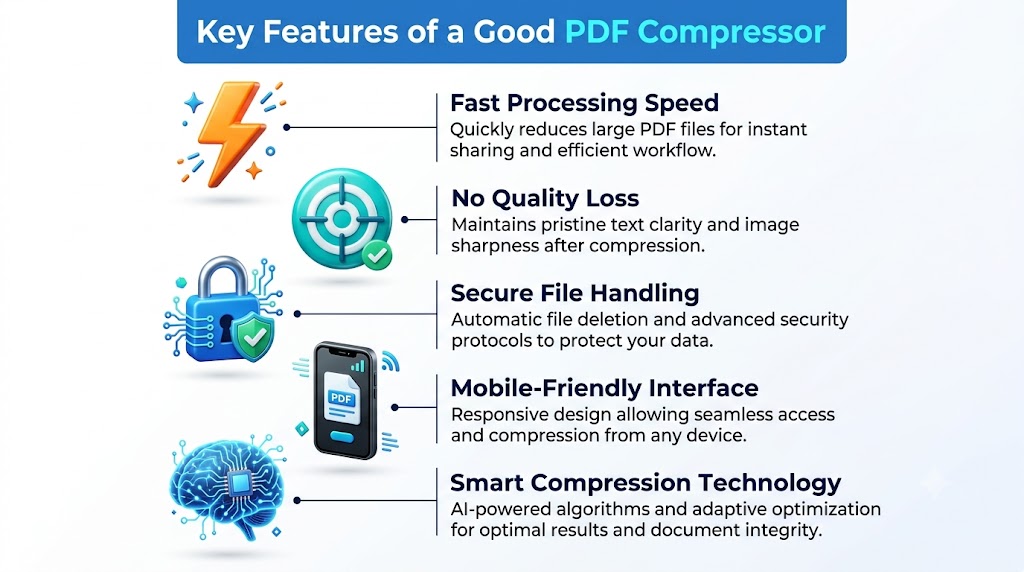
Key Features of a Good PDF Compressor
A good PDF compressor should include:
- ⚡ Fast processing speed
- 🎯 No quality loss in text or images
- 🔒 Secure file handling (auto-delete after processing)
- 📱 Mobile-friendly interface
- 🧠 Smart compression technology
If a tool lacks these features, it may reduce quality or fail to reach 200KB properly.
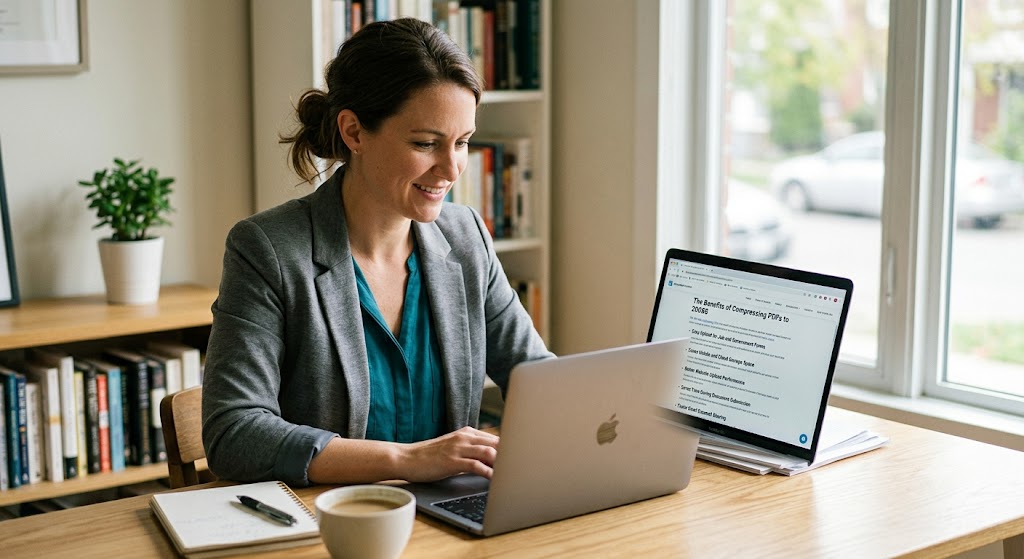
Benefits of Compressing PDF to 200KB
Reducing PDF size offers many real-world advantages:
- 📧 Faster email sharing
- 🧾 Easy upload for job and government forms
- 💾 Saves mobile and cloud storage space
- 🌐 Better website upload performance
- ⏱️ Saves time during document submission
Small file size is especially useful in areas with slow internet connections.
FAQs
1. Can I compress PDF to 200KB without losing quality?
Yes, modern tools allow compression with minimal or no visible quality loss.
2. Is online PDF compression safe?
Yes, if you use trusted websites that delete files after processing.
3. Which tool gives the best quality?
ProKitBag and Adobe Acrobat are known for high-quality compression.
4. Can scanned PDFs be compressed?
Yes, but results depend on image resolution and scan quality.
5. Does compression reduce image quality?
Slightly, but advanced tools maintain visible clarity.
6. Is there any free PDF compressor?
Yes, tools like Smallpdf, iLovePDF, and PDF2Go offer free versions.
7. Can I compress PDF on mobile?
Yes, most tools are mobile-friendly and work in browsers.
8. Why is my PDF still larger than 200KB?
It may contain high-resolution images or embedded fonts that need further optimization.
Conclusion
Compressing a PDF to 200KB without losing quality is now easier than ever. With modern tools, you can quickly reduce file size while maintaining professional document quality. Whether you are applying for a job, submitting an exam form, or sending documents via email, PDF compression helps you stay fast and efficient.
👉 Try our free PDF tools on Prokitbag.com and make your document handling faster and smarter today.