
Image Compressor
Image Compressor Tool – Reduce Image Size Without Losing Quality | ProKitBag
INTRODUCTION
The Image Compressor Tool by ProKitBag is a powerful online utility that helps you reduce image size without losing quality in just a few seconds. It is designed for bloggers, website owners, students, designers, and social media users who want to optimize images for faster loading and better performance.
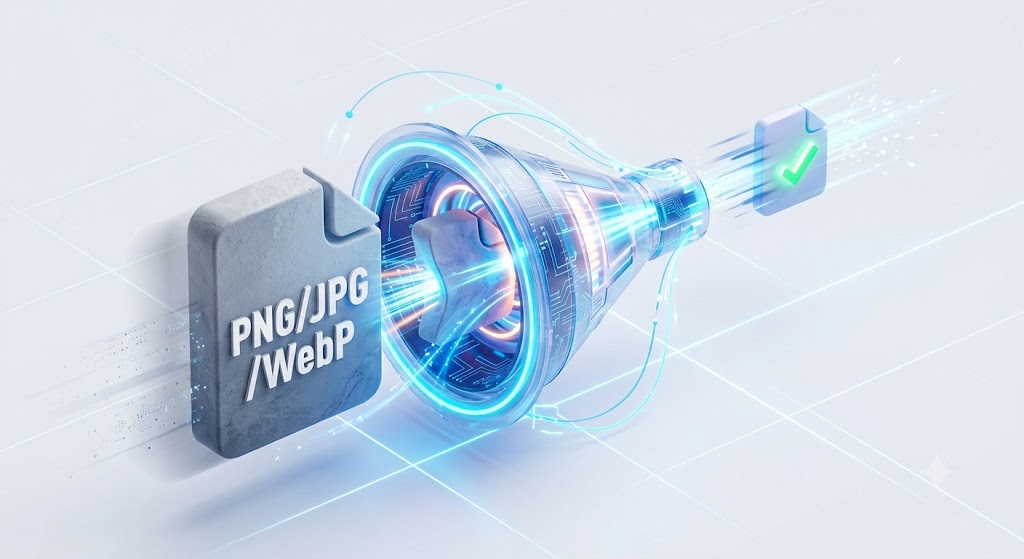
This tool supports JPG, PNG, and WebP formats and works directly in your browser, which means you do not need to install any software or upload files to a server. Everything is processed locally, making it fast, secure, and privacy-friendly.
If your website is slow due to large image files, this tool can instantly solve the problem. Large images often increase page load time, reduce SEO ranking, and affect user experience. By using this tool, you can compress images from 2–5 MB down to 100–500 KB without visible quality loss.
The ProKitBag Image Compressor Tool is fully responsive and works on mobile, tablet, and desktop devices. You can simply upload an image, adjust compression level, preview results, and download the optimized file instantly.
Whether you are optimizing images for a blog, eCommerce store, portfolio, or social media, this tool ensures faster performance, better SEO, and improved user experience.
You May Also Visit:-
⚙️ FEATURES
✔ Free online image compression
✔ No quality loss (smart compression algorithm)
✔ Supports JPG, PNG, WebP formats
✔ Adjustable compression level slider
✔ Instant preview before download
✔ Fully responsive (mobile + desktop friendly)
✔ No server upload (100% privacy safe)
✔ Fast browser-based processing
✔ One-click download optimized image
📌 HOW TO USE IMAGE COMPRESSOR TOOL
Using the ProKitBag Image Compressor Tool is very simple and beginner-friendly.
Step 1: Open the Tool
Go to the Image Compressor Tool page on ProKitBag.
Step 2: Upload Image
Click on upload area and select your image (JPG, PNG, WebP).
Step 3: Adjust Compression
Use the slider to set compression level (0.1 to 1.0).
Step 4: Compress Image
Click on the “Compress Image” button to start processing.
Step 5: Preview Result
Check the before and after image comparison.
Step 6: Download Image
Download the optimized image instantly to your device.
💡 BENEFITS OF USING IMAGE COMPRESSOR TOOL
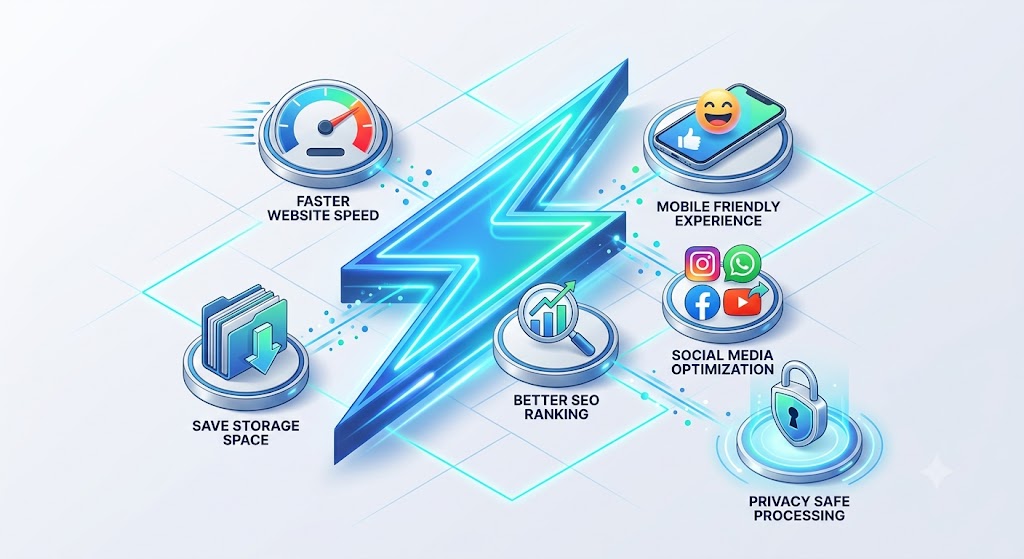
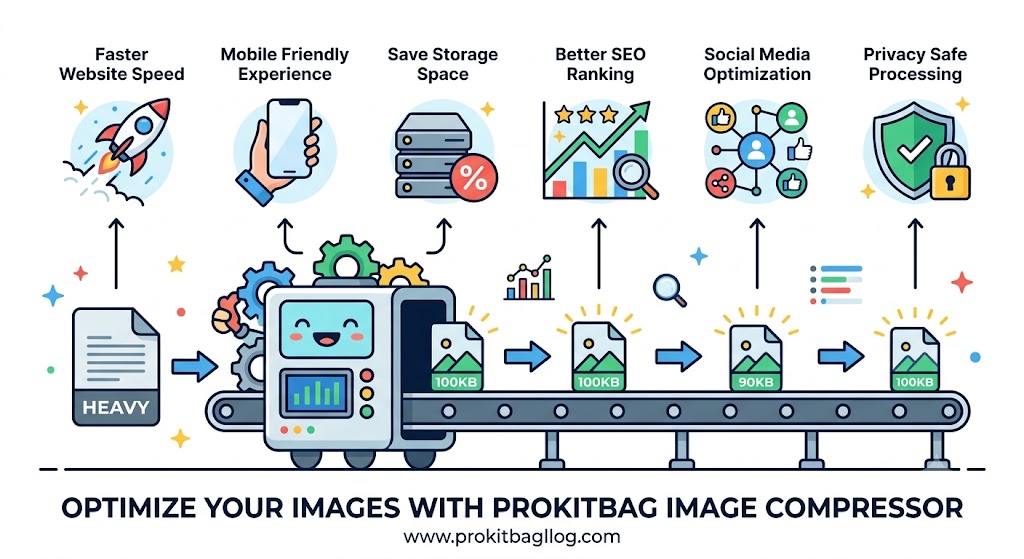
🚀 1. Faster Website Speed
Large images slow down websites. Compressed images improve loading speed significantly.
📱 2. Mobile Friendly Experience
Optimized images load quickly on mobile devices, improving user experience.
💾 3. Save Storage Space
Compressed images take less storage without losing visual quality.
📈 4. Better SEO Ranking
Google prefers fast websites, and image optimization improves Core Web Vitals.
🎯 5. Social Media Optimization
Perfect for Instagram, WhatsApp, Facebook, and YouTube thumbnails.
🔐 6. Privacy Safe Processing
No image is uploaded to any server, ensuring complete privacy.
⚖️ IMAGE COMPRESSION COMPARISON TABLE
| Feature | Without Compression | With ProKitBag Tool |
|---|---|---|
| File Size | 2–5 MB | 100–500 KB |
| Website Speed | Slow | Fast |
| SEO Score | Low | High |
| Image Quality | Normal | Same (optimized) |
| Loading Time | High | Very Low |
| User Experience | Poor | Excellent |
🧠 PRO TIPS FOR BEST RESULTS
✔ Use 70%–80% compression for best balance
✔ Convert PNG images to WebP for modern websites
✔ Always compress blog images before uploading
✔ Optimize images for Google Discover traffic
✔ Avoid uploading raw camera images directly
✔ Use consistent image sizes for better layout
✔ Combine with lazy loading for maximum speed
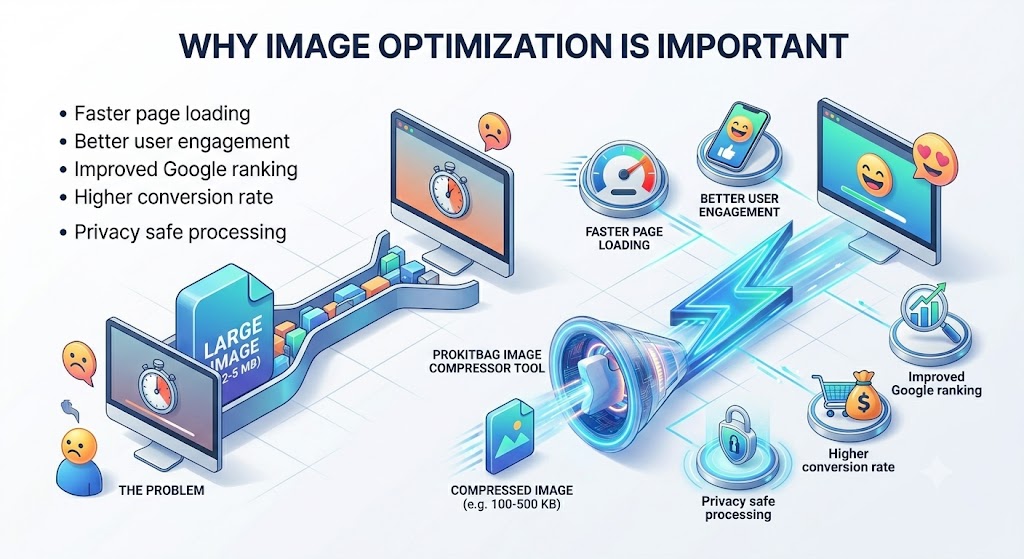
🔥 WHY IMAGE OPTIMIZATION IS IMPORTANT
In today’s digital world, website speed is one of the most important ranking factors. Large images are one of the biggest reasons for slow websites.
When a website takes more than 3 seconds to load, users often leave it. This increases bounce rate and reduces SEO performance.
By using the ProKitBag Image Compressor Tool, you ensure:
- Faster page loading
- Better user engagement
- Improved Google ranking
- Higher conversion rate
- Better mobile experience
🧾 REAL-WORLD USE CASES
🧑💻 Bloggers
Optimize featured images and blog visuals for faster loading.
🛒 eCommerce Websites
Reduce product image sizes to improve shopping experience.
🎨 Designers
Compress portfolio images without losing quality.
📱 Social Media Users
Prepare images for WhatsApp, Instagram, and Facebook.
🏢 Businesses
Improve website speed and professional appearance.
❓ FREQUENTLY ASKED QUESTIONS (FAQ)
1. Is the Image Compressor Tool free?
Yes, it is 100% free to use on ProKitBag.
2. Does it reduce image quality?
No, it uses smart compression to maintain visual quality.
3. Is my image uploaded to a server?
No, everything runs inside your browser for full privacy.
4. Which formats are supported?
It supports JPG, PNG, and WebP formats.
5. Can I use it on mobile?
Yes, it is fully mobile responsive and works on all devices.
6. Is there any file size limit?
There is no strict limit, but very large images may take longer to process.
7. Can I use it for professional websites?
Yes, it is perfect for blogs, eCommerce, and business websites.