
Convert multiple images into a single high-quality PDF quickly with our Images to PDF tool. Upload JPG, PNG, or WEBP files, arrange them in order, and create a secure PDF in seconds. This free online Images to PDF converter works on mobile and desktop with fast and reliable results.
Free Images to PDF Converter | Convert JPG, PNG to PDF Online
The true power of converting images to PDF lies in its convenience and universal compatibility. Unlike raw image files, which can change in resolution or appearance depending on the device or operating system, a PDF preserves the exact layout, quality, and formatting of your visuals. Furthermore, it significantly reduces file sizes without sacrificing clarity, making it incredibly easy to share via email, upload to cloud storage, or submit for official documentation. Instead of sending a dozen separate attachments, you can present a clean, beautifully sequenced document with adjustable margins and page sizes ($A4$ or Letter) in just a few clicks. It is the ultimate solution for turning raw pixels into professional paperwork.
Convert your photos and images into a single, high-quality PDF document in seconds. 100% free, secure, and fast!
How to Use Images to PDF (Step-by-Step Guide)
Converting your images to a PDF document is incredibly easy. Just follow these simple steps:
1.Upload Your Images: Step 1.
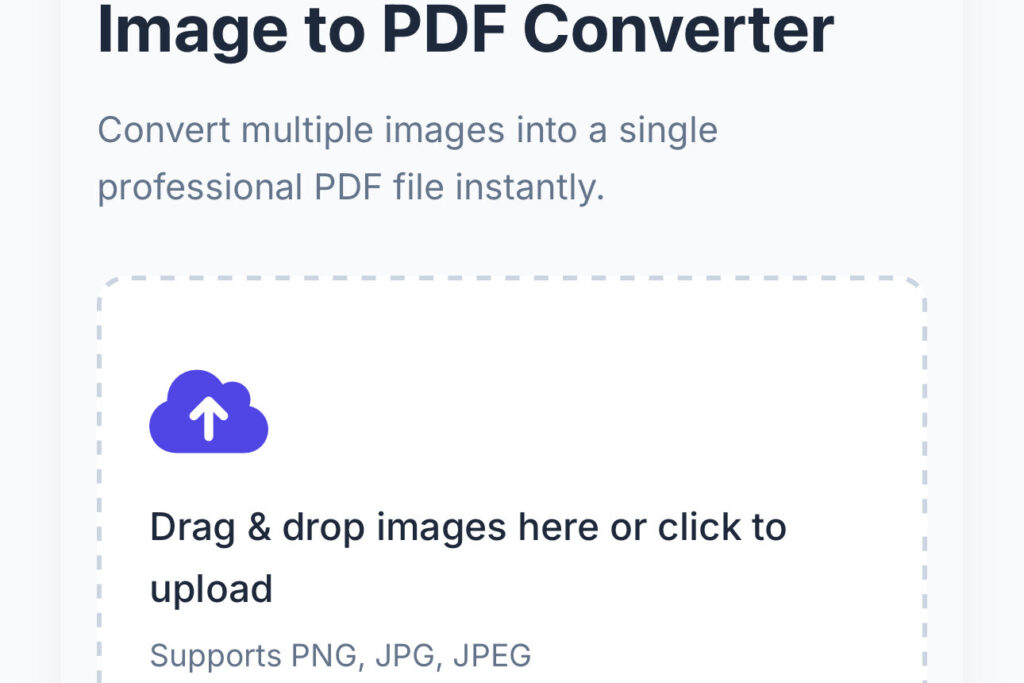
Click the “Choose Files” button or simply drag and drop your images ($JPG, PNG, WEBP, TIFF$) directly into the drop zone.
2.Adjust Order & Settings: Step 2.
Drag and drop the thumbnails to rearrange the page order. Customize your output by selecting the page size ($A4, Letter$), orientation ($Portrait/Landscape$), and margins.
3.Click Convert: Step 3.
Once you are satisfied with the sequence and settings, click the “Convert to PDF“ button. Our tool will process your files in seconds.
4.Download Your PDF: Step 4.
As soon as the conversion is complete, click the “Download PDF” button to save the final document directly to your device.
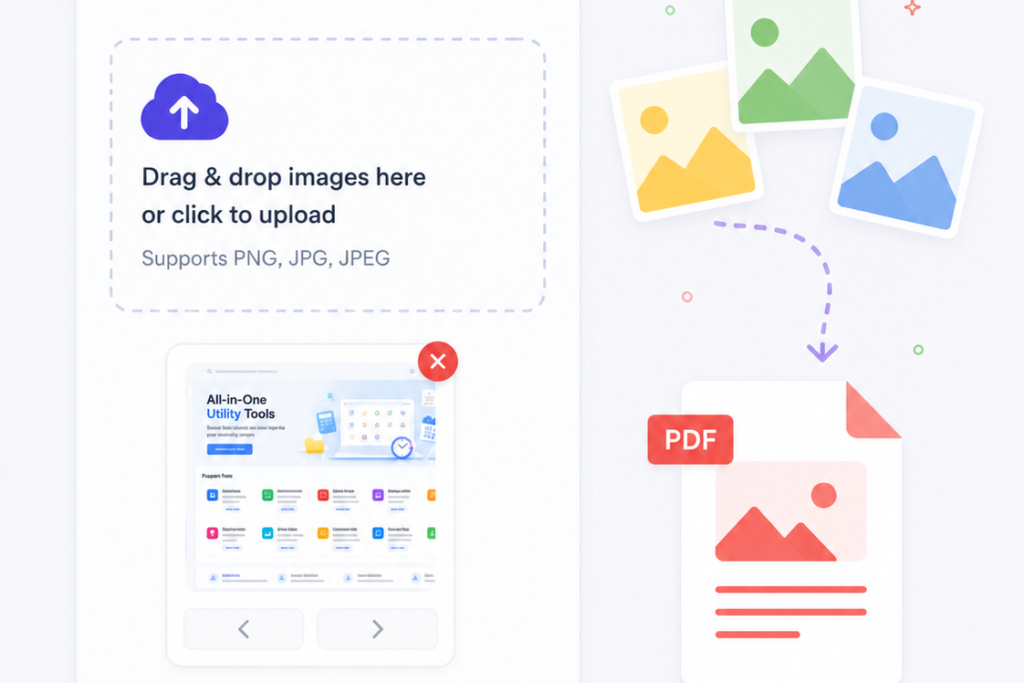
This conceptual graphic beautifully illustrates the seamless transformation of scattered image assets into a structured digital document. It highlights how multiple independent image formats—such as JPG, PNG, and WEBP—can be effortlessly compiled, reordered, and merged into a single, cohesive PDF file. Perfect for streamlining workflows, this visual represents a modern, hassle-free conversion process where loose photos and graphics are instantly organized into a clean, professional, and easily shareable PDF layout.
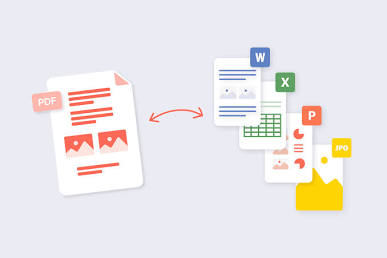
Key Features & Side-by-Side Comparison
See why our online converter stands out from traditional software and alternative web tools:
| Features | Our Online Converter | Traditional Competitors |
| Pricing | 100% Free Forever | Hidden paywalls or limited trials |
| Registration | No Account Needed | Requires email signup or login |
| Format Support | JPG, PNG, WEBP, TIFF, BMP | Often restricted to JPG only |
| Privacy Protection | Auto-deletes files within 1 hour | Unclear data retention policies |
| Layout Controls | Adjustable Margins, Size & Orientation | Rigid, automatic layouts only |
Trust Signals (User Safety & Privacy)
🔒 Your Privacy is Our Top Priority!
- End-to-End Encryption: Your files are protected using secure $SSL$ encryption protocols during transmission.
- Strict Auto-Delete Policy: To guarantee your data privacy, all uploaded images and generated PDFs are automatically and permanently deleted from our servers after exactly 1 hour.
- Zero Installation Required: This tool operates entirely within your web browser. There is no need to download sketchy software, plugins, or browser extensions.
Supported Formats Showcase
JPG / JPEG: Ideal for digital camera photos and high-resolution images.
PNG: Perfect for screenshots, logos, and graphics with transparent backgrounds.
WEBP: Modern web format with high compression.
TIFF / BMP: Heavy and high-quality design or scanned documents.
- JPG / JPEG: Ideal for digital camera photos and high-resolution images.
- PNG: Perfect for screenshots, logos, and graphics with transparent backgrounds.
- WEBP: Modern web format with high compression.
- TIFF / BMP: Heavy and high-quality design or scanned documents.
Advanced Tips for Best Results (Pro-Tips for Images to PDF )
💡 Pro Tips for a Perfect PDF:
- High Resolution: Hamesha acchi quality ki images upload karein taaki PDF print hone par text dhundla (blurry) na dikhe.
- Pre-Crop Images: Agar aap aash-paas ka extra area hatana chahte hain, to upload karne se pehle hi image ko crop kar lein.
- Sequential Naming: Upload karne se pehle apni images ka naam $1, 2, 3$ rakh lein, isse tool ke andar unhe reorder karna aur bhi aasan ho jayega.
Real-World Use Cases (Ye Tool Kahan Kaam Aata Hai?)
- Students: Apne handwritten notes, assignments, aur book pages ki photos khinchkar ek single PDF project file banane ke liye.
- Business Professionals: Business receipts, invoices, aur expense reports ko scan karke ek corporate PDF report ready karne ke liye.
- Designers & Artists: Apne sketches, digital art, aur design concepts ko ek clean PDF portfolio mein convert karke clients ko bhejne ke liye.
- Official Work: Aadhaar card, PAN card, ya Passport ki photos ko ek single document bankar KYC ya job applications mein upload karne ke liye.
Technical Benefits (Why PDF is Better Than Images?)
- Universal Compatibility: PDF har ek device (Mobile, Laptop, Tablet) aur OS (Android, iOS, Windows) par ek jaisa hi dikhta hai, jabki images ka layout badal sakta hai.
- Smaller File Size: Multiple $JPG$ files ka size bohot bada ho jata hai. PDF mein convert karne se size compress ho jata hai, jisse email par bhejna aasan ho jata hai.
- Print-Ready Format: PDF hamesha print layout ke hisab se set hota hai ($A4$ ya Letter), isliye iska printout bilkul perfect nikalta hai.
User Feedback / Review Section
Trust built karne ke liye kuch dummy ya real reviews add karein:
⭐⭐⭐⭐⭐ “Super fast and clean!”
“Mujhe apne college ke 20 pages ke notes convert karne the. Is tool ne bina kisi registration ke 5 seconds mein ek perfect PDF bana di!” — Rahul S.
⭐⭐⭐⭐⭐ “Great for privacy.”
“Mujhe apne bank documents convert karne the aur main privacy ko lekar darta tha. Par iski 1-hour auto-delete policy dekhkar mujhe bohot safe laga.” — Priya M.
Frequently Asked Questions (FAQs)
Q1. Can I convert multiple images into a single PDF document?
Ans: Yes, absolutely! You can upload multiple image files simultaneously, and our tool will merge all of them into a single, beautifully sequenced PDF document.
Q2. Is there a limit on how many times I can use this tool?
Ans: No. Our Images to PDF converter is completely free to use with no daily usage caps, watermarks, or hidden premium restrictions.
Q3. Are my uploaded photos safe on your servers?
Q4. Does this tool work on mobile phones?
Ans: Yes. Since this is a fully responsive web-based utility, it works flawlessly across all mobile and desktop platforms, including Android, iOS, Windows, and macOS, without needing an app installation.