
⸻
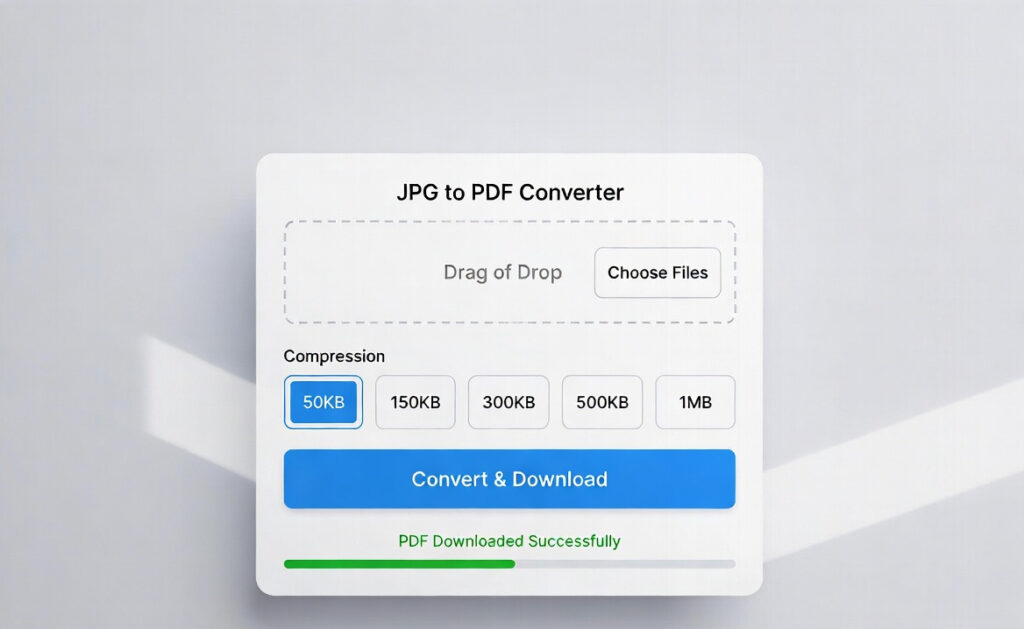
JPG to PDF Converter Online (Free, Fast & High-Quality)
In today’s digital world, sharing documents in a clean and professional format is extremely important. Whether you are a student submitting assignments, an employee sending scanned documents, or a business owner preparing invoices, PDF is the most trusted file format.
But most images are captured or saved in JPG format, especially from mobile phones. JPG images are easy to store, but they are not always the best option when you want to share multiple images as one document.
That’s where a JPG to PDF Converter Online becomes useful.
With our free JPG to PDF converter, you can quickly convert your JPG images into a high-quality PDF file within seconds. No signup, no installation, and no technical skills required.
How to Use JPG to PDF Converter (Step-by-Step Guide)
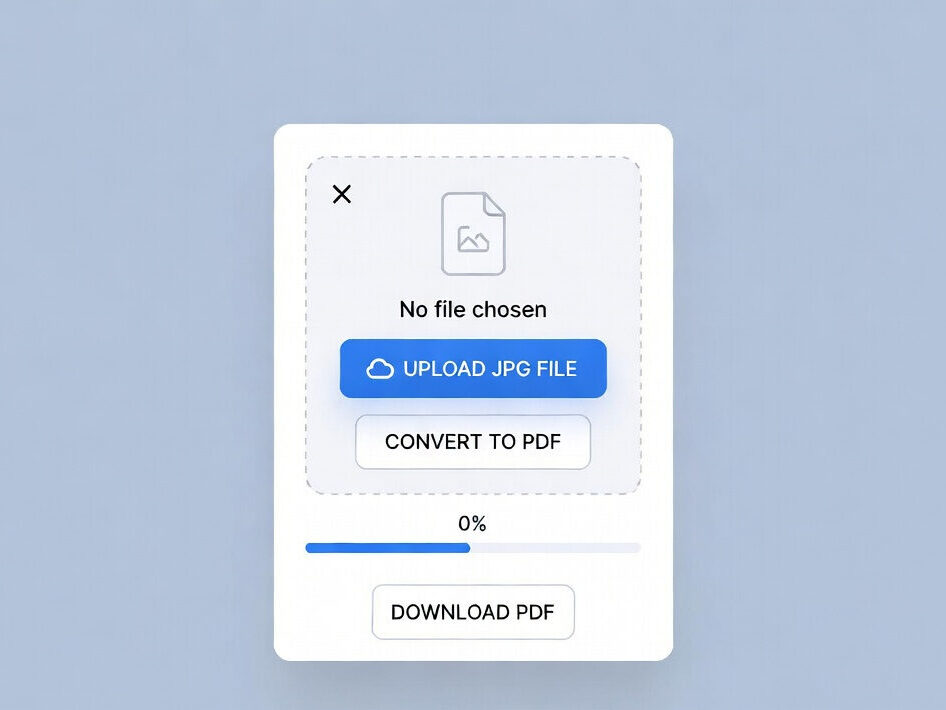
Convert your JPG images into professional, high-quality PDF files in just a few clicks with our fast and reliable online JPG to PDF converter. Whether you need to combine multiple images into a single document or create a neat, shareable file for work, school, or personal use, this tool makes the process simple and efficient. It works seamlessly on mobile, tablet, and desktop devices without requiring any installation or signup. Your images retain their clarity and formatting, ensuring the final PDF looks clean and organized. With secure processing and instant downloads, you can save time and effort while managing your files smarter and faster.
Converting JPG images into PDF is very easy. Just follow these simple steps:
🔹 Step 1: Upload Your JPG Images
Click on the upload button and select your JPG images from your device.
🔹 Step 2: Arrange Images in Desired Order
If you uploaded multiple images, you can arrange them in the correct order by dragging them.
🔹 Step 3: Click on “Convert to PDF”
Now press the convert button to start the conversion process.
🔹 Step 4: Wait a Few Seconds
The tool will process your images and create a PDF file instantly.
🔹 Step 5: Download Your PDF File
Once conversion is complete, click on download and save your PDF file.
That’s it! You have successfully converted JPG to PDF online.
Convert JPG Images into Professional PDF Files Instantly
Our online JPG to PDF tool allows you to convert your JPG files into a neat and well-organized PDF document in just a few clicks. Whether you want to convert a single image or merge multiple JPG images into one PDF, this tool provides fast and reliable results.
The best part?
It works smoothly on mobile, tablet, and desktop devices without any software download.
So if you are looking for a quick solution like:
- Convert JPG to PDF free online
- Merge multiple JPG images into one PDF
- Create a PDF document from photos
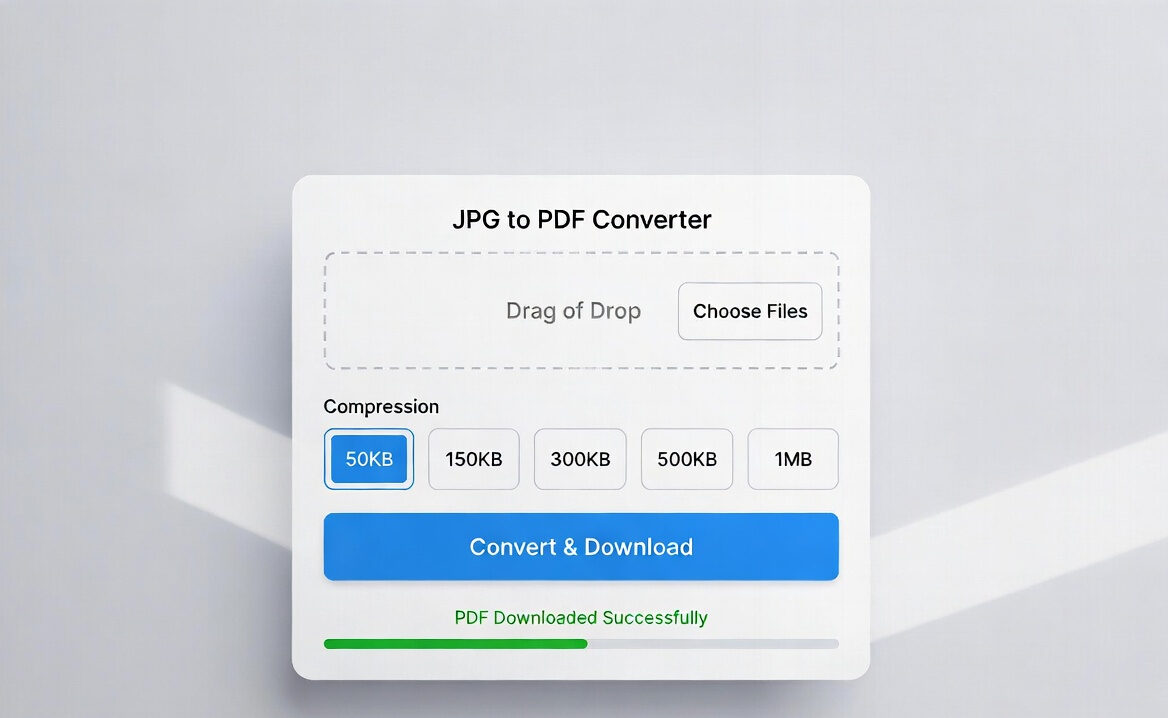
- Compress PDF size into 50KB, 150KB, 300KB, 500KB, 1MB, or 2MB
Then this tool is perfect for you.
Why Convert JPG to PDF ?
JPG files are good for storing photos, but PDF files are better for sharing and printing. Here are some strong reasons why people prefer PDF format:
✅ 1. PDFs Look More Professional
A PDF file looks clean and structured compared to sending multiple images separately.
✅ 2. Easy to Share
Instead of sharing 5–10 images, you can send just one PDF file.
✅ 3. Better for Printing
PDF documents maintain the same layout and formatting on every device.
✅ 4. Supports Multiple Pages
You can merge multiple JPG files into one PDF and create a multi-page document.
✅ 5. Secure File Format
PDF files are harder to edit compared to images, making them ideal for official documents.
JPG to PDF Converter Online – Free, Fast & Secure
Our JPG to PDF converter is designed for speed, security, and simplicity. It helps you convert images into PDF instantly without compromising quality.
Key Features of Our JPG to PDF Tool
- 100% free conversion
- No registration required
- No watermark
- High-quality PDF output
- Supports multiple JPG uploads
- Fast conversion speed
- Works on all devices
- Secure processing
- Instant download
Convert JPG to PDF With Size Options (50KB to 2MB)
Many users need PDFs with a specific file size, especially for online form uploads and government portals. That’s why our converter supports multiple PDF size options such as:
This makes it very useful for:
- Job application forms
- Online exams
- Government documents upload
- School and college submissions
- Passport or ID applications
You can select your preferred size and download the PDF accordingly.
Benefits of Using Our JPG to PDF Converter
Here are the top benefits that make this tool one of the best online converters:
✅ 100% Free and Easy to Use
You don’t need to pay anything. It’s completely free for everyone.
✅ No Registration or Login Required
No signup needed. Just upload and convert instantly.
✅ Works on Mobile, Tablet, and Desktop
You can use the tool on Android, iPhone, iPad, Windows, Mac, or any browser.
✅ Maintains Image Quality
The converter keeps your images clear and sharp so your PDF looks professional.
✅ Fast and Secure Conversion
Your files are processed securely and converted within seconds.
✅ Supports Multiple JPG Files Merge
Upload multiple JPG images and merge them into a single PDF file easily.
Best Use Cases of JPG to PDF Converter
This tool is useful for many purposes in daily life. Some common uses include:
📌 Students and Teachers
Students can convert homework images into PDF for submission. Teachers can share notes in PDF format.
📌 Office Work and Business
Convert scanned documents, receipts, invoices, and reports into professional PDFs.
📌 Government and Online Forms
Many government websites require documents in PDF format under size limits like 150KB or 300KB.
📌 Personal Use
Convert travel documents, ID proofs, certificates, and photos into PDF for storage.
📌 Freelancers and Online Workers
Freelancers can submit documents in PDF format easily to clients.
Why Our JPG to PDF Tool is Better Than Other Converters?
There are many JPG to PDF converters available online, but most of them have problems like:
- Limited conversions per day
- Watermark in PDF
- Mandatory signup
- Slow processing
- Low image quality
- Ads and popups
Our tool solves these problems by offering:
- Unlimited conversions
- Clean PDF output
- High-speed conversion
- Easy user interface
- Secure processing
- Multiple file support
JPG to PDF Converter Without Installation
Many people waste time installing apps or software. But with our online tool, you don’t need to download anything.
You can convert your JPG images into PDF directly from your browser.
Works on:
- Google Chrome
- Mozilla Firefox
- Safari
- Microsoft Edge
Just open the website and start converting instantly.
Mobile-Friendly JPG to PDF Converter
Most users take photos from their smartphone camera and want to convert them into PDF immediately. Our converter is fully mobile-optimized and works smoothly on:
- Android phones
- iPhones
- Tablets
- iPads
You can upload images from your gallery and download the PDF instantly.
JPG to PDF Converter for Multiple Images (Merge Feature)
if you have multiple JPG images like:
- Aadhar card front and back
- Marksheet pages
- Certificate pages
- Notes photos
- Form pages
Then you can upload all images at once and merge them into a single multi-page PDF file.
This feature is extremely helpful when submitting documents online.
Comparison JPG Vs PDF
| Feature | JPG | |
|---|---|---|
| Multi-page | ❌ | ✅ |
| Printing | ⚠️ | ✅ |
| Sharing | ⚠️ | ✅ |
| Professional Use | ❌ | ✅ |
Secure JPG to PDF Conversion (Your Data is Safe)
Security is one of the biggest concerns when uploading personal files online. Our tool ensures:
- Files are processed securely
- No permanent storage of uploads
- Fast conversion without sharing data
- Safe downloads
So you can confidently convert documents like ID cards, certificates, and official papers.
Tips for Best JPG to PDF Conversion
To get the best results, follow these simple tips:
✔ Use Clear Images
Make sure your JPG images are clear and not blurry.
✔ Crop Unnecessary Parts
Remove unwanted background areas before uploading for a cleaner PDF.
✔ Arrange Pages Properly
If uploading multiple images, arrange them in correct order before converting.
✔ Choose Proper PDF Size
If you are uploading PDF on a website, select the correct size like 150KB or 300KB
FAQ – Frequently Asked Questions
Q1. Is JPG to PDF conversion free?
Yes, our JPG to PDF converter is completely free with no hidden charges.
Q2. Will image quality reduce after conversion?
No, the tool maintains your image quality as high as possible, ensuring clear PDF output.
Q3. Can I convert multiple JPG files into one PDF?
Yes, you can upload multiple images and merge them into a single PDF file.
Q4. Is my data safe?
Yes, your uploaded files are processed securely and not stored permanently.
Q5. Does it work on mobile devices?
Yes, the tool is fully mobile-friendly and works smoothly on smartphones, tablets, and desktops.
Q6. Can I convert JPG to PDF without installing any software?
Yes, our tool works online in your browser, so no installation is required.
Q7. Can I select PDF size like 50KB or 300KB?
Yes, our converter supports size options like 50KB, 150KB, 300KB, 500KB, 1MB, and 2MB.
Conclusion: Convert JPG to PDF Online in Seconds
If you want a fast, reliable, and high-quality way to convert JPG images into PDF, our JPG to PDF Converter Online is the best solution.
It is completely free, works on all devices, supports multiple image merging, and offers PDF size options for every need. Whether you are a student, office worker, or regular user, this tool saves time and makes document management easier.
So stop wasting time sending images separately—convert them into one clean PDF file instantly.
🔗 You May Also Visit:
- PDF to Word
- Compress PDF
- Merge PDF
- Edit PDF
- PDF to Excel
- Excel to PDF
- Split PDF
- PDF Unlock
- JPG to PDF
- PDF Converter
- PDF Protect
- Rotate PDF
- Sign PDF
🔹 Related Tools
•PDF to Word Converter
• PDF Compressor
• Image Resizer
• Convert To PDF
• Split PDF Tool
• Merge PDF Tool
Character Counter (Count characters, words, sentences instantly)
{ “@context”: “https://schema.org”, “@graph”: [ { “@type”: “SoftwareApplication”, “name”: “JPG to PDF Converter”, “url”: “https://prokitbag.com/jpg-to-pdf/”, “applicationCategory”: “BusinessApplication”, “operatingSystem”: “Windows, macOS, Linux, Android, iOS”, “description”: “Convert JPG images into high-quality PDF files online for free. Support for merging multiple images, choosing target sizes (50KB to 2MB), and secure client-side processing.”, “publisher”: { “@type”: “Organization”, “name”: “ProKitBag”, “url”: “https://prokitbag.com” }, “offers”: { “@type”: “Offer”, “price”: “0”, “priceCurrency”: “USD” }, “aggregateRating”: { “@type”: “AggregateRating”, “ratingValue”: “4.8”, “reviewCount”: “12450” }, “featureList”: [ “JPG to PDF Conversion”, “Merge Multiple Images”, “Custom Size Selection (50KB, 150KB, 300KB)”, “No Registration Required”, “Secure Processing” ] } ] }{ “@context”:”https://schema.org”, “@type”:”BreadcrumbList”, “itemListElement”:[ { “@type”:”ListItem”, “position”:1, “name”:”Home”, “item”:”https://prokitbag.com” }, { “@type”:”ListItem”, “position”:2, “name”:”PDF Tools”, “item”:”https://prokitbag.com/pdf-tools” }, { “@type”:”ListItem”, “position”:3, “name”:”JPG to PDF Converter” } ] }“aggregateRating”: { “ratingValue”: “4.8”, “reviewCount”: “12450” }