
Free PDF to Excel Converter Online (Fast & Accurate)
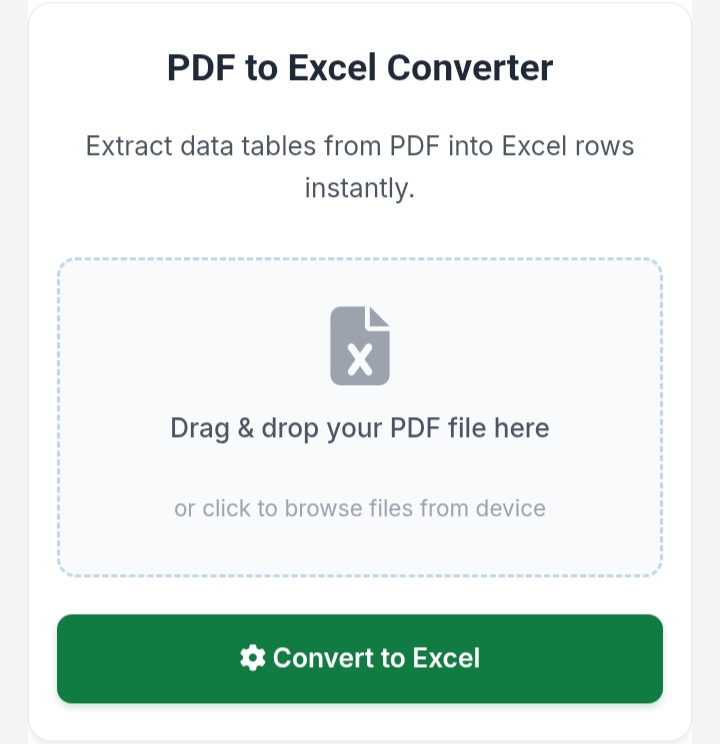
PDF to Excel Converter
Extract data tables from PDF into Excel rows instantly.
Drag & drop your PDF file here
or click to browse files from deviceAbout PDF to Excel Tool
Convert secure PDF data tables straight into editable Microsoft Excel (.xlsx) spreadsheets cleanly and fast. This enterprise application processes your document purely inside your own browser window—ensuring 100% privacy since no server-side uploads occur. Fully grid-optimized for fluid tracking across all handheld device screens.
Free PDF to Excel Converter Online (Fast & Accurate)
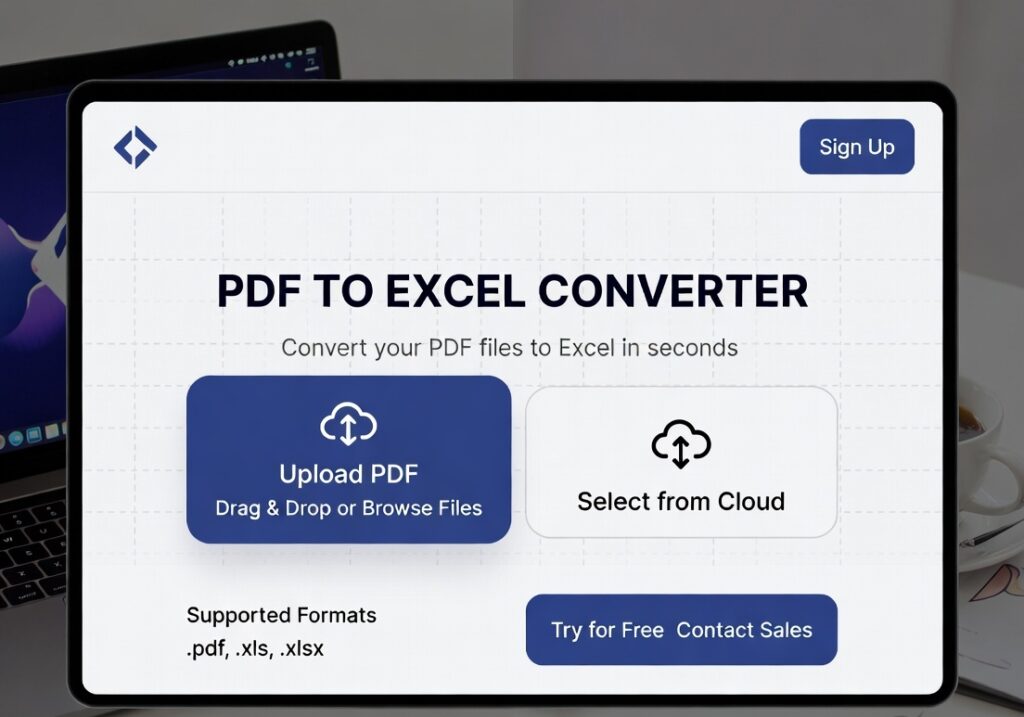
Convert PDF files into editable Excel spreadsheets quickly and accurately with our free PDF to Excel converter. This tool helps you extract tables, data, and structured content from PDFs without losing formatting. Whether you are working with reports, invoices, or data sheets, our converter ensures fast and secure processing. It is fully mobile-friendly and works on all devices, making it easy to convert files anytime, anywhere. No installation or technical skills are required—just upload your file and get your Excel sheet instantly. Save time, improve productivity, and simplify your workflow with this powerful online tool.
✅ How to Use
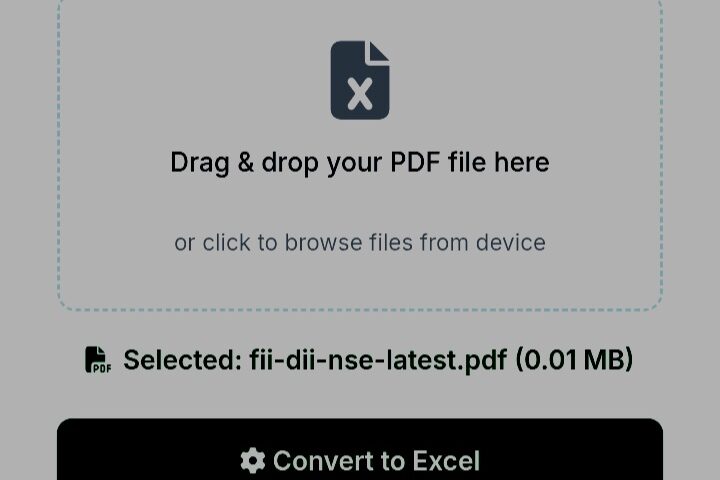
- Upload your PDF file
- Click on “Convert to Excel” button
- Wait for the conversion process
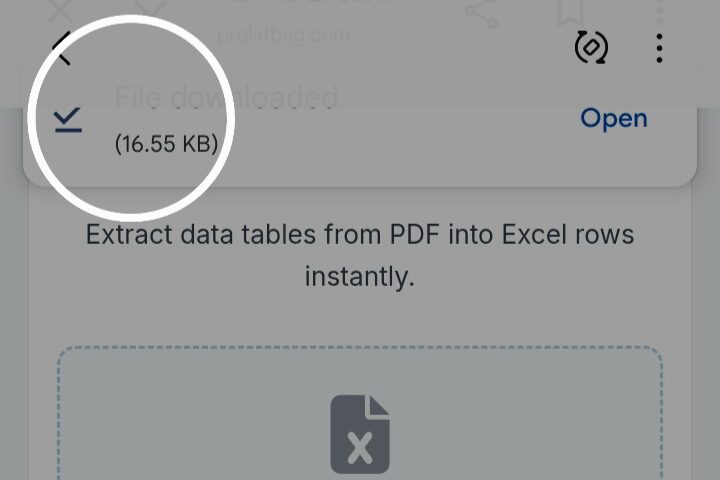
- Download your Excel file
- Open and edit your data easily
✅ Benefits
- Fast and accurate conversion
- Maintains table structure and formatting
- No software installation required
- Works on mobile and desktop
- Secure file processing
- Easy to use interface
✅ Pro Tips
- Use clear and high-quality PDFs for better results
- Avoid scanned PDFs for accurate table extraction
- Keep file size optimized for faster conversion
- Check formatting after download for adjustments
- Use desktop for large file conversions
✅ FAQ Section
1. Is PDF to Excel converter free?
Yes, this tool is completely free to use with no hidden charges.
2. Can I convert scanned PDF files?
Scanned PDFs may not convert accurately unless OCR is supported.
3. Is my data safe?
Yes, your files are processed securely and not stored permanently.
4. Does it work on mobile?
Yes, it is fully mobile responsive and works on all devices.
5. Will formatting remain the same?
Most tables and layouts are preserved, but minor adjustments may be needed.