
PDF to JPG Converter
Convert your document pages into high-quality images safely
PDF to JPG Converter – Convert PDF Pages to High-Quality JPG Images
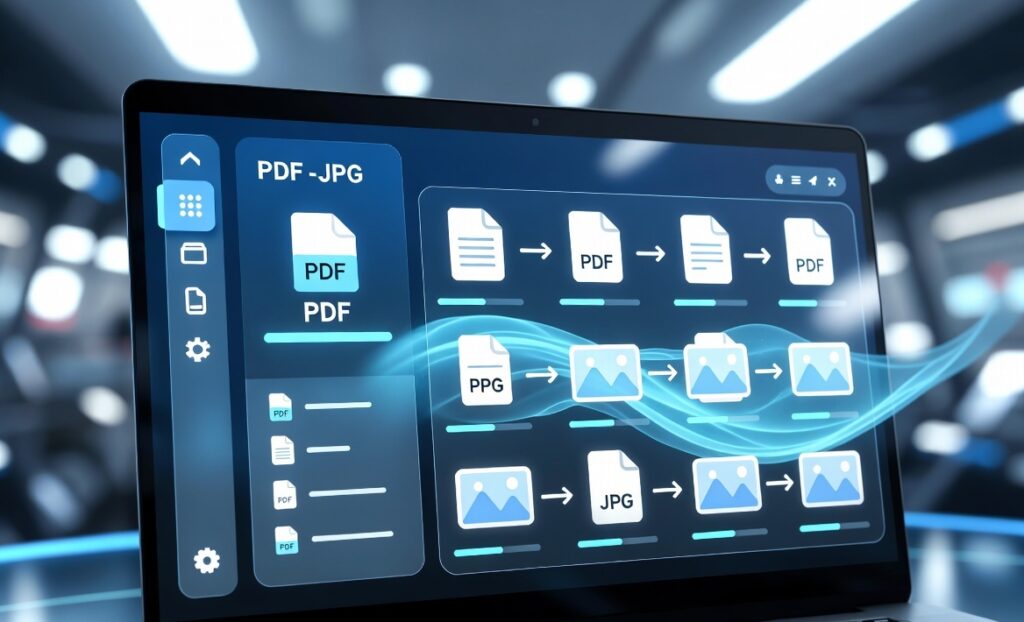
PDF to JPG conversion is one of the most searched digital tasks in 2026. Whether you are a student, designer, office worker, or content creator, converting PDF pages into JPG images helps you edit, share, and reuse content easily.
In this complete guide, you will learn:
• Best PDF to JPG tools (online + offline)
• Step-by-step conversion methods
• Mobile apps for Android & iOS
• SEO benefits of PDF to image conversion
• FAQs and schema markup
You May Also Visit :-
BMI Calculator
BMR Calculator
Calories Calculator
Water Intake Calculator
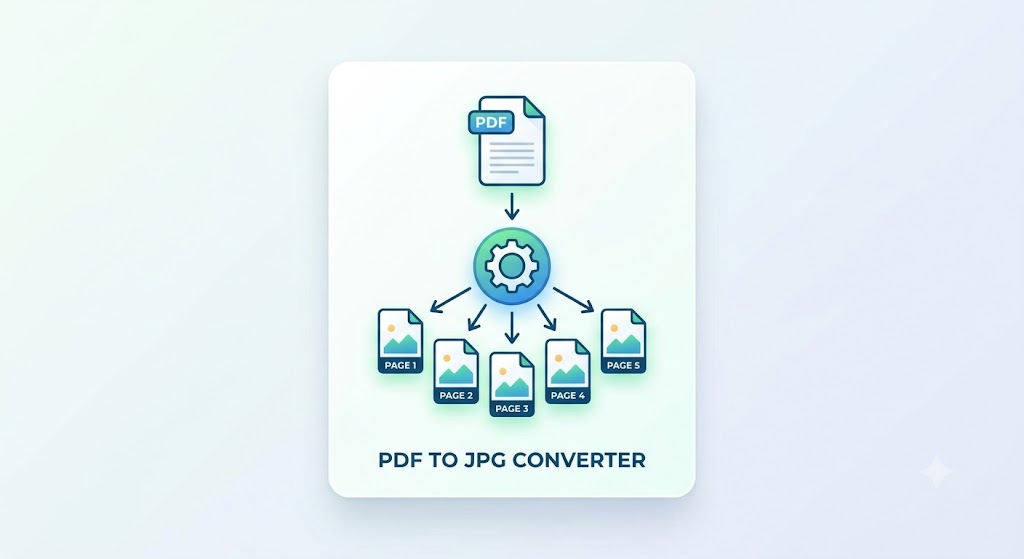
What is PDF to JPG Conversion?
PDF to JPG conversion means transforming each page of a PDF document into image format (JPG/JPEG). This makes files easier to:
• Share on WhatsApp, Facebook, Instagram
• Upload on websites and blogs
• Edit in Canva or Photoshop
• Use in presentations
Why Convert PDF to JPG?
1. Easy Sharing
JPG images can be shared easily without any PDF reader.
2. Better Compatibility
Almost every device supports JPG format.
3. SEO Benefits
Search engines index images faster than PDFs in some cases.
4. Editing Flexibility
You can edit JPG in Canva, Photoshop, or mobile apps.
⸻
Best PDF to JPG Converter Tools (2026)
Here are the top tools you can use:
1. ProKitBag PDF Tools (Recommended)
• Fast conversion
• Free to use
• No watermark
• Mobile friendly
👉 Best for beginners and bloggers
⸻
2. Adobe Acrobat Online
• High quality output
• Trusted brand
• Batch conversion
⸻
3. Smallpdf
• Simple drag & drop interface
• Cloud-based conversion
• Fast processing
⸻
4. ILovePDF
• Multiple PDF tools
• Bulk conversion available
• Easy UI
⸻
5. PDF2JPG.net
• Dedicated converter
• Lightweight tool
• Quick results
⸻
How to Convert PDF to JPG (Step-by-Step)
Method 1 – Online Tools
1. Open any PDF to JPG tool
2. Upload your PDF file
3. Select output format (JPG)
4. Click Convert
5. Download images
⸻
Method 2 – Using Mobile Apps
1. Install PDF converter app
2. Select PDF file
3. Tap “Convert to Image”
4. Save JPG in gallery
⸻
Method 3 – Using Windows Software
• Adobe Acrobat Pro
• Foxit Reader
• PDF-XChange Editor
Steps:
1. Open PDF
2. Export → Image
3. Choose JPG format
4. Save file
⸻
SEO Benefits of PDF to JPG Conversion
1. Faster Page Load
Images load faster than embedded PDFs.
2. Better Indexing
Google images can rank separately in search.
3. Social Media Engagement
JPG content gets more engagement on Instagram & Pinterest.
4. Blog Optimization
You can use images inside blog posts for better UX.
⸻
Best Use Cases of PDF to JPG
• Educational notes conversion
• Invoice image sharing
• Resume design
• Marketing creatives
• Instagram posts
• Pinterest pins
⸻
⸻
Advantages of Using Online PDF to JPG Converter
• No installation required
• Works on mobile & desktop
• Free access
• Fast processing
• Cloud storage support
⸻
Common Problems & Solutions
Low Image Quality
✔ Use high-resolution settings
Large File Size
✔ Compress JPG after conversion
Slow Upload
✔ Use stable internet or offline tools
⸻
Future of PDF to JPG Converter Tool (2026 & Beyond)
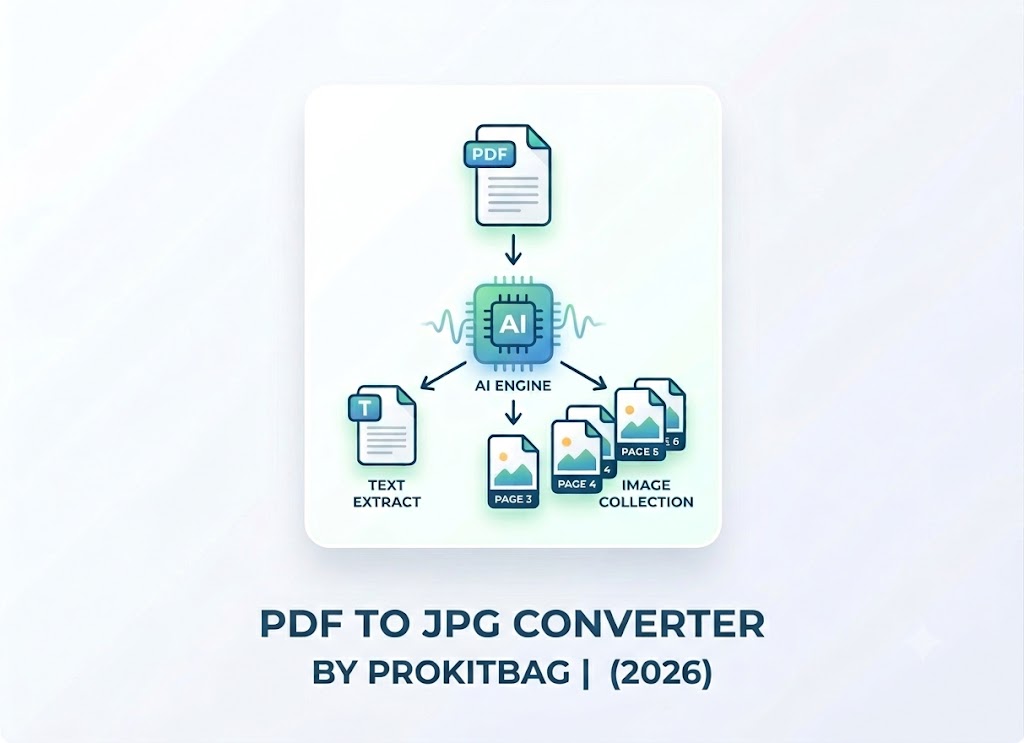
AI-based PDF tools will:
• Auto-enhance images
• Convert without quality loss
• Extract text intelligently
• Support voice commands
⸻
Best Practice Tips For PDF to JPG Converter
• Always use high-quality PDF files
• Avoid compressed input files
• Choose trusted tools only
• Check output resolution
⸻
Conclusion
PDF to JPG Converter tool is now an essential digital skill. Whether for SEO, blogging, social media, or office work, converting PDFs into images improves usability and engagement.
Using tools like ProKitBag, Adobe Acrobat, or Smallpdf, anyone can convert files in seconds without technical knowledge. In 2026, AI-powered tools will make this process even faster and more accurate.
⸻
FAQ (Frequently Asked Questions)
Q1. Is PDF to JPG conversion free?
Yes, many online tools offer free conversion.
Q2. Does converting PDF reduce quality?
Not if you use high-quality settings.
Q3. Can I convert multiple PDFs at once?
Yes, batch conversion is available in premium tools.
Q4. Is it safe to use online converters?
Yes, but use trusted websites only.
Q5. Which is the best PDF to JPG tool?
ProKitBag, Adobe Acrobat, and Smallpdf are top choices.
⸻