
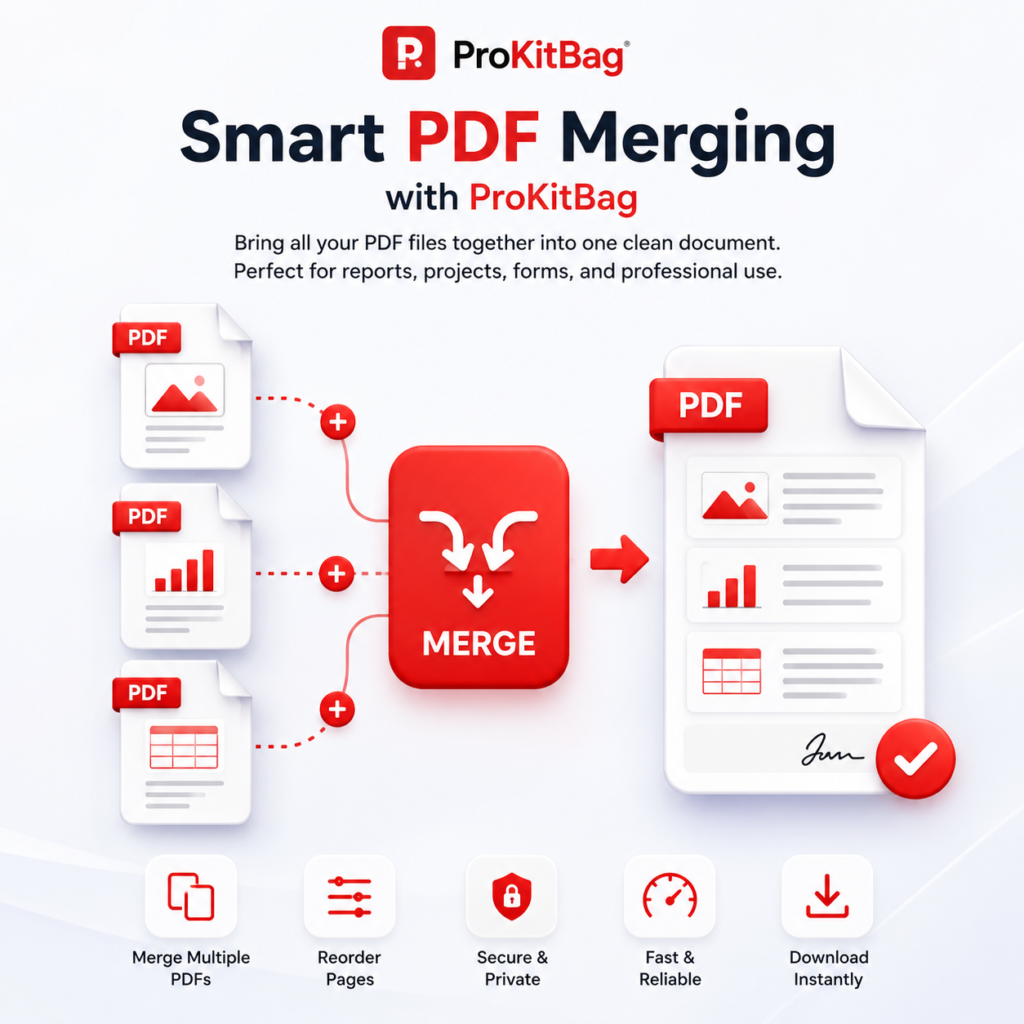
Merge PDF
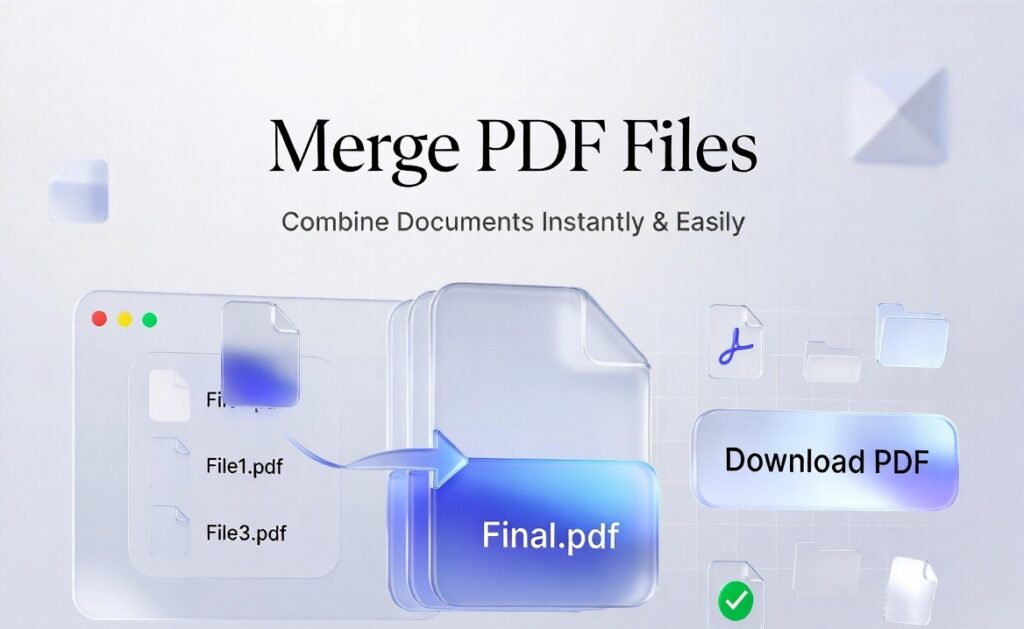
- Managing multiple PDF files can be frustrating, especially when you need to submit reports, assignments, invoices, or documents in a single file. That’s where the Merge PDF Files tool becomes extremely useful.
- A Merge PDF Files tool allows you to combine two or more PDF documents into one single file quickly and easily without losing formatting or quality. Whether you are a student, professional, or business owner, this tool saves time and improves productivity.
- In this detailed SEO article, you will learn everything about merging PDF files, including:
What is Merge PDF Files?
Merge PDF Files is a process of combining multiple PDF documents into one single PDF file.
For example:
- PDF 1: Resume.pdf
- PDF 2: CoverLetter.pdf
- PDF 3: Certificates.pdf
After merging, you get:
👉 Single file: JobApplication.pdf
This makes document management easier and more organized.
Why Do You Need to Merge PDF Files?
In today’s digital world, PDF files are widely used for:
- Education
- Business reports
- Government forms
- Job applications
- Invoices and billing
- Legal documents
But handling multiple PDFs separately can be difficult.
Here’s why merging PDFs is important:
1. Easy Document Management
Instead of handling multiple files, you get a single organized document.
2. Professional Presentation
A combined PDF looks more professional for reports or applications.
3. Saves Time
No need to open multiple files again and again.
4. Easy Sharing
One file is easier to send via email or WhatsApp.
5. Better Organization
Keeps related documents in one place.
What is a Merge PDF Files Tool?
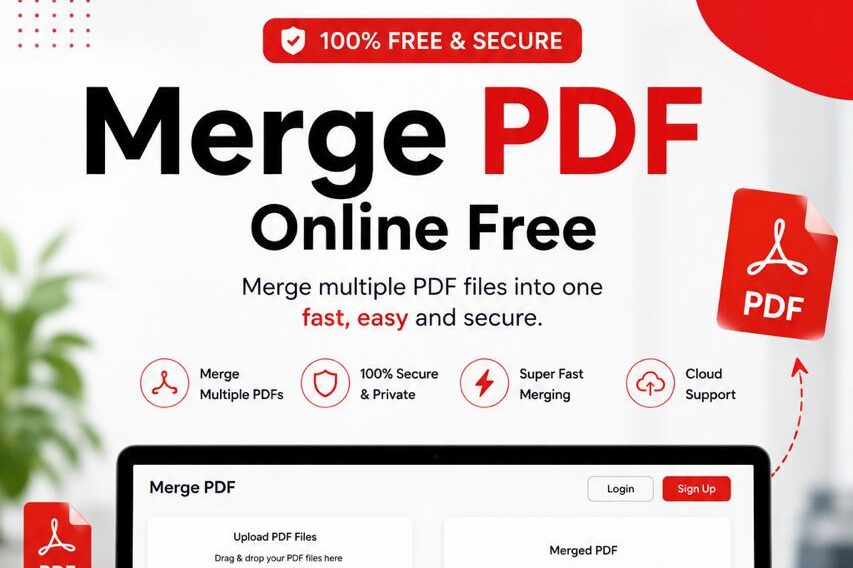
A Merge PDF Files tool is an online or offline software that allows users to:
- Upload multiple PDF files
- Arrange them in order
- Merge them into a single PDF
- Download the final file
These tools are often free and work on both mobile and desktop devices.
.
How to Merge PDF Files Online?
Using an online PDF merge tool is very simple.
Step-by-Step Process:
Step 1: Open PDF Merge Tool
Go to a trusted website like:
- SmallPDF
- iLovePDF
- PDF Candy
- Or your own tool (like ProKitBag)
Step 2: Upload PDF Files
Click on “Upload Files” and select multiple PDFs from your device.
Step 3: Arrange Order
Drag and drop files to set correct order.
Example:
- Cover Page
- Content File
- Appendix
Step 4: Click Merge Button
Press the “Merge PDF” or “Combine” button.
Step 5: Download Final PDF
Your merged file will be ready for download instantly.
Merge PDF Files Offline (Without Internet)
You can also merge PDF files offline using software like:
- Adobe Acrobat Pro
- Microsoft Edge (Print to PDF method)
- PDF Reader apps
Offline Method Example:
- Open PDF files in Adobe Acrobat
- Select “Combine Files”
- Arrange order
- Click “Merge”
- Save new file
Benefits of Using Merge PDF Files Tool
1. Fast Processing
Merging takes only a few seconds.
2. No Quality Loss
Original text, images, and formatting remain unchanged.
3. User-Friendly Interface
Even beginners can use it easily.
4. Works on All Devices
- Mobile
- Tablet
- Desktop
5. Free Tools Available
Most online tools are completely free.
Real-Life Uses of Merge PDF Files
1. Students
Students often need to combine:
- Notes
- Assignments
- Projects
- Certificates
2. Job Seekers
Combine:
- Resume
- Cover letter
- Experience certificates
3. Business Use
Businesses merge:
- Invoices
- Reports
- Financial documents
4. Legal Work
Lawyers merge:
- Case files
- Agreements
- Evidence documents
5. Government Forms
Many forms require single PDF upload.
Merge PDF Files on Mobile
You can easily merge PDFs using mobile apps or browsers.
Steps:
- Open browser
- Search “Merge PDF Files online”
- Upload files
- Arrange order
- Download merged PDF
You can also use apps like:
- Adobe Acrobat Reader
- iLovePDF App
- PDF Utils
Merge PDF Files on Windows PC
Method 1: Adobe Acrobat
- Open Acrobat
- Go to Tools → Combine Files
- Select PDFs
- Merge and save
Method 2: Browser Method
- Use online tools via Chrome
- Upload files
- Merge and download
Merge PDF Files on Mac
Mac users can use:
- Preview App (built-in tool)
Steps:
- Open first PDF in Preview
- Drag other PDFs into sidebar
- Arrange pages
- Export as new PDF
Common Problems While Merging PDFs
1. File Too Large
Solution: Compress PDF before merging
2. Upload Error
Solution: Check internet connection or file format
3. Wrong Order
Solution: Rearrange files before merging
4. Slow Processing
Solution: Use lightweight tools or reduce file size
Difference Between Merge and Split PDF
| Feature | Merge PDF | Split PDF |
|---|---|---|
| Purpose | Combine files | Separate files |
| Output | Single PDF | Multiple PDFs |
| Use case | Reports, assignments | Extract pages |
Best Practices for Merging PDF Files
1. Rename Files Properly
Example:
- 01_Cover.pdf
- 02_Content.pdf
2. Check File Order
Always arrange before merging.
3. Compress Large Files
Reduces upload time.
4. Use Trusted Tools
Avoid unsafe websites.
5. Keep Backup
Always save original files.
Is Merge PDF Files Safe?
Yes, it is safe if you use trusted tools.
Good tools:
- Use HTTPS security
- Auto-delete files after processing
- Do not store user data
Always avoid unknown websites for privacy safety.
Merge PDF Files for SEO & Business Use
If you run a website offering PDF tools, “Merge PDF Files” is a high-search keyword because:
- Students search it daily
- Office users need it frequently
- It solves a real problem
SEO Benefits:
- High traffic keyword
- Easy to rank with long-form content
- High user engagement
- Works well with tool-based websites
Advantages of Online Merge PDF Tools
- No installation required
- Instant results
- Free usage
- Cloud-based processing
- Cross-platform support
Future of PDF Tools
With AI and automation, future PDF tools will:
- Auto-merge based on content
- Smart file ordering
- Cloud sync
- AI document organization
- Voice command merging
Frequently Asked Questions (FAQs)
1. What is Merge PDF Files?
It is a tool that combines multiple PDF documents into one file.
2. Is it free to merge PDF files?
Yes, most online tools are free.
3. Does merging reduce quality?
No, quality remains the same.
4. Can I merge PDFs on mobile?
Yes, using apps or online tools.
5. Is it safe to use online PDF merge tools?
Yes, if you use trusted websites with HTTPS.
6. How many files can I merge?
Most tools allow 2–20 files at once.
7. Can I change order before merging?
Yes, you can drag and rearrange files.
8. Do I need software installation?
No, online tools work without installation.
9. Which is the best Merge PDF tool?
Popular tools include SmallPDF, iLovePDF, and PDF Candy.
10. Can merged PDF be edited later?
Yes, using PDF editing software.
Conclusion
The Merge PDF Files tool is one of the most useful online utilities for students, professionals, and businesses. It helps you combine multiple PDF documents into a single organized file quickly and efficiently.
Whether you are submitting assignments, preparing job documents, or managing office files, merging PDFs saves time and improves productivity.
With easy online tools available, anyone can merge PDFs in just a few clicks without technical knowledge
If you are using the Merge PDF tool, these related tools will also help you manage your documents easily:
🔗 Related Tools
📄 PDF Tools
- 👉 Compress PDF Online – Reduce PDF file size quickly without losing quality
- 👉 Edit PDF – Modify text, images, and pages inside PDF files
- 👉 Delete PDF Pages – Remove unwanted pages from PDF instantly
- 👉 PDF Converter – Convert PDF into multiple formats easily
🔄 Conversion Tools
- 👉 JPG to PDF – Convert images into professional PDF documents
- 👉 Images to PDF – Combine multiple images into a single PDF
- 👉 Convert To PDF – Convert Word, Excel, PNG, and JPG files into PDF
- 👉 Convert From PDF – Extract Word, Excel, or image files from PDF
📊 Office Tools
- 👉 Excel to PDF – Convert spreadsheets into printable PDF files
- 👉 Excel to PowerPoint – Turn Excel data into presentation slides
- 👉 HTML to PDF – Convert web pages into downloadable PDF files
🖼️ Image & OCR Tools
- 👉 Image Tools – Resize, compress, and edit images easily
- 👉 Image to Text (OCR) – Extract text from images instantly