
Image to text OCR, free online converter tool allows you to instantly convert text from screenshots, scanned documents, and photos into editable digital text.
Image to Text (OCR)
Free Image to Text (OCR) Converter – Extract Text from Images
Introduction
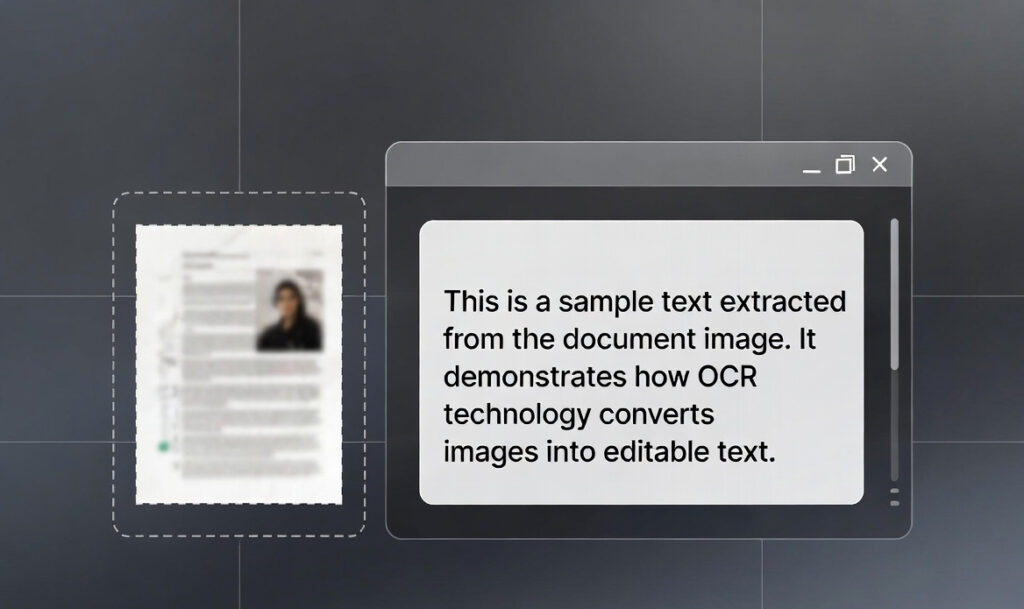
Extracting text from images manually can be time-consuming and frustrating. A free online image to text OCR converter tool allows you to instantly convert text from screenshots, scanned documents, and photos into editable digital text.
The ProKitBag Image to Text OCR Tool uses Optical Character Recognition technology to detect characters within images and convert them into accurate text. This makes it extremely useful for students, professionals, and researchers who frequently work with scanned documents.
Instead of typing text manually, you can simply upload an image and the tool will automatically detect and extract the text. This saves time and improves productivity when working with digital documents.
How to Use the Tool
- Upload the image containing text.
- Click Convert to Text.
- Wait a few seconds for OCR processing.
- Copy or download the extracted text.
Features
• Advanced OCR technology
• Fast text extraction
• Supports multiple image formats
• Easy copy and download options
• Mobile-friendly interface
Benefits
• Saves time when extracting text
• Eliminates manual typing
• Improves productivity
• Ideal for scanned documents and screenshots
Why Use an Online OCR Tool?
Online OCR tools are accessible from any device without installing special software. The ProKitBag OCR Tool provides fast and reliable text extraction directly in your browser.
Related Tools
• Text to Speech
• Remove Extra Space
• Word Counter
CTA
👉 Convert Image to Text Instantly