
Convert text to uppercase, lowercase, sentence case, or title case instantly using our free text case converter tool.
Text Case Converter
Free Text Case Converter – Change Uppercase, Lowercase & More
Introduction
Formatting text correctly is important when writing articles, emails, or programming code. A free online text case converter tool allows users to quickly change text between uppercase, lowercase, title case, and sentence case.
The ProKitBag Text Case Converter helps writers, students, and professionals format text instantly. Instead of manually editing each word, the tool automatically converts the case with a single click.
Whether you are preparing blog content, editing documents, or formatting headings, this tool makes text editing faster and more efficient.
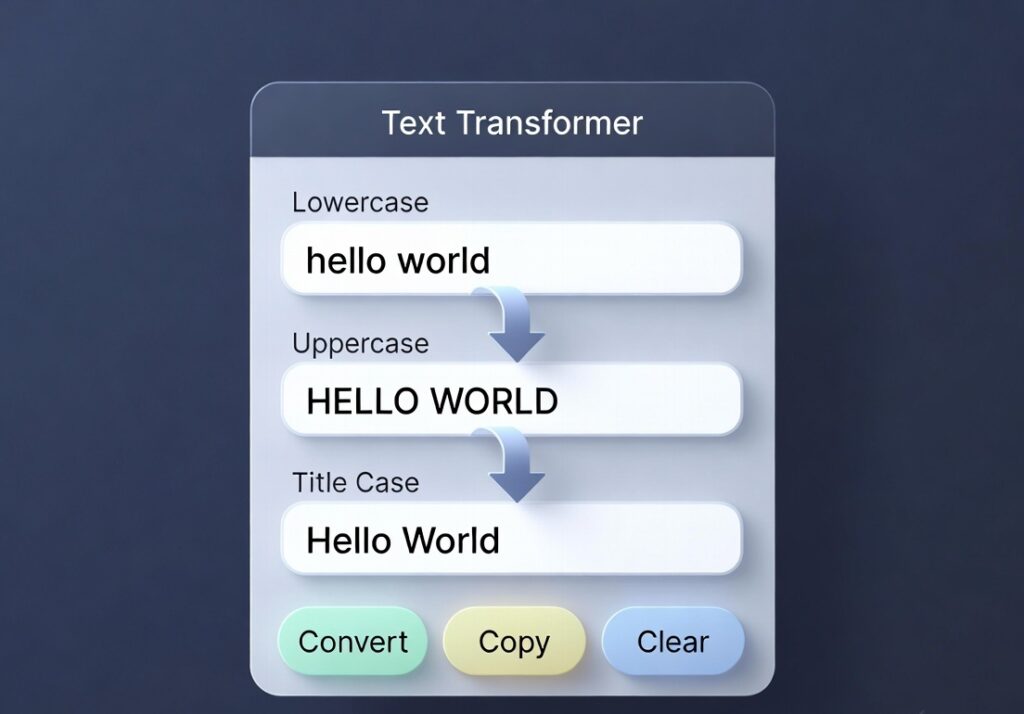
How to Use
- Copy the converted text.
- Paste your text into the input box.
- Choose the case format you want.
- Click the Convert button.
Features
• Convert uppercase and lowercase text
• Sentence case and title case options
• Fast and simple interface
• Works with large text blocks
• Free online tool
Benefits
• Saves time during text formatting
• Useful for writers and editors
• Improves document presentation
• Easy to use for all users
Different Types of Text Case Formats
A text case converter helps users quickly change the format of written content. Different case styles are used in different situations depending on the purpose of the text.
Uppercase converts all letters into capital letters. This format is often used for headings, warnings, or emphasis in documents.
Lowercase changes all letters to small characters. This format is commonly used in casual writing, programming, or formatting raw text.
Title Case capitalizes the first letter of major words in a sentence. It is widely used for article titles, blog headings, and book titles.
Sentence Case capitalizes only the first letter of a sentence while keeping the rest of the words lowercase. This format is commonly used in paragraphs and general writing.
Using a text case converter ensures consistent formatting and prevents manual editing errors.
When a Text Case Converter Is Most Useful
A text case converter is helpful in many daily writing tasks. Writers and professionals often deal with large amounts of text that require quick formatting changes.
Bloggers and content creators use case converters to format article titles and headings properly. Instead of editing each word manually, the tool converts the text instantly.
Students can use the tool while preparing assignments or research documents to correct formatting quickly.
Programmers also benefit from text case converters when working with code, variable names, or configuration files that require specific case formats.
Editors and proofreaders can quickly fix formatting inconsistencies in long documents using this tool.
Because the tool works instantly, it helps users save time and focus more on the content itself.
Related Tools
• Remove Extra Space Tool
• Word Counter
• Title Generator
👉 Convert Your Text Case Instantly