
Convert text into natural voice instantly using our free text to speech converter. Perfect for learning, accessibility, and content creation.
🔊 Text to Speech Converter
Free Text to Speech Converter – Turn Text into Voice Online
Table of Contents
- Introduction
- What Is a Text to Speech Converter?
- How Text to Speech Technology Works
- How to Use the Text to Speech Converter
- Features of the Tool
- Benefits of Using Text to Speech Tools
- Why Use an Online Text to Speech Converter?
- Who Can Use This Tool?
- Text to Speech Use Cases
- Accessibility & User Experience
- Browser Compatibility
- Privacy & Security
- Related Tools
- Frequently Asked Questions (FAQs)
- Final Thoughts
Introduction
Free Text to Speech (TTS) technology allows written text to be converted into spoken audio automatically. A free online Free Text to Speech Converter helps users transform articles, notes, documents, and written content into clear voice output instantly.
The ProKitBag Free Text to Speech Converter is designed to provide fast, simple, and natural text-to-audio conversion directly in your browser. Users can paste any text, select a voice, and instantly listen to spoken content without downloading software or creating an account.
Free Text to Speech technology has become increasingly popular among students, professionals, educators, visually impaired users, content creators, and multitasking users who prefer listening over reading.
Whether you want to:
- Listen to articles
- Improve accessibility
- Create voiceovers
- Convert study notes into audio
- Save reading time
- Improve productivity
a Free Text to Speech Converter can make the process quick and convenient.
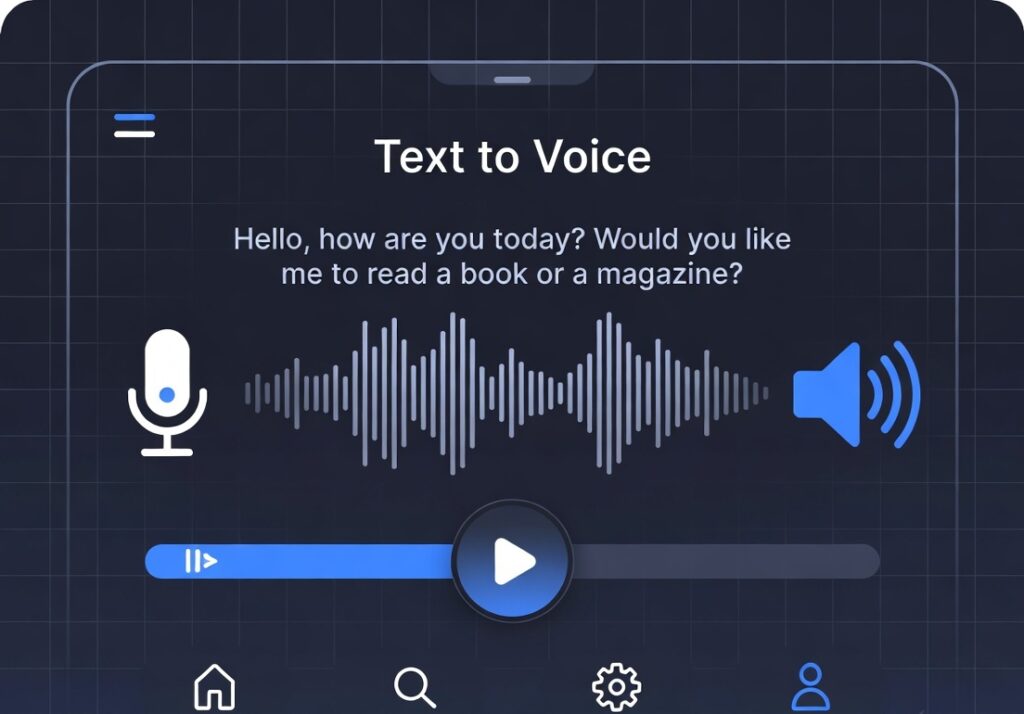
What Is a Text to Speech Converter?
A Text to Speech Converter is an online tool that converts written words into spoken voice using speech synthesis technology.
The system reads the entered text aloud using computer-generated voices. Modern TTS systems can produce highly natural speech with different languages, accents, and voice styles.
The main purpose of a Text to Speech tool is to:
- Improve accessibility
- Help users consume information faster
- Support learning
- Assist visually impaired users
- Create audio content quickly
Unlike traditional screen readers, online TTS tools are easy to use and work directly in web browsers.
How Free Text to Speech Technology Works
Text to Speech technology uses speech synthesis engines to analyze text and generate audio output.
The process usually includes:
1. Text Processing
The system reads the written content and identifies:
- Words
- Sentences
- Punctuation
- Numbers
- Symbols
2. Linguistic Analysis
The software determines:
- Pronunciation
- Grammar
- Sentence structure
- Natural pauses
3. Speech Generation
The tool converts processed text into voice output using:
- AI voice models
- Browser speech synthesis APIs
- Natural speech engines
4. Audio Playback
The generated speech is played directly through the browser.
Modern online Text to Speech tools provide realistic pronunciation and smooth voice generation for better listening experiences.
How to Use the Free Text to Speech Converter
Using the ProKitBag Text to Speech Converter is simple and beginner-friendly.
Step 1: Open the Tool
Visit the Text to Speech Converter page on ProKitBag.
Step 2: Enter Your Text
Paste or type the content into the input box.
You can convert:
- Articles
- Notes
- Emails
- Study material
- Blog posts
- Documents
- Scripts
Step 3: Select Voice
Choose your preferred voice or language if multiple options are available.
Step 4: Click Convert
Press the “Convert to Speech” button.
The system will instantly generate spoken audio.
Step 5: Listen to Audio
You can:
- Listen online
- Pause speech
- Resume playback
- Stop audio anytime
Features of the Free Text to Speech Converter
Instant Voice Conversion
Convert text into speech within seconds.
Natural Sounding Voices
The tool supports smooth and human-like speech output.
Mobile Friendly
Works on:
- Smartphones
- Tablets
- Laptops
- Desktop devices
Browser-Based Tool
No installation or software download required.
Free to Use
The tool is completely free without hidden charges.
Multi-Device Support
Compatible with most modern browsers and operating systems.
Long Text Support
Users can convert long articles and paragraphs into speech.
Fast Performance
Audio generation happens instantly in the browser.
Benefits of Using Free Text to Speech Tools
Improves Accessibility
Text to Speech technology helps visually impaired users access written information more easily.
Accessibility tools are important for creating inclusive digital experiences.
Saves Reading Time
Users can listen to articles while:
- Working
- Traveling
- Exercising
- Multitasking
This improves productivity and information consumption.
Better Learning Experience
Many students learn better through listening.
TTS tools help students:
- Revise notes
- Practice pronunciation
- Improve comprehension
- Learn languages
Reduces Eye Strain
Reading long documents for extended periods can cause eye fatigue.
Listening to content provides a more comfortable alternative.
Helps Content Creators
Content creators can use TTS tools for:
- Voiceovers
- Video narration
- Audio content
- Podcast drafts
Supports Language Learning
Hearing proper pronunciation improves:
- Vocabulary
- Accent understanding
- Listening skills
Why Use an Online Free Text to Speech Converter?
Online Text to Speech tools provide convenience and speed compared to downloadable software.
No Installation Required
Everything works directly in the browser.
Instant Access
Users can start converting text immediately.
Cross-Platform Compatibility
The tool works across:
- Windows
- macOS
- Linux
- Android
- iPhone
Secure Processing
Browser-based tools reduce dependency on external applications.
Easy User Experience
Most users can operate the tool without technical knowledge.
Who Can Use This Tool?
Students
Students can convert:
- Notes
- Assignments
- Educational articles
into speech for easier learning.
Professionals
Busy professionals can listen to reports and documents while multitasking.
Visually Impaired Users
TTS improves accessibility for users with reading difficulties or visual impairments.
Content Creators
Creators can generate draft voiceovers quickly.
Language Learners
Listening helps improve pronunciation and comprehension.
Free Text to Speech Use Cases
Listening to Blog Articles
Users can consume long-form content through audio.
Educational Learning
Teachers and students can create audio-based study material.
Proofreading Written Content
Listening helps identify grammar and sentence errors.
Accessibility Enhancement
Websites can become more accessible with speech support.
Voice Content Creation
Convert scripts into spoken narration.
Accessibility & User Experience
Accessibility is becoming increasingly important in modern web development.
Text to Speech tools improve:
- Inclusive browsing
- User engagement
- Content accessibility
- Mobile usability
Many users prefer audio-based content because it provides flexibility and convenience.
Browser Compatibility
The ProKitBag Text to Speech Converter supports most modern browsers including:
- Google Chrome
- Microsoft Edge
- Safari
- Firefox
- Opera
Some voice options may vary depending on browser support and operating systems.
Privacy & Security
The ProKitBag Text to Speech Converter is designed for safe browser-based usage.
Key security advantages include:
- No software installation
- No account required
- Browser-based processing
- Fast local execution
Users should avoid sharing highly confidential information on any online platform.
Related Tools
You may also find these tools useful on ProKitBag:
- PDF to Word Converter
- Word Counter
- Image Compressor
- JPG to PDF
- Merge PDF
- Split PDF
- Compress PDF
- QR Code Generator
- EMI Calculator
- GST Calculator
Frequently Asked Questions (FAQs)
Is the Text to Speech Converter free to use?
Yes, the tool is completely free to use online.
Do I need to install software?
No. The tool works directly in your browser.
Can I use the tool on mobile devices?
Yes, the converter is mobile-friendly and works on smartphones and tablets.
Does the tool support long articles?
Yes, the tool can read long text and articles.
Is registration required?
No signup or registration is required.
Can I choose different voices?
Yes, available voices depend on your browser and operating system.
Is my text stored?
The tool is designed for browser-based processing and does not require permanent storage.
Which browsers support Free Text to Speech?
Most modern browsers including Chrome, Edge, Safari, and Firefox support TTS functionality.
EEAT (Experience, Expertise, Authoritativeness, Trustworthiness)
The ProKitBag Text to Speech Converter is created to provide a simple, accessible, and reliable user experience for converting written content into speech. The tool is designed with browser compatibility, ease of use, and accessibility in mind.
Our focus is on:
- User-friendly functionality
- Fast browser performance
- Secure processing
- Mobile responsiveness
- Accessibility support
We continuously improve our online utility tools to help users complete everyday tasks efficiently and safely.
Final Thoughts
Free Text to Speech technology has transformed how users consume digital content. Instead of spending hours reading long articles or documents, users can now listen to information instantly.
The ProKitBag Free Text to Speech Converter offers a fast, free, and convenient way to convert written text into spoken voice online.
Whether you are:
- studying,
- working,
- multitasking,
- creating content,
- or improving accessibility,
this tool can help simplify your workflow and improve productivity.
FAQ Schema (JSON-LD)
<script type="application/ld+json">
{
  "@context":"https://schema.org",
  "@type":"FAQPage",
  "mainEntity":[
    {
      "@type":"Question",
      "name":"Is the Text to Speech Converter free to use?",
      "acceptedAnswer":{
        "@type":"Answer",
        "text":"Yes, the Text to Speech Converter is completely free to use online."
      }
    },
    {
      "@type":"Question",
      "name":"Do I need to install any software?",
      "acceptedAnswer":{
        "@type":"Answer",
        "text":"No, the tool works directly in your browser without installation."
      }
    },
    {
      "@type":"Question",
      "name":"Can I use the tool on mobile devices?",
      "acceptedAnswer":{
        "@type":"Answer",
        "text":"Yes, the Text to Speech Converter is fully mobile-friendly."
      }
    },
    {
      "@type":"Question",
      "name":"Does the tool support long articles?",
      "acceptedAnswer":{
        "@type":"Answer",
        "text":"Yes, the tool supports long text and article conversion."
      }
    },
    {
      "@type":"Question",
      "name":"Is registration required?",
      "acceptedAnswer":{
        "@type":"Answer",
        "text":"No signup or registration is required."
      }
    }
  ]
}
</script>
Related Tools
• Text Case Converter
• Word Counter
• Title Generator
👉 Convert Text to Speech Now