Split PDF Online: 1 Minute Simple Solution to Eliminate File Clutter Instantly
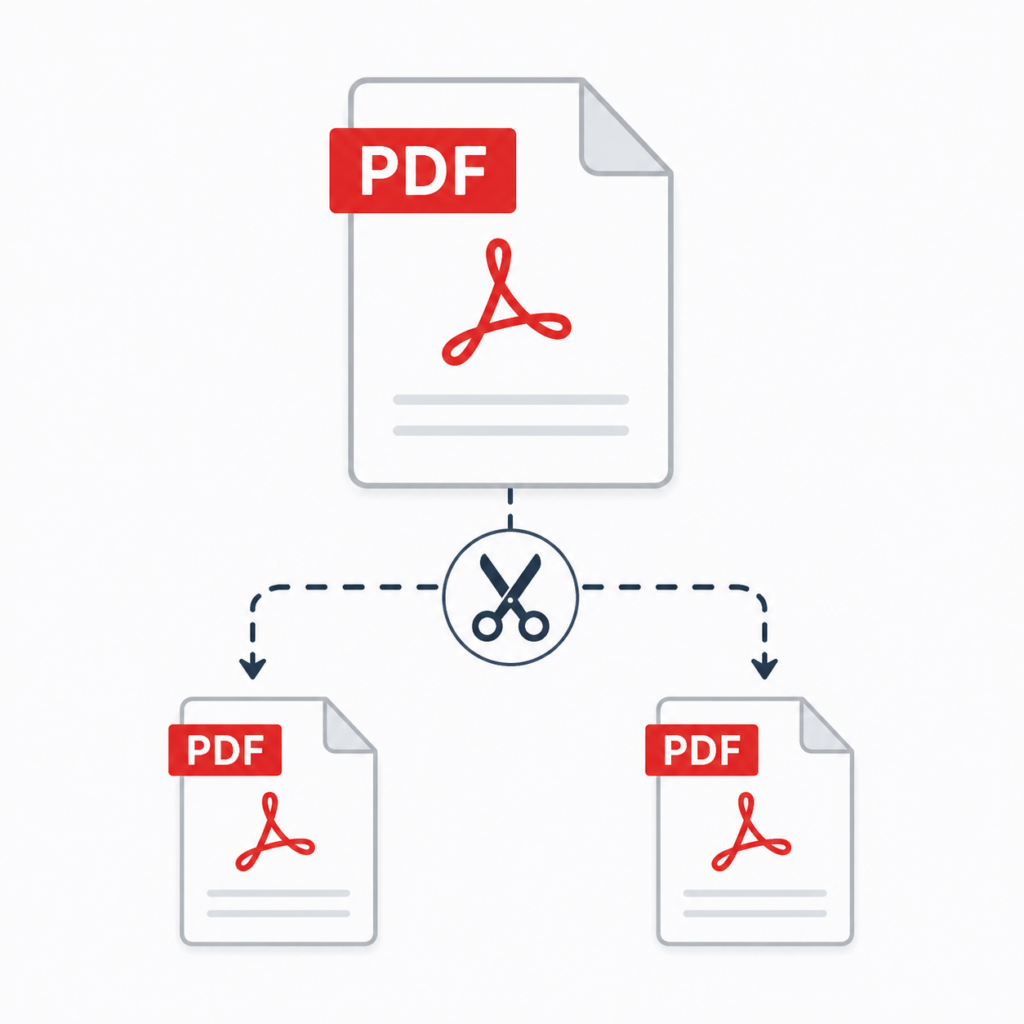
Managing large PDF files is now completely hassle-free! With our fast and secure Split PDF tool, you can separate documents, extract specific pages, or divide files into customized ranges in just a few clicks. Operating 100% locally in your browser, it requires no software installation or registration, ensuring your documents remain completely private and secure.
Whether you need to extract specific pages from invoices, contracts, or study materials, this tool optimizes your workflow and eliminates file clutter. You can also explore our full suite of online PDF utilities:
- Document Conversion: Convert files seamlessly using our PDF Converter, PDF to Word, or Word to PDF tools.
- Image Utilities: Switch between images and PDFs with JPG to PDF, Images to PDF, or PDF to JPG.
- PDF Management: Combine multiple documents with Merge PDF, reduce file size using Compress PDF, make content updates with Edit PDF, or add digital signatures via Sign PDF.
Works smoothly across desktops, tablets, and mobile devices—organize your files anytime, anywhere!
💻 Works on Mac, Windows, and Linux
📱 Compatible with Android and iPhone devices
⚡ Split PDF files online in seconds
🔒 Secure and privacy-focused PDF processing
☁️ No software installation required
🆓 Free and easy-to-use PDF Split Tool
🌐 Access directly from any modern web browser
📂 Extract and save PDF pages effortlessly
Works on Every Device
Use the ProKitBag Split PDF tool on Mac, Windows, Android, iPhone, or Linux without installing any software. Simply upload your PDF, split pages, and download instantly from your browser.
Advanced PDF Splitting Options
Split large PDF files into smaller documents or extract selected pages with complete flexibility. Your original formatting, images, fonts, and layout remain unchanged.
Manage Multiple PDFs Easily
Upload and organize multiple PDF files in one place. Rearrange, remove, or separate pages effortlessly to create perfectly organized documents in seconds.
Secure PDF Processing
Your files are protected during upload and processing with secure encryption technology. Documents are automatically removed after processing to keep your data private.
Fast, Free & Browser-Based
Split PDFs online instantly with a fast and lightweight tool designed for desktop and mobile users. No signup, installation, or technical skills required.
Built for Productivity
Designed for students, professionals, businesses, and everyday users who need quick, reliable, and user-friendly PDF tools online.
Instant Download After Splitting
Once your PDF is split, download individual files immediately with high-quality output and no watermarks. Quick, smooth, and hassle-free document processing.
How To Split a PDF with ProKitBag
- 📤 Upload or drag & drop your PDF file.
- ✂️ Select pages you want to split or extract.
- ⚡ Click the “Split PDF” button instantly.
- 🛠️ Edit, merge, or compress files if needed.
- 📥 Download or share your split PDF files easily.
Frequently Asked Questions (FAQs)
How do I split a PDF online?
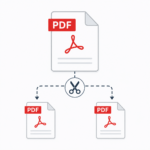
Upload your PDF file, preview the pages, select the pages you want to separate, and click the “Split PDF” button to download the new file instantly.
Is the ProKitBag Split PDF tool free?
Yes, the Split PDF tool is completely free to use with no signup or installation required.
Can I split PDF pages on mobile devices?
Yes, the tool works smoothly on Android, iPhone, tablets, Windows, Mac, and Linux devices.
Will splitting a PDF reduce quality?
No, your PDF quality, formatting, fonts, and images remain unchanged after splitting.
Can I delete pages before splitting?
Yes, you can preview your PDF pages and remove unwanted pages before creating the final split PDF.
Does the tool support multiple PDF files?
Yes, you can upload and manage multiple PDF files depending on your workflow.
What browsers support the Split PDF tool?
The tool works on Chrome, Edge, Firefox, Safari, and other modern web browsers.
Best Tools I have ever used!
I have been looking for a product like this for years. I have tried everything and nothing did what I wanted until using this product. I am so I found it!