
Image Tools: Use our free online image tools to easily convert, compress, resize, and optimize images instantly. These fast, secure, and easy-to-use tools support JPG, PNG, WEBP, and other popular image formats.
Online Image Tool
Resize, compress and convert images online for free. Enter custom dimensions and target file size. Your images are processed directly in your browser.
Leave width and height blank to keep the original dimensions. Enter both values to resize the image.
Lower quality usually creates a smaller JPG or WEBP file.
Enter any size, such as 50 KB, 100 KB, 250 KB, 500 KB or 1 MB. The tool will try to meet your target. Exact file sizes are not guaranteed.
A preset maintains the original aspect ratio. Manually entered width and height take priority.
Processed Image Preview
Related Tools
Free Online Image Tool – Convert, Resize, and Optimize Images
Table of Contents
- Introduction
- How to Use the Image Tool
- Features of the Image Tool
- Benefits of Using Our Image Tool
- Supported Image Formats
- Why Use an Online Image Tool
- Related Image Tools
- Frequently Asked Questions
Introduction of Image Tools
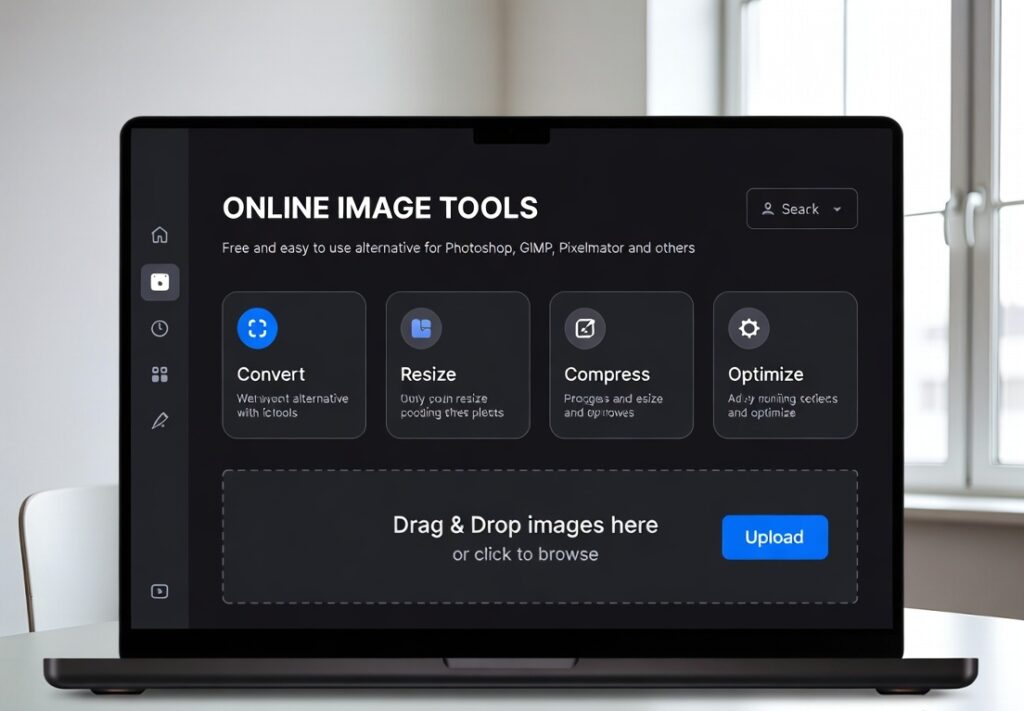
Image tools play an important role in websites, blogs, social media, and digital content creation. They help users convert, compress, resize, and optimize images for better performance and compatibility. However, large image sizes or unsupported formats can slow down websites and create various compatibility issues.
Our free online image tools help you quickly convert, compress, resize, and optimize images without installing any software. The tool works directly in your browser and supports popular formats like JPG, PNG, WEBP, and more.
Whether you are a blogger, designer, student, or developer, these image tools make image processing simple, fast, and efficient.
How to Use the Image Tools
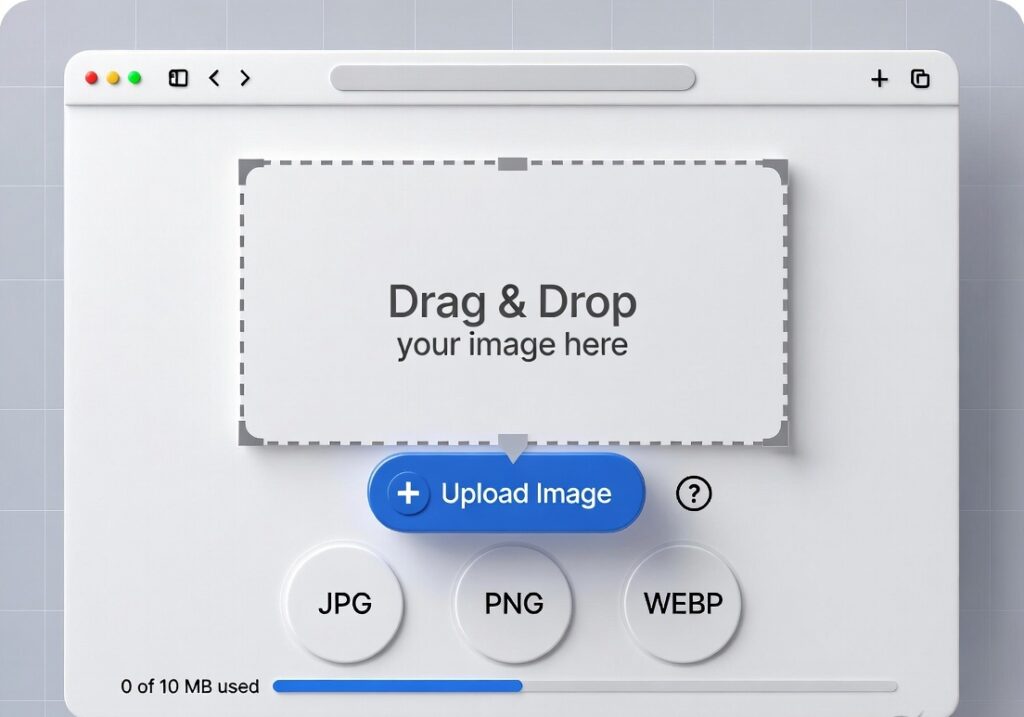
Using this tool is very simple. Follow these steps:
Step 1 – Upload Image
Click the Upload Image button and select the image file from your device.
Step 2 – Choose Action
Select the option you want:
- Convert image format
- Compress image size
- Resize image dimensions
Step 3 – Process Image
Click the Convert or Compress button to process your image.
Step 4 – Download Image
After processing, download the optimized image instantly.
Features of the Image Tools
Our image tools provides several powerful features:
Fast Processing
Images are processed instantly without long waiting times.
Multiple Format Support
Supports popular formats like:
- JPG
- PNG
- WEBP
- GIF
Secure Processing
Your images are processed securely and not stored on the server.
Mobile Friendly
Works perfectly on desktop, tablet, and mobile devices.
No Installation Needed
Use the tool directly in your browser without installing software.
Benefits of Using Our Image Tools
Using our online image tools provides many advantages:
Helps optimize images for social media and blogs
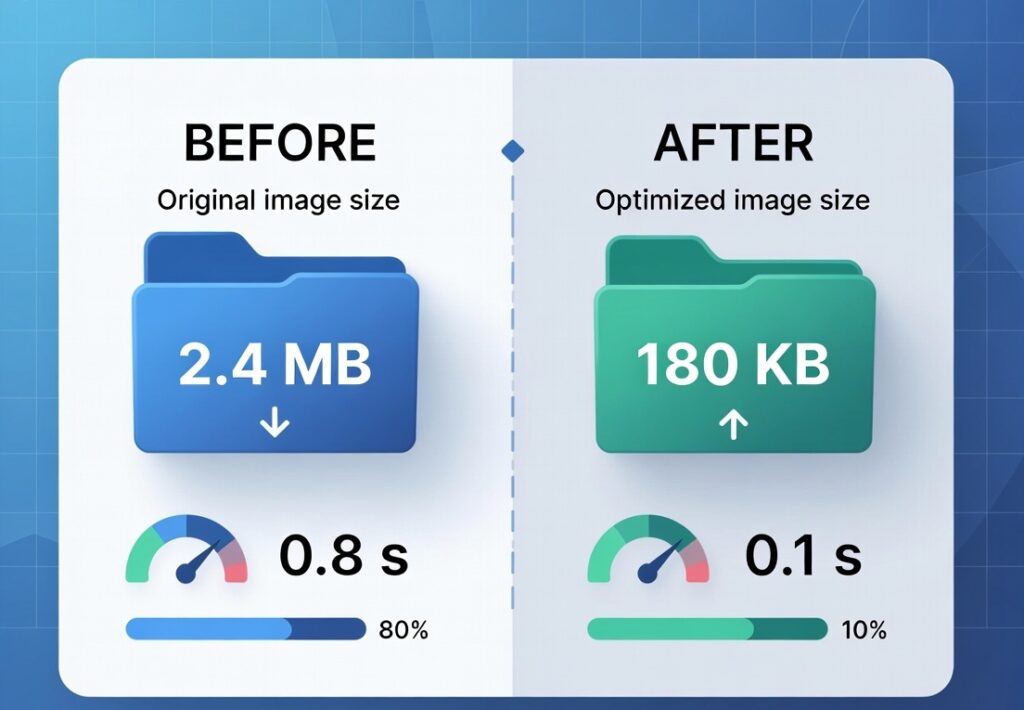
Reduces image file size for faster websites
Improves SEO performance
Saves storage space
Makes images compatible across platforms
Supported Image Formats
Our tool supports the most commonly used formats:
| Format | Description |
|---|---|
| JPG | Best for photos and web images |
| PNG | High-quality images with transparency |
| WEBP | Modern web format with smaller file size |
| GIF | Animated images |
Why Use an Online Image Tools
Online tools are becoming more popular because they are convenient and efficient.
Reasons to use an online image tool:
- No software installation required
- Accessible from any device
- Quick processing
- Completely free to use
- Ideal for bloggers, designers, and students
Frequently Asked Questions (FAQ)
Is this image tool free to use?
Yes, this tool is completely free and can be used without any registration.
Which image formats are supported?
The tool supports JPG, PNG, WEBP, and GIF formats.
Are my images stored on the server?
No, your images are processed instantly and are not stored on the server.
Can I use this tool on mobile?
Yes, the tool is fully responsive and works on mobile devices.
Does this tool reduce image quality?
The tool optimizes images while maintaining the best possible quality.
FAQ Schema
{
"@context": "https://schema.org",
"@type": "FAQPage",
"mainEntity": [
{
"@type": "Question",
"name": "Is this image tool free to use?",
"acceptedAnswer": {
"@type": "Answer",
"text": "Yes, the image tool is completely free and can be used without registration."
}
},
{
"@type": "Question",
"name": "Which image formats are supported?",
"acceptedAnswer": {
"@type": "Answer",
"text": "The tool supports JPG, PNG, WEBP, and GIF image formats."
}
},
{
"@type": "Question",
"name": "Are my images stored on the server?",
"acceptedAnswer": {
"@type": "Answer",
"text": "No, your images are processed instantly and not stored on the server."
}
},
{
"@type": "Question",
"name": "Can I use this tool on mobile?",
"acceptedAnswer": {
"@type": "Answer",
"text": "Yes, the image tool works on mobile, tablet, and desktop devices."
}
},
{
"@type": "Question",
"name": "Does image compression reduce quality?",
"acceptedAnswer": {
"@type": "Answer",
"text": "The tool compresses images while maintaining the best possible quality."
}
}
]
}