
Excel to PowerPoint Converter
You may also find these tools useful:
Combine multiple PDF documents into a single file.
Excel to PDF Converter
Convert Excel spreadsheets into professional PDF documents.
PDF to PowerPoint Converter
Transform PDF documents into editable PowerPoint slides.
Free Excel to PowerPoint Converter – Turn Excel Data into PPT Slides Instantly
Introduction
Excel spreadsheets are excellent for organizing and analyzing data, but presenting that data in meetings or presentations often requires a more visually appealing format. PowerPoint presentations are widely used in businesses, schools, and conferences because they allow users to present information clearly using slides, charts, and visual elements.
However, manually transferring Excel data into PowerPoint slides can be time-consuming and tedious. You have to copy tables, recreate charts, and adjust formatting repeatedly. This is where a free Excel to PowerPoint converter online becomes extremely helpful.
This powerful online tool allows users to convert Excel spreadsheets into PowerPoint slides quickly and efficiently. Instead of manually recreating content, you can upload your Excel file and automatically generate presentation slides that display your data clearly.
Our free Excel to PowerPoint converter online is designed for students, professionals, teachers, analysts, and business users who frequently need to present Excel data in meetings or reports. The tool converts tables and information into visually structured PowerPoint slides within seconds.
Whether you are preparing a business presentation, financial report, academic presentation, or data analysis report, this tool helps transform Excel spreadsheets into professional presentation slides easily.
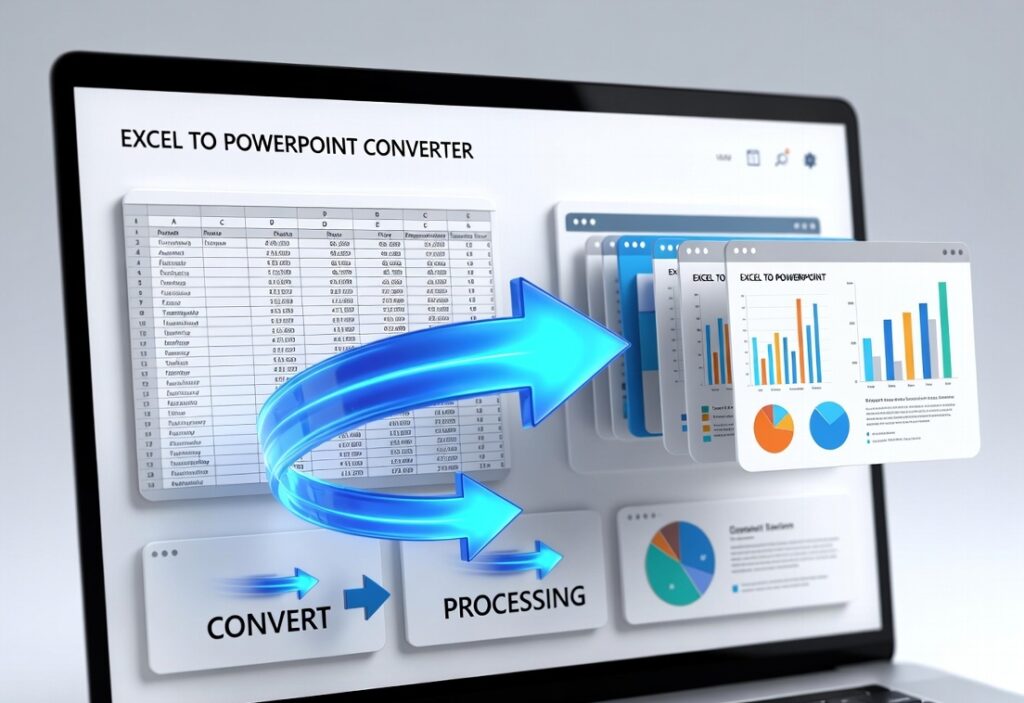
How to Use the Excel to PowerPoint Converter
Using this free Excel to PowerPoint converter online is very simple and beginner-friendly.
Step 1
Open the Excel to PowerPoint converter page on the website.
Step 2
Click the Upload Excel File button.
Step 3
Select the Excel file from your device. Supported formats include:
- XLS
- XLSX
Step 4
Click the Convert to PowerPoint button.
Step 5
Wait a few seconds while the tool processes your file.
Step 6
Download the generated PowerPoint presentation (.PPT or .PPTX).
Your Excel tables and data will now appear in structured PowerPoint slides ready for presentations.
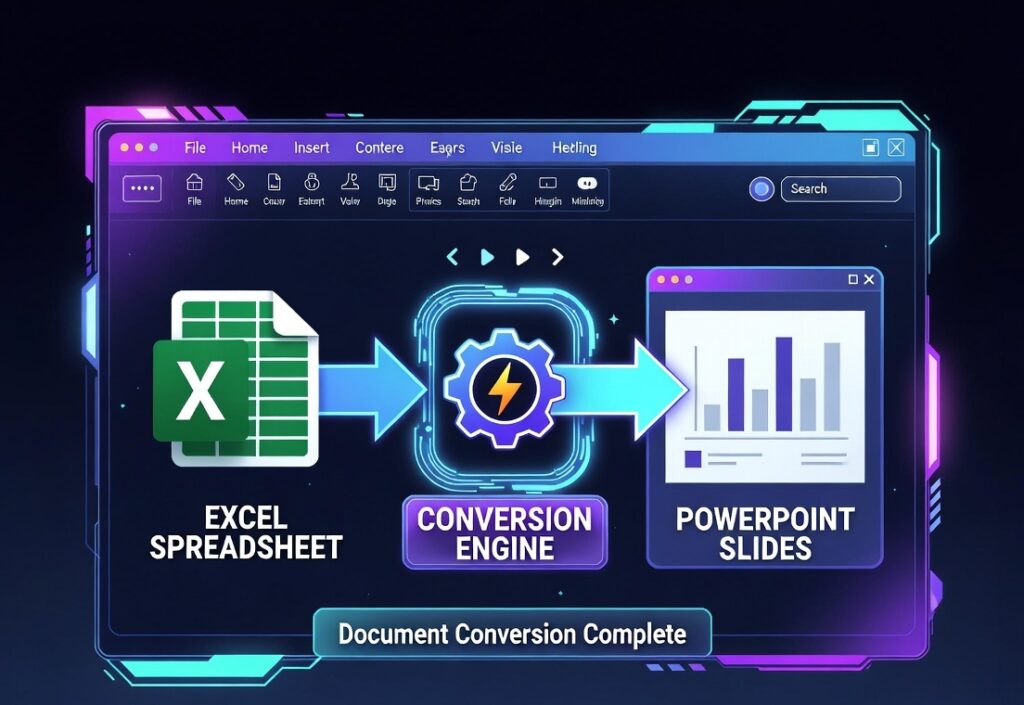
Features of the Excel to PowerPoint Converter
Our free Excel to PowerPoint converter online offers several powerful features designed to simplify presentation creation.
1 Instant File Conversion
Convert Excel spreadsheets into PowerPoint slides within seconds.
2 Smart Data Formatting
Automatically organizes tables and data into clean slides.
3 High-Quality PPT Output
Maintains clarity and formatting of charts and tables.
4 Secure File Processing
Your files are processed safely and deleted automatically after conversion.
5 No Software Installation
Everything works directly in your web browser.
6 Works on Any Device
Compatible with desktop, laptop, tablet, and mobile devices.
7 Easy Download
Download your PowerPoint file instantly after conversion.
Benefits of Using the Excel to PowerPoint Tool
Using a free Excel to PowerPoint converter online provides many advantages for users.
Save Time
Automatically generate slides instead of copying Excel data manually.
Professional Presentations
Create clean and structured presentation slides easily.
Better Data Visualization
Present tables and reports in a more engaging format.
Ideal for Meetings
Quickly convert financial or business data into presentation slides.
Useful for Students and Teachers
Prepare academic presentations using Excel data quickly.
Improve Productivity
Reduce the time spent formatting presentation slides.

FAQ Schema
What is an Excel to PowerPoint converter?
Yes, the tool is completely free to use online.
Is the Excel to PowerPoint tool free?
Yes, the tool is completely free to use online.
Can I convert XLSX files into PowerPoint?
Yes, both XLS and XLSX formats are supported.
Will my charts appear in the presentation?
Yes, charts and tables can be converted into presentation slides.
Is it safe to upload Excel files?
Yes, files are processed securely and automatically deleted after conversion.
Strong CTA
🚀 Convert Excel Data into Presentation Slides Instantly
Use our Free Excel to PowerPoint Converter Online and transform spreadsheets into professional PowerPoint presentations in seconds.