Introduction
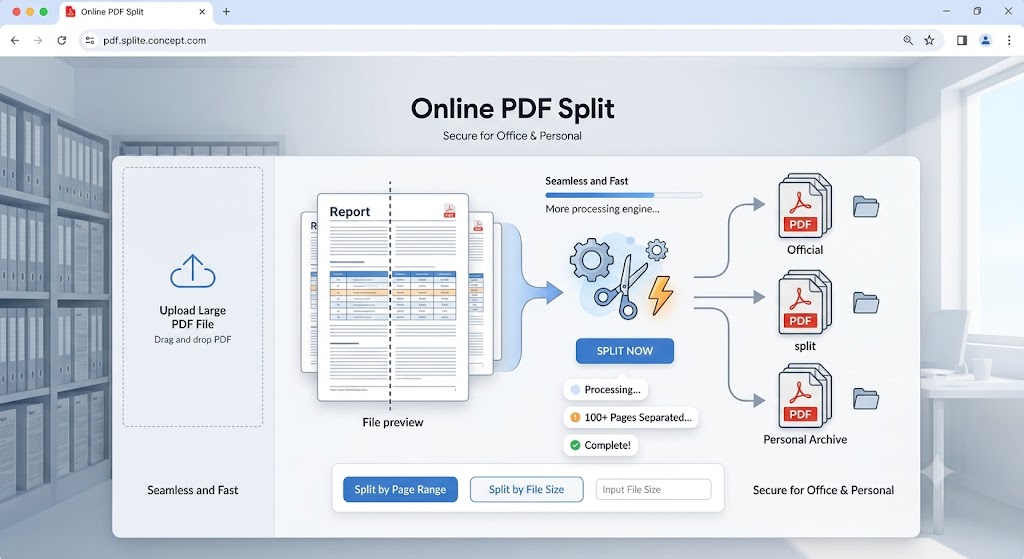
Managing large digital documents can be a hassle, especially when you only need a few specific pages from a massive report. If you are wondering how to separate your pages quickly, the best solution is to split pdf online. Instead of installing heavy programs, using an online pdf split tool allows you to cut your files from any device. Whether you want to split pdf for official work or personal archiving, a web-based tool makes the entire process seamless and fast.
Benefits of Using an Split PDF Online
Why should you choose a web-based pdf splitter software online over traditional desktop apps? Here are the key advantages:
Blazing Fast Speed: Cloud-based servers process your requests instantly, allowing you to split pdf online within seconds
No Installation Required: You can split pdf files online directly through your browser (Chrome, Safari, Firefox) without downloading any risky software.
100% Free and Accessible: You can split pdf documents online free of cost from your mobile, tablet, or desktop anytime, anywhere.
Comparison: Online PDF Splitter vs. Desktop Software
| Installation | None (Runs directly in browser) | Required (Takes disk space) |
| Cost | Completely Free | Often Paid or Premium |
| Device Compatibility | Works on Mobile, Mac, Windows, Linux | Usually limited to Windows/Mac |
| Speed | Instant cloud processing | Depends on your PC’s RAM |
FAQ (Frequently Asked Questions)
Q1: Is it safe to split pdf file online on this website?
Ans: Yes, absolutely. When you split pdf online using our platform, your files are highly secure. We prioritize user privacy, and all uploaded documents are automatically deleted from our servers after processing.
Q2: Can I split pdf documents online free with multiple pages?
Ans: Yes! Our pdf splitter online allows you to upload large files and split pdf files into smaller, individual documents without any hidden charges or page limitations.
Q3: Will the quality drop after I split pdf?
Ans: Not at all. Whether you use a premium tool or our free pdf splitter software online, the text, formatting, and image quality of your original document remain 100% intact.
Q4: How do I split a PDF online for free?
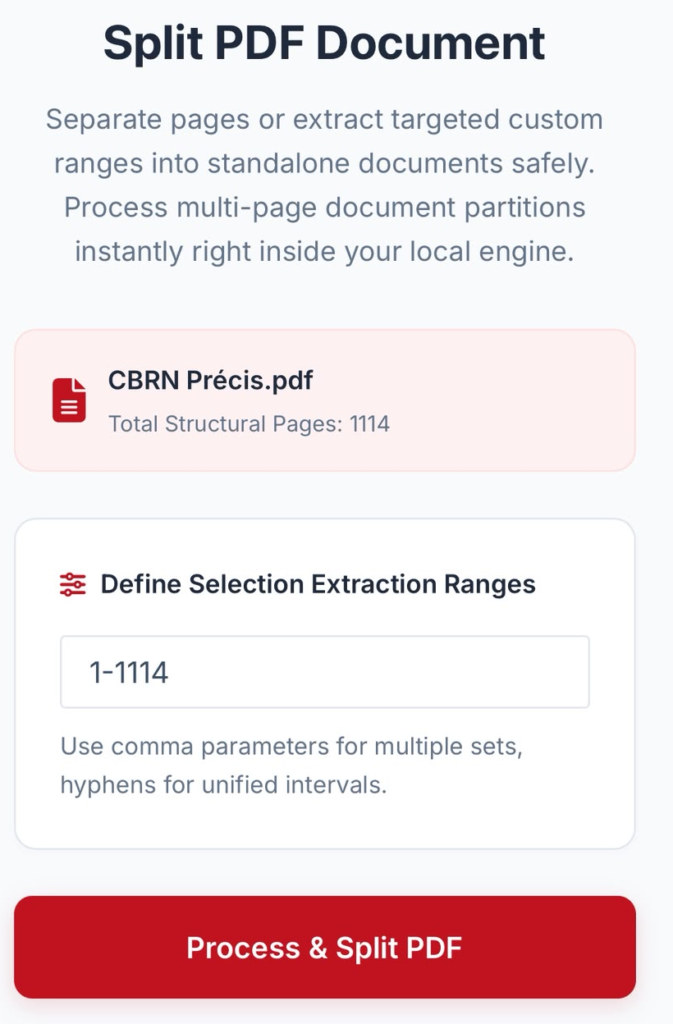
Ans: You can use browser-based tools that allow you to upload your document, select your split points (or extract specific ranges), and download the new files.
Q5: What is the difference between “splitting” and “extracting”?
Ans: Splitting divides the entire document into multiple individual files. Extraction copies only specific pages into a new file without disturbing the original document.
Q6: Can I split a PDF into individual single pages?
Ans: Yes. Most online tools allow you to choose an “extract every page” or “split after every page” option, which will generate one PDF file for every single page in your document
Q7: Can I split a PDF based on chapters or bookmarks?
Ans: If your source PDF has a table of contents or top-level bookmarks, advanced tools (such as Adobe Acrobat’s Organize Pages feature) can automatically detect these bookmarks and split the document at each boundary.