
Compress PDF online free without losing quality. Reduce PDF file size quickly on mobile and desktop. 100% secure browser-based PDF compression tool.
Compress PDF Online – Reduce PDF File Size Without Losing Quality
Struggling to upload or share large PDF files? Our Compress PDF tool reduces file sizes in seconds without sacrificing document quality. This free, browser-based tool requires zero software installation or registration. In addition to compression, explore our complete PDF toolkit: convert file formats using PDF Converter, PDF to Word, Word to PDF, JPG to PDF, PDF to JPG, and Images to PDF. Effortlessly manage file organization with Merge PDF and Split PDF, or make quick updates and sign legal agreements with Edit PDF and Sign PDF.
Why Use an Online PDF Compressor?
Whether you are a student submitting assignments, a professional sending business reports, or a creator organizing digital files, large PDFs waste storage space and trigger upload errors on email and web portals. Compressing your PDFs offers key advantages:
Bypass Upload Limits: Easily meet strict file size restrictions on job applications and government portals.
Faster File Transfers: Effortlessly email, message, or upload documents across platforms.
Storage Optimization: Save valuable space on your local devices and cloud drives.
Secure & Complete Document Management
Our Compress PDF tool processes files directly inside your browser—ensuring your confidential data never reaches external servers and remains 100% private. Whenever you need to handle other document tasks, rely on our full suite of utilities:
Editing & Signatures: Modify text and layouts using Edit PDF, and add legally binding electronic signatures via Sign PDF.
Conversion Suite: Seamlessly convert files using PDF Converter, JPG to PDF, PDF to JPG, Images to PDF, PDF to Word, or Word to PDF.
Page Management: Combine multiple documents into one using Merge PDF, or extract specific pages with Split PDF.
What is a Compress PDF Tool?
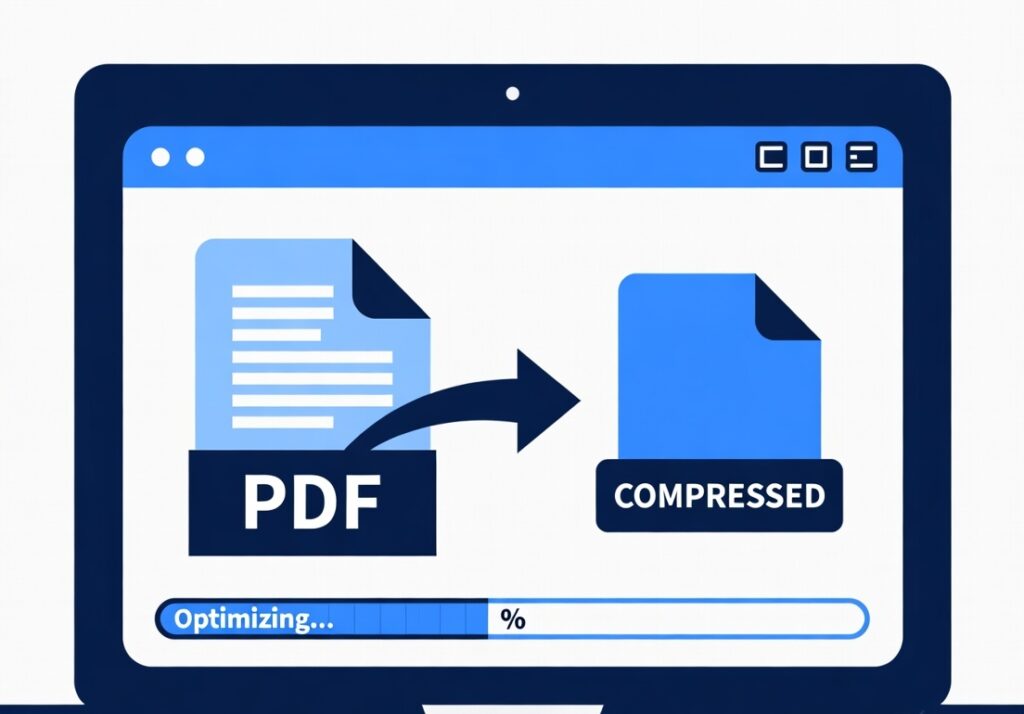
A Compress PDF tool is an online utility that reduces the size of a PDF file while keeping the content readable and intact. Large PDFs usually contain high-resolution images, embedded fonts, and extra metadata that increase the file size. By optimizing these elements, the tool can significantly reduce the overall file size.
Our online PDF compressor processes your document directly in your browser. This means your files are not uploaded to any server, ensuring maximum privacy and security.
Using this tool is ideal when you need to:
• Upload documents to websites with file size limits
• Send PDFs through email or messaging apps
• Save storage space on your device
• Speed up document loading on websites
⸻
How to Compress PDF Online
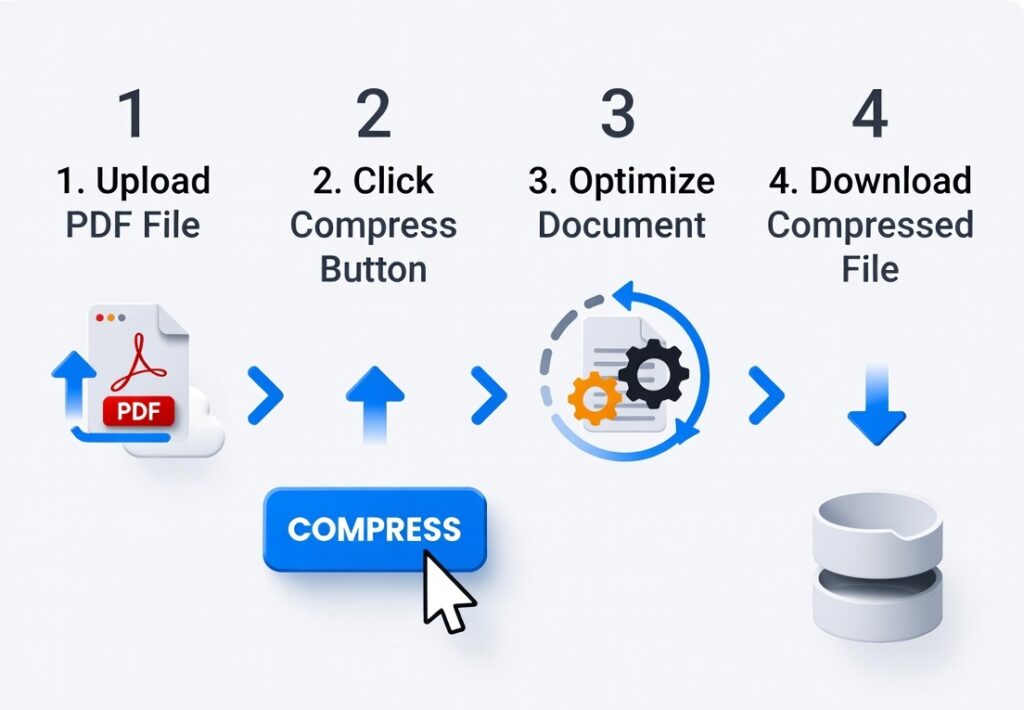
Using our Compress PDF Online tool is extremely simple. You can reduce your PDF size in just a few steps:
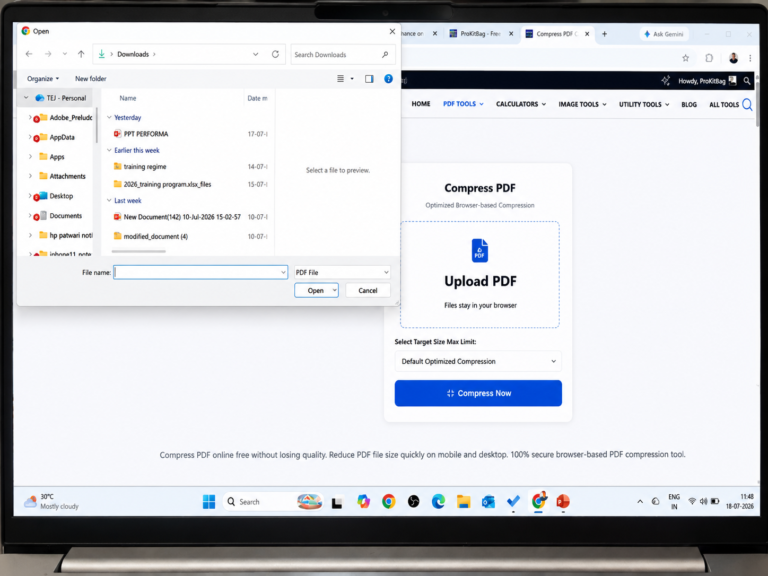
Step 1: Upload your PDF file using the upload button.
Step 2: Click the Compress PDF button to start the process.
Step 3: The tool will optimize your document and reduce its file size.
Step 4: Download the compressed PDF instantly.
The entire process takes only a few seconds depending on the file size.
Features of Our Compress PDF Tool
No File or Usage Limits: Compress as many PDF documents as you need without any hourly caps, daily limits, or hidden premium paywalls.
Perfect Formatting Retention: Our optimization logic shrinks the file size while keeping all text alignment, fonts, hyperlinks, and tables perfectly intact.
⸻
Why You Should Compress PDF Files
Compressing PDF files provides several benefits, especially when working with large documents. Smaller files are easier to upload, share, and store. Many email services and websites also have file size limits, making compression essential.
Another advantage is faster loading speed. Smaller PDFs open more quickly on websites and devices, improving the user experience. This is particularly useful for students, businesses, and content creators who regularly share documents online.
⸻
Who Can Use This Tool?
Our Compress PDF Online tool is useful for many different users, including:
Students submitting assignments online
Professionals sharing reports and presentations
Freelancers sending documents to clients
Businesses managing digital paperwork
Content creators optimizing downloadable resources
Anyone who works with PDF files can benefit from reducing file size.
⸻
Secure PDF Compression in Your Browser
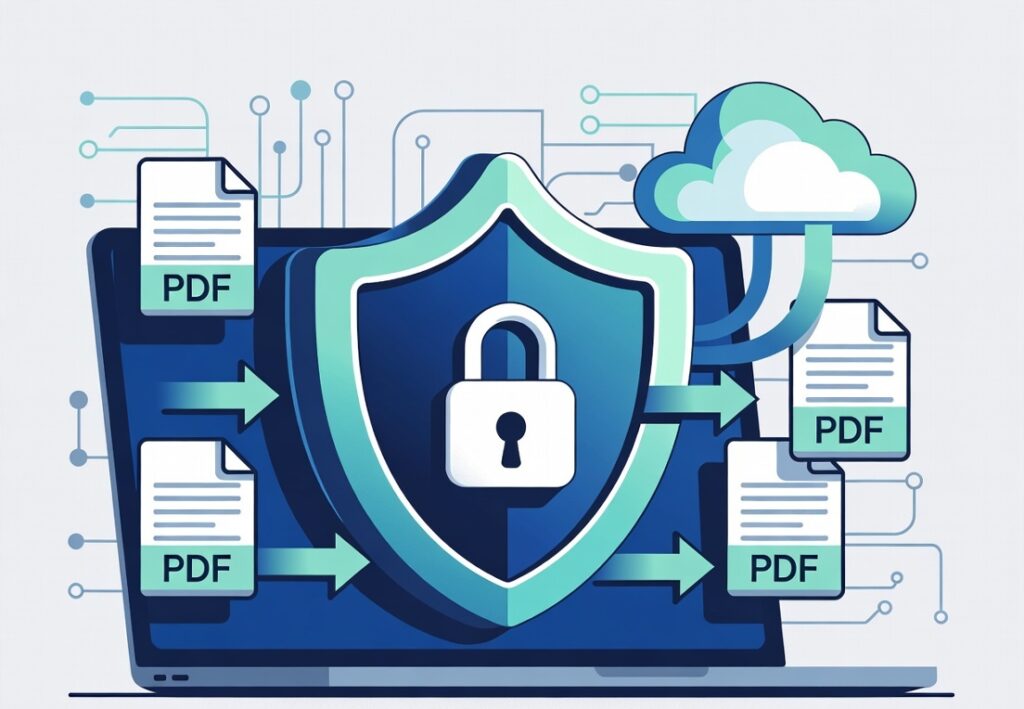
One of the biggest advantages of our tool is privacy protection. Unlike many online services that upload files to external servers, this PDF compression tool processes documents directly in your browser.
This means:
• Your files stay on your device
• No data is stored on servers
• No risk of document leaks
You can compress confidential documents safely without worrying about privacy issues.
⸻
Try the Free Compress PDF Tool Now
If you need to compress PDF files quickly and securely, this tool is the perfect solution. Simply upload your document, click compress, and download your optimized file within seconds.
Our Compress PDF Online tool is completely free, easy to use, and designed to work on all modern devices. Start reducing PDF file sizes today and make document sharing faster and more efficient.
Frequently Asked Questions (FAQs)
How can I compress a PDF online without losing quality?
You can easily compress your files using our free online PDF compressor. Simply drag and drop your document into the tool, and our optimization engine will reduce the file size by removing duplicate metadata and compressing embedded images while keeping the text and layout perfectly sharp.
Is it safe to compress confidential PDFs on this website?
Yes, it is 100% safe. Unlike other online tools, our utility operates entirely in your browser (client-side). Your documents are never uploaded to our servers, ensuring your sensitive data and private files remain completely secure on your own device.
What is the standard compounding or reduction rate of this compressor?
The compression rate depends entirely on the original structure of your PDF. Files containing high-resolution images, heavy graphics, or scanned pages can often be reduced by up to 70% to 90% of their original size.
Will the formatting of my tables and text change after compression?
Not at all. Our advanced compression logic targets structural hidden elements like font subsets and image resolutions without touching your page layout. All your text alignments, hyperlinks, tables, and margins will stay exactly the same.
Can I compress multiple PDF files at once?
Currently, you can compress individual large documents instantly. If you need to combine multiple reports into a single optimized file first, you can use our dedicated Merge PDF tool before running it through the compressor.
Is there a daily or hourly limit on how many PDFs I can shrink?
No. There are absolutely no hidden paywalls, hourly caps, or daily limits. You can compress as many PDF documents as you want, completely free of charge.
Do I need to register or install software to use this tool?
No registration, email signup, or software installation is required. The tool is fully functional online and ready to use instantly from any browser.
Does this PDF compressor work on mobile phones?
Yes! The tool is fully responsive and optimized for all viewports. You can easily compress files on Android devices, iPhones, iPads, laptops, and desktop computers.
Why is my PDF file size still large after compression?
If a PDF file size does not decrease significantly, it usually means the file has already been highly optimized, or it consists purely of plain text with no embedded fonts or heavy images left to compress.
What other file management tools are available on ProKitBag?
We offer a comprehensive suite of digital document utilities to streamline your workflow. After optimizing your document, you can also explore our PDF to Word
converter or our flexible Split PDF manager.
Related Tools
-
Split PDF 2026 Guide
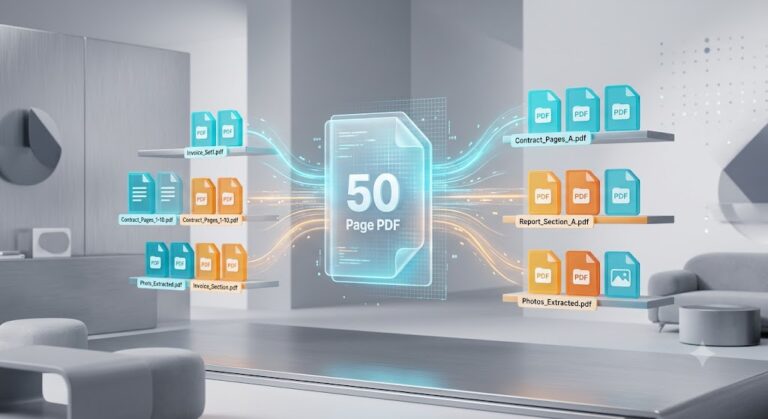
How to Split a 50-Page PDF in Seconds (Without Paying for Premium Software) Need to share a few pages from a big PDF? Sending the whole file is often slow and unnecessary. Extracting just the pages you need makes sharing faster, easier, cleaner and no sign-up required. Fortunately, you don’t need expensive software like Adobe […]
-
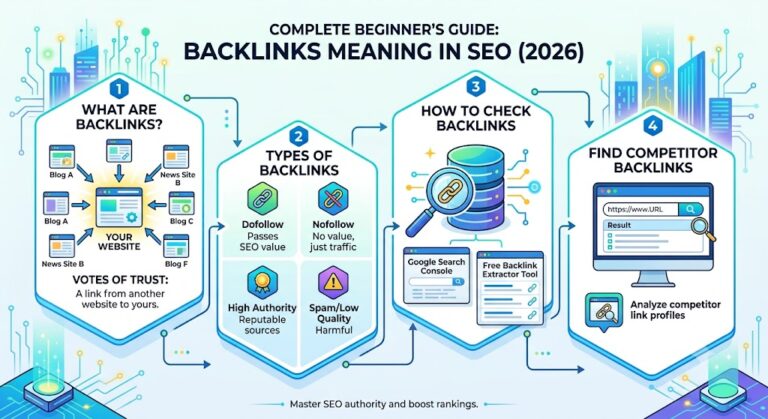
Backlinks Meaning in SEO (Complete Beginner’s Guide 2026)
Introduction Backlinks are one of the most important ranking factors in SEO. If you want your website to rank higher on Google, you must understand the exact backlinks meaning in SEO and how backlinks help search engines trust your website. In simple words, a backlink is a link from another website that points to your […]
-
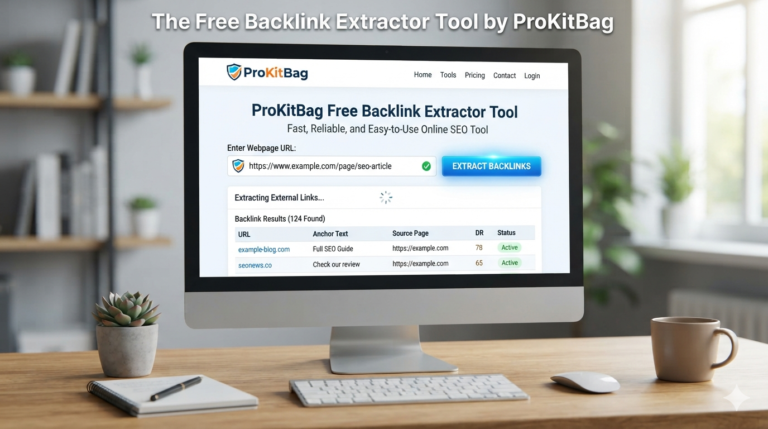
Backlink Extractor Tool (Free) – Extract & Export External Links Instantly | ProKitBag
Introduction The Free Backlink Extractor Tool by ProKitBag is a fast, reliable, and easy-to-use online SEO tool designed to help you extract all external links from any publicly accessible webpage in just a few seconds. Whether you’re an SEO professional, digital marketer, blogger, content creator, web developer, or business owner, this tool simplifies the process […]
-
Reduce PDF Size to 2 MB Online
Introduction Many websites require uploaded PDF documents to be 2 MB or smaller. This is common for government applications, university admissions, banking services, insurance claims, visa applications, and online job portals. If your PDF exceeds the allowed size, the upload may fail or be rejected. Fortunately, you can reduce a PDF to 2 MB without […]
-
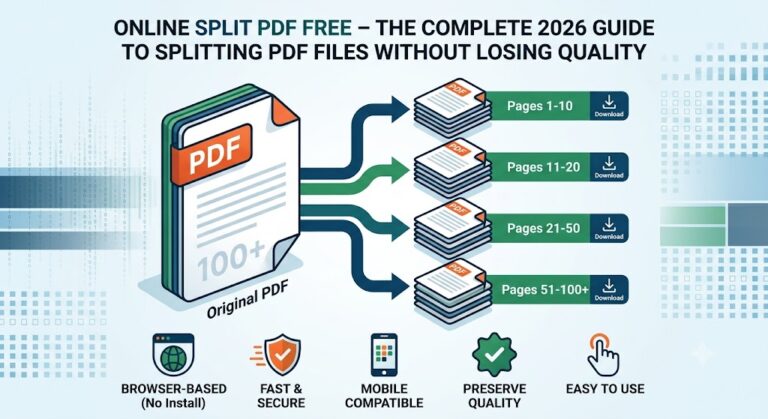
Online Split PDF Free – Best PDF Splitter Without Losing Quality (2026 Guide)
Online Split PDF Free – The Complete 2026 Guide to Splitting PDF Files Without Losing Quality Online Split PDF Free – The Complete Guide to Splitting PDF Files Without Losing Qualityshowing split pdf Large PDF documents are difficult to share, upload, and organize. Whether you’re working with contracts, study notes, bank statements, invoices, or scanned […]
-
How to Convert Images to PDF Under 2 MB (Free Online Guide 2026)
Introduction Many online application portals require documents to be uploaded as PDF files with a maximum size of 2 MB. Whether you’re applying for a government job, submitting university documents, completing banking verification, or uploading tax forms, meeting this file size requirement is essential. If your documents are stored as images, you first need to […]
backlink extractor Backlink Extractor Tool Best Word to PDF Tool compress pdf compress pdf online convert image to pdf cut pdf files divide pdf pages download split pdf extract pages from pdf extract pdf pages extract pdf pages free free pdf merger free pdf splitter free pdf tools how to separate pdf pages how to split pdf i love prokitbag image to pdf jpg to pdf jpg to pdf 2mb jpg to pdf converter merge 50 pdf files Merge PDF files instantly online file separator online pdf converter online pdf splitter pdf compressor online pdf cutter pdf document splitter pdf organizer online pdf page extractor pdf page separator pdf splitter free pdf tools free online prokitbag reduce pdf size secure pdf tools separate pdf pages split large pdf split pdf free tool split pdf online Word to PDF Converter word to pdf converter online – 100% free Word to PDF Converter Online Free – 100% Secure