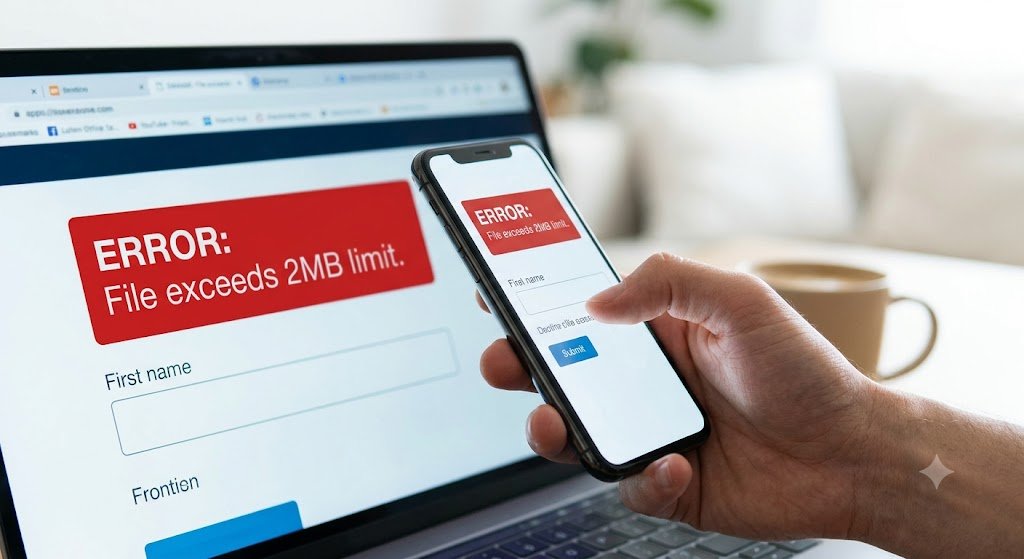
Have you ever uploaded scanned documents or photos to an online portal only to see the frustrating message, “File size exceeds 2MB. Please upload a smaller file”? It happens more often than you think. Whether you’re applying for a government job, submitting a university admission form, registering for an exam, or uploading documents to a banking or official website, many platforms enforce strict file size limits. Simply reducing the image size often results in blurry text and poor-quality documents that may even get rejected.
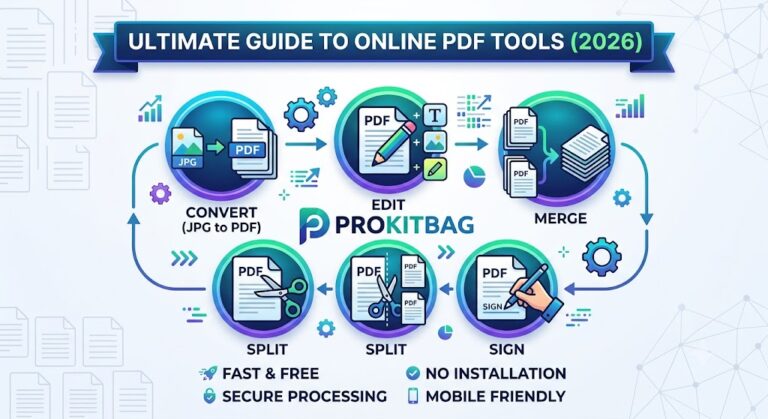
Our JPG to PDF 2MB Converter solves this problem by converting your images into high-quality PDF files while helping you stay within the required size limit. As part of our PDF Converter collection, this free online tool lets you quickly convert JPG to PDF or Images to PDF without losing readability. Need to combine multiple files? Use our Merge PDF tool. Want to reduce the final file size even further? Try Compress PDF. You can also Edit PDF, Sign PDF, or Split PDF after conversion. If you need a different format, explore PDF to JPG, PDF to Word, Word to PDF, or browse our All PDF Converter tools to handle every PDF task in one secure, fast, and completely free platform. Whether you’re on a desktop, tablet, or smartphone, you can upload, convert, and download your files in just a few clicks.
You Should Also Visit:-
Why You Need This Tool: The Problem vs. The Solution
The Problem
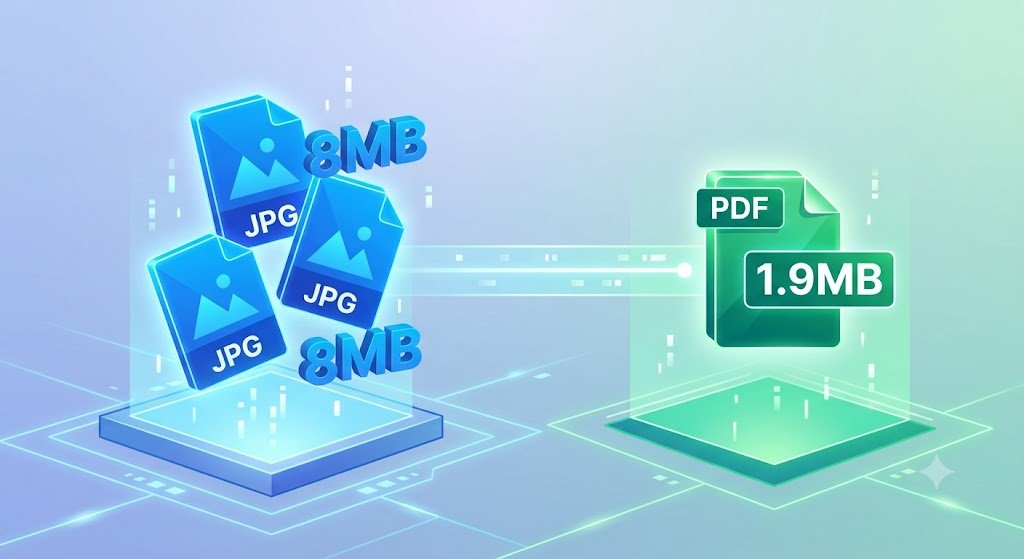
Most modern smartphones snap photos that range anywhere from 4MB to 12MB each. When you need to combine three or four of these images into a single document—like a multi-page contract or an ID card front and back—the resulting file size can easily skyrocket to 30MB. Most upload portals will instantly reject this. Trying to fix this manually usually involves a chaotic cycle of cropping, downgrading resolution, and guessing the final size.
The Solution
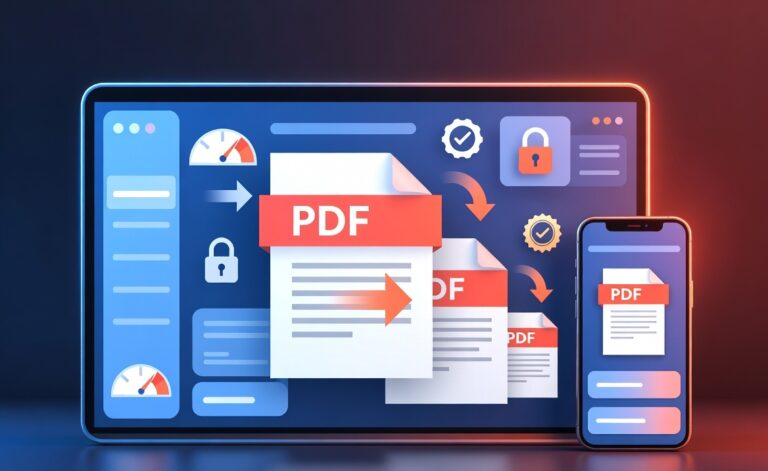
Our 2mb pdf converter completely eliminates the guesswork. You simply drop your high-resolution images into the tool, and it automatically handles both the format conversion and the size optimization. It ensures you get a clean, professional file that lands safely jpg to pdf within 2mb, ready for immediate submission.
What is the JPG to PDF 2MB Converter?
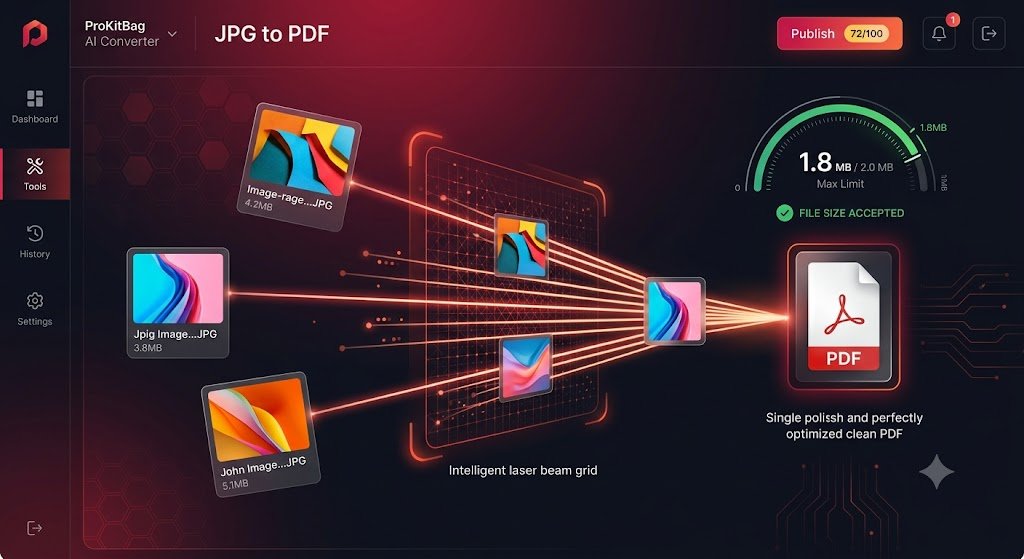
The JPG to PDF 2MB Converter by ProKitBag is an intelligent, web-based utility designed to transform your standard image files into a single, perfectly optimized PDF document that strictly stays within the 2MB threshold.
Unlike basic converters that blindly compress your files into pixelated messes, our tool uses smart compression algorithms. It analyzes the visual data of your images, strips out unnecessary metadata, and compresses the final document to ensure it fits the required size constraint while keeping your text sharp and images clear.
Key Features of JPG to PDF 2MB
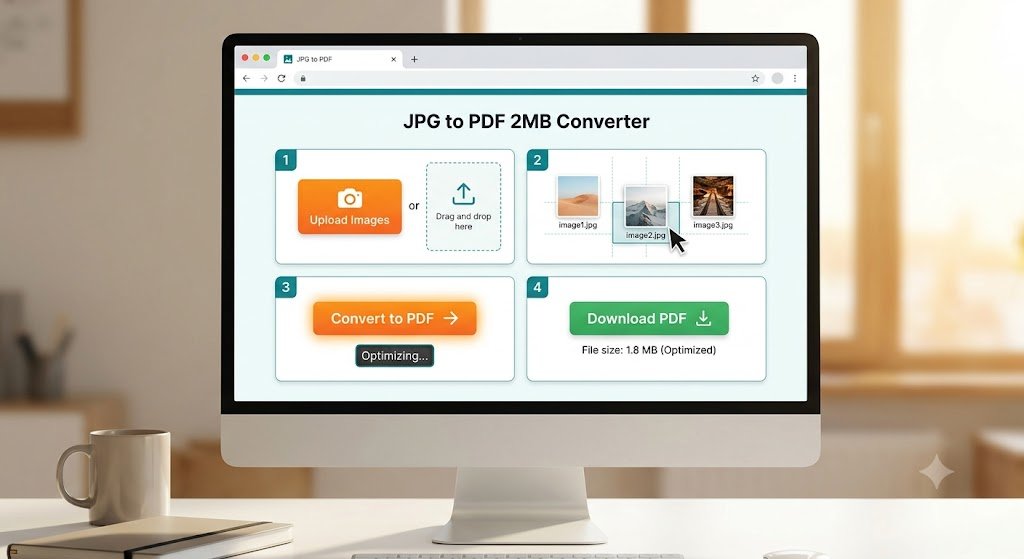
- Smart Auto-Compression: No need to slide compression bars or guess percentages. The system automatically optimizes the output to give you a jpg to pdf less than 2mb file.
- Batch Conversion Support: Have multiple images? Upload them all at once. The tool will merge them sequentially into a single PDF file.
- Privacy & Security First: Your privacy is non-negotiable. All uploaded files are processed securely using SSL encryption and are completely wiped from our servers within an hour.
- No Registrations or Watermarks: You don’t need to sign up, input an email, or deal with ugly, unprofessional watermarks on your final document. It is 100% free.
- Cross-Platform Compatibility: Whether you are on a Windows PC, a Mac, an iPhone, or an Android device, this tool runs smoothly right in your web browser.
Step-by-Step: How to Convert JPG to PDF 2MB
Getting your optimized file takes less than a minute. Just follow these simple steps:
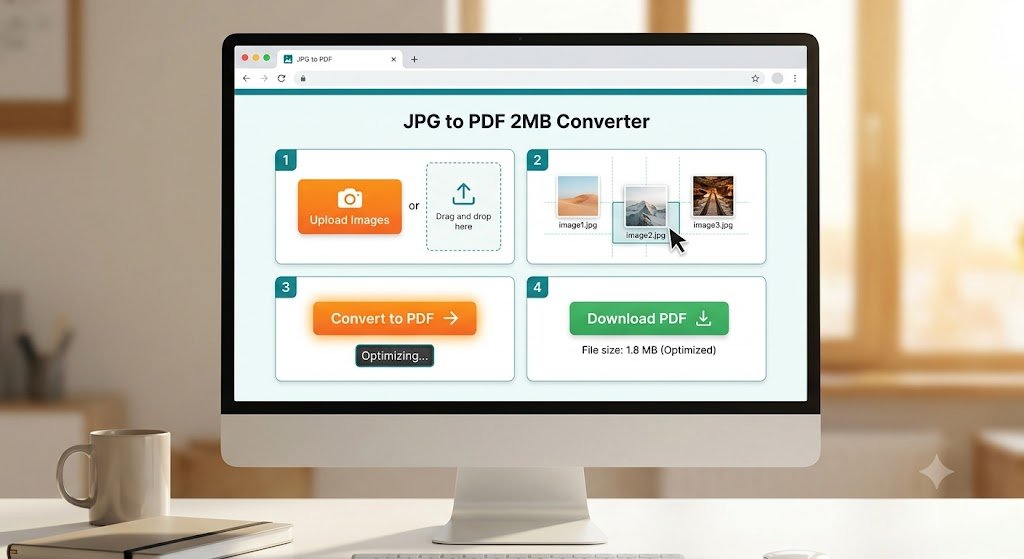
Download Your PDF: Once the processing finishes, click “Download”. You will receive an optimized file that perfectly fits the jpg to pdf 2mb constraint.
Upload Your Images: Click the “Choose Files” button or drag and drop your images directly into the converter box.
Arrange the Order: If you uploaded multiple photos, drag them into the correct order to ensure your PDF pages read sequentially.
Click Convert: Hit the “Convert to PDF” button. Our smart system will immediately compress and format the file.
Real-Life Scenarios Where JPG to PDF 2MB Saves the Day
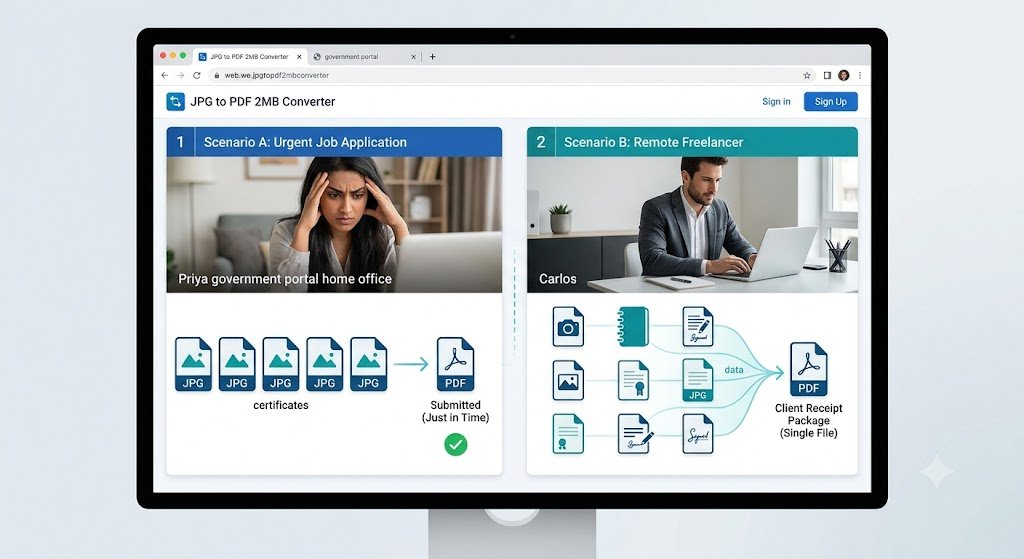
- Scenario A (The Urgent Job Application): Priya needs to upload her degree certificates to a government employment portal by midnight. The portal only accepts a single PDF under 2MB. Her certificates are currently five separate 4MB JPG files. Using our tool, she merges and shrinks them instantly, submitting her application with minutes to spare.
- Scenario B (The Remote Freelancer): Carlos needs to send signed receipt images to his client’s accounting department. Instead of sending five separate emails with bulky image attachments, he uses the image to pdf 2mb workflow to send one clean, compact document.
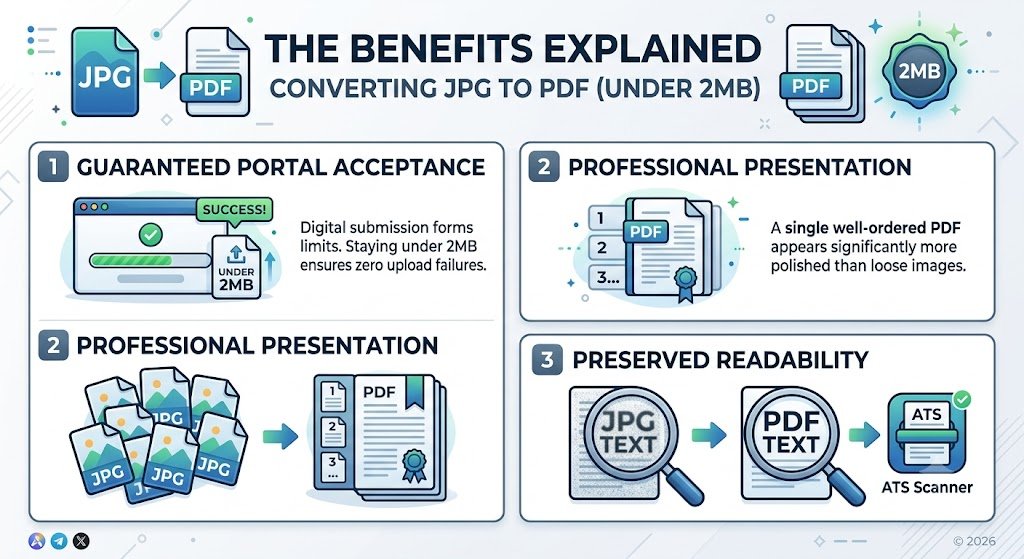
The Benefits Explained
When you use a dedicated tool to convert jpg to pdf 2 mb, you unlock several distinct advantages:
- Guaranteed Portal Acceptance: Digital submission forms are programmed with hard limits. Staying under 2MB ensures your upload never fails due to size restrictions.
- Professional Presentation: Sending a single, well-ordered PDF looks significantly more polished than sending a chaotic batch of loose image files.
- Preserved Readability: The compression algorithms specifically target the background data of the image while keeping embedded text crisp, ensuring human reviewers and automated scanners (ATS) can read it perfectly.
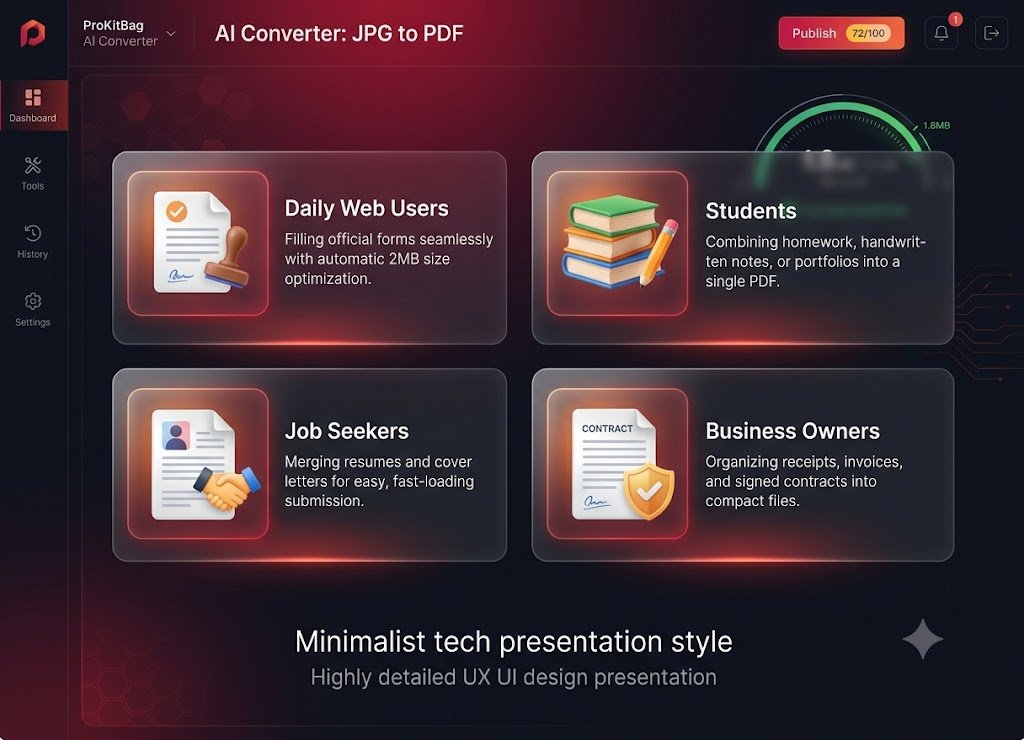
JPG to PDF 2MB Tool For?
Daily Web Users: Anyone filing taxes online, renewing a driver’s license, or submitting insurance claims through official portals.
Students: Perfect for combining and compressing homework assignments, handwritten notes, or project portfolios for platforms like Google Classroom.
Job Seekers: Essential for merging resumes, cover letters, and recommendation letters into a single, fast-loading document.
Business Owners & Freelancers: Ideal for organizing receipts, invoices, signed contracts, and design drafts into lightweight files for clients.

Why Choose ProKitBag?
At ProKitBag, we believe utility tools should be powerful, fast, and entirely friction-free. We don’t hide our tools behind annoying pop-up ads, hidden subscription tiers, or mandatory account creation. When you need to convert jpg to pdf under 2mb, you want it done right then and there. Our platform provides clean, high-speed, and secure optimization so you can check the task off your list and move on with your day.
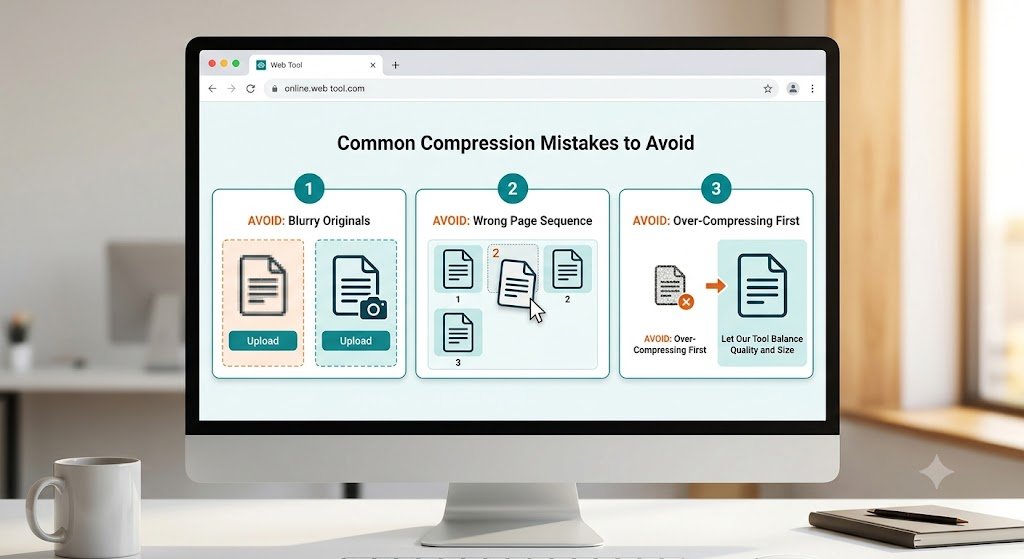
Common Mistakes to Avoid When Compressing Files while converting JPG to PDF 2MB
- Uploading Blurry Originals: If your initial photo is blurry or out of focus, compression will only make it worse. Ensure your source image is well-lit and legible before uploading.
- Wrong Page Sequence: Always double-check the order of your image thumbnails in our preview dashboard before hitting convert to avoid a scrambled document.
- Over-Compresing Manually First: Don’t use external apps to heavily shrink your images before uploading them here. Let our tool handle the balance of quality and size from the original file for the best results.
Frequently Asked Questions (FAQs)
1. Is this JPG to PDF 2MB converter completely free?
Yes. Our tool is 100% free to use with no hidden charges, caps on usage, or mandatory registrations.
2. Will my PDF file drop below readable quality?
No. The intelligent compression algorithm selectively reduces file sizes by optimizing color profiles and background artifacts while keeping text elements sharp and completely legible.
3. How many images can I convert into a 2MB PDF at once?
While you can upload multiple images, the final size depends on the complexity of the files. If you upload an excessive number of high-resolution images, the tool will optimize them to the absolute smallest footprint possible close to the threshold.
4. Are my uploaded files and personal data secure?
Absolutely. Your files are protected via end-to-end SSL encryption during transmission and are automatically, permanently deleted from our servers within 60 minutes of processing.
5. Can I use this tool on my smartphone?
Yes. The tool is fully responsive and optimized for mobile browsers. You can easily execute a jpg to pdf 2mb conversion directly from your iPhone, iPad, or Android device.
6. Do I need to install any software or extensions?
No installation is required. This is a fully cloud-based web application that operates entirely within any standard modern internet browser.
7. Does this converter work with image formats other than JPG?
Yes. While optimized heavily for JPG/JPEG formats, the tool also seamlessly accepts other common image formats like PNG, WEBP, and BMP, converting them into a compressed PDF.
8. Why is my final PDF file still slightly over 2MB?
If your source files are exceptionally massive (e.g., ten 15MB professional camera files), the tool may hit a physical compression limit to keep the text readable. In such rare instances, we recommend converting fewer images at a time or cropping out unnecessary margins before conversion.