In today’s digital world, PDF files have become the universal format for documents. Whether you are a student, professional, business owner, or freelancer, you deal with PDFs every day. From sharing assignments to sending official reports, PDFs are everywhere.
But managing PDF files manually can be difficult. That’s where online PDF tools come in.
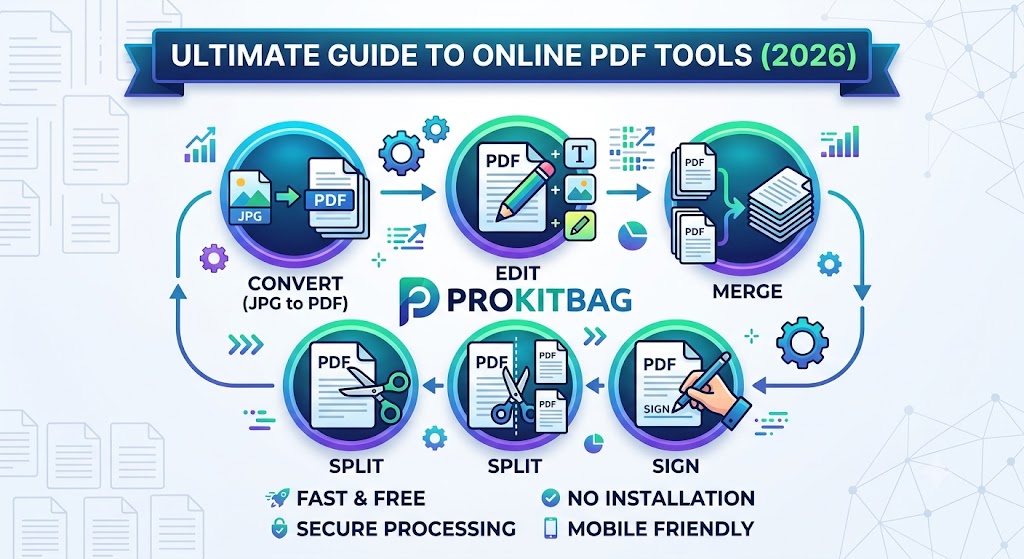
Platforms like ProKitBag provide a complete set of tools such as:
- JPG to PDF Converter
- Edit PDF Documents Online
- Sign PDF Tool
- Merge PDF Files
- Split PDF Tool
- Contact Support System
These tools help you convert, edit, organize, secure, and manage PDFs instantly without installing any software.
In this complete guide, we will explore every tool in detail, how it works, and how you can use it to improve your productivity.
📄 What is a Online PDF Tool Suite?
A PDF tool suite is a collection of online utilities that help users manage PDF files easily.
Instead of using multiple software programs, you can:
✔ Convert files
✔ Edit documents
✔ Merge PDFs
✔ Split pages
✔ Add signatures
All in one place.
👉 ProKitBag PDF tools are designed to be:
- Fast
- Free
- Mobile-friendly
- Secure
- Easy to use
🖼️ JPG to PDF Converter – Convert Images into PDF Instantly with Online PDF Tools
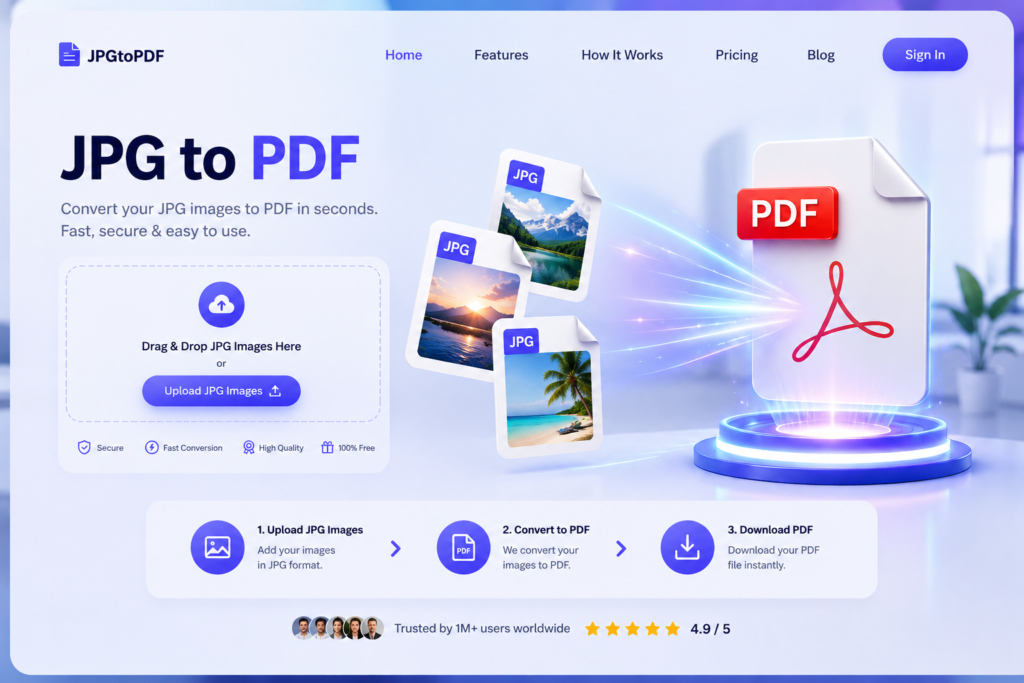
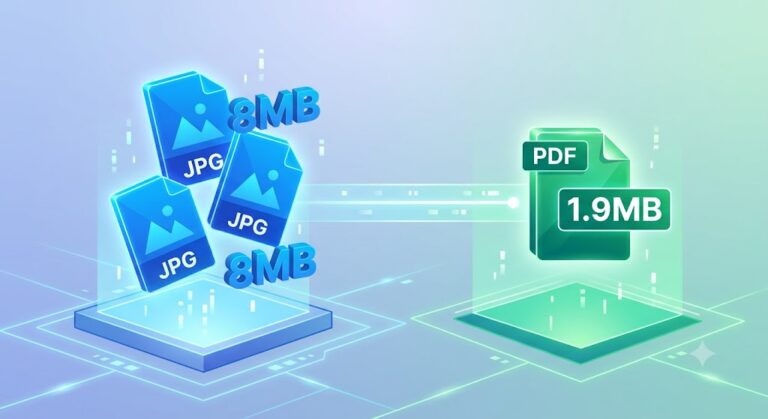
The JPG to PDF Converter allows users to convert image files into professional PDF documents.
Why Use JPG to PDF Online?
- Convert multiple images into one file
- Maintain high image quality
- Easy sharing via email or WhatsApp
- Perfect for documents, certificates, receipts
How It Works Online
- Upload JPG images
- Arrange order
- Click convert
- Download PDF
Best Use Cases
- Students submitting assignments
- Businesses sending scanned documents
- Creating photo albums
👉 CTA: Try JPG to PDF Converter Now and convert images into professional documents instantly!
Online PDF Tools: Edit PDF Documents Online – Easy & Powerful Editing Tool
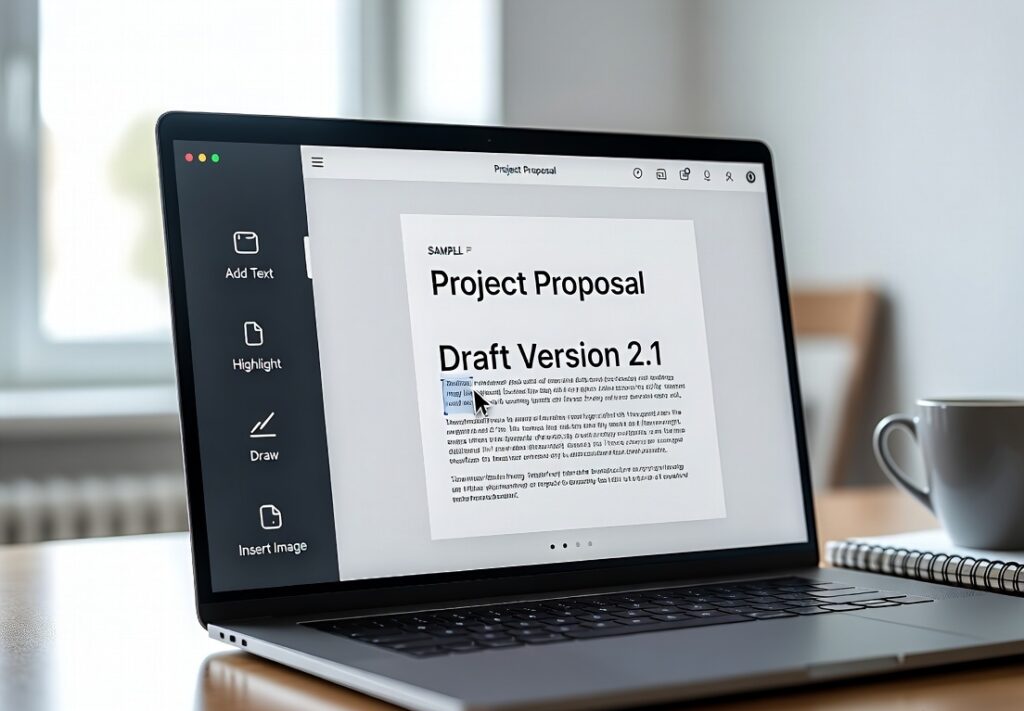
The Edit PDF tool helps users modify PDF files without complex software.
Features
- Edit text inside PDF
- Add images and shapes
- Highlight important sections
- Remove unwanted content
Why It’s Useful
Previously, editing PDFs required expensive software like Adobe Acrobat. Now, you can do it online for free.
How to Use
- Upload PDF file
- Click on text or image
- Make changes
- Save updated file
Who Should Use It?
- Office workers
- Students
- Freelancers
- Legal professionals
👉 CTA: Edit PDF Documents Online now and make changes instantly without software!
Online PDF Tools : Sign PDF Online – Add Digital Signature Securely
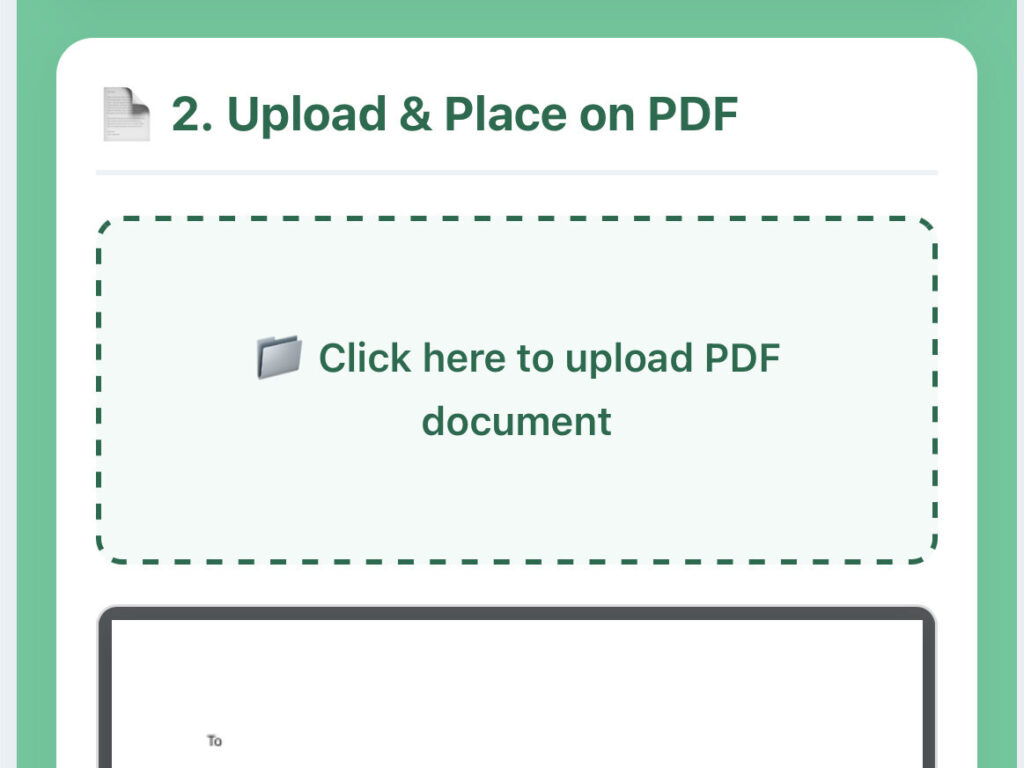
The Sign PDF tool allows users to add electronic signatures to documents.
Benefits
- Legally valid digital signatures
- No printing required
- Secure and fast process
- Works on mobile and desktop
How It Works
- Upload PDF
- Create or upload signature
- Place signature anywhere
- Download signed document
Use Cases
- Business agreements
- Contracts
- Official documents
- Freelance approvals
👉 CTA: Sign PDF online securely and complete your documents in seconds!
Online PDF Tools :📚 Merge PDF Files Online – Combine Documents Easily
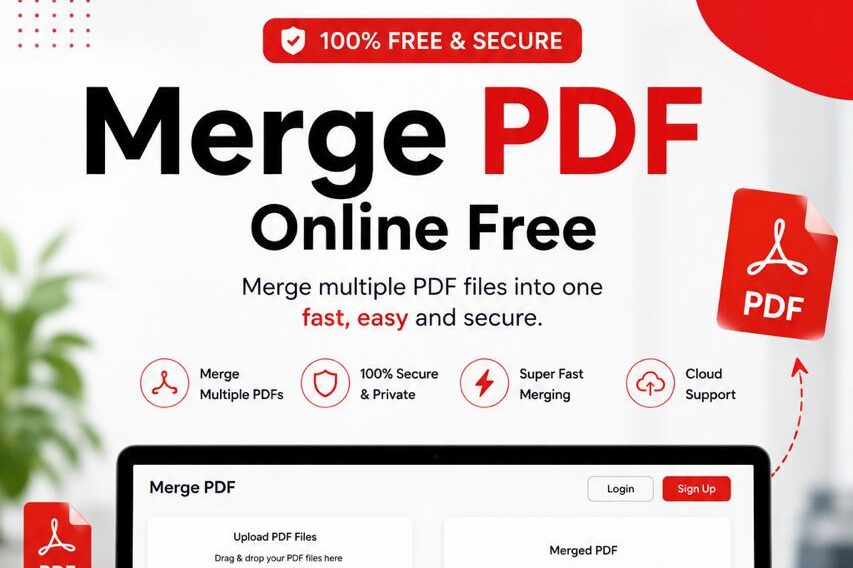
The Merge PDF tool allows you to combine multiple PDF files into a single document.
Why Merge PDFs?
- Better organization
- Easy sharing
- Professional presentation
- Saves time
How It Works
- Upload multiple PDFs
- Arrange order
- Click merge
- Download final file
Example
Resume + Certificate + Cover Letter → One PDF file
👉 CTA: Merge PDF Files now and organize your documents like a pro!
Online PDF Tools : ✂️ Split PDF Online – Divide Large Files Easily
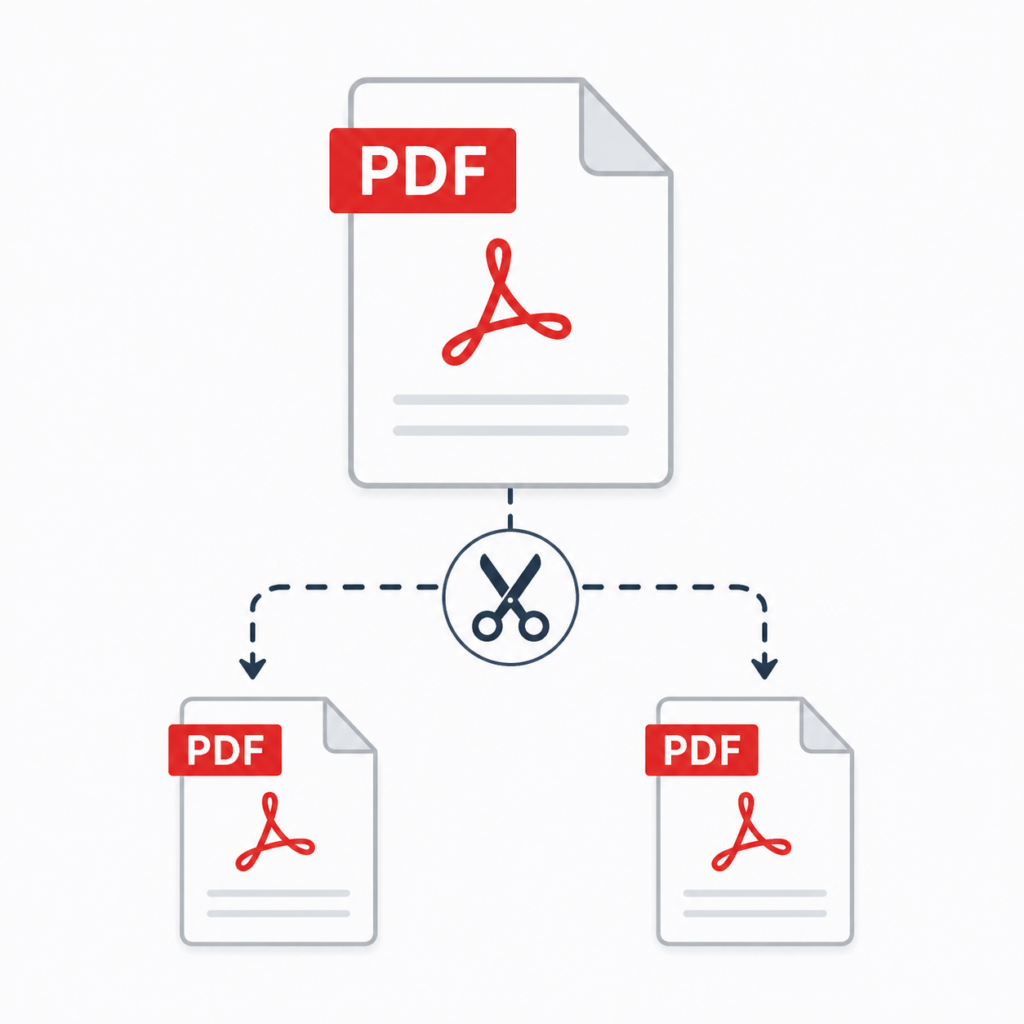
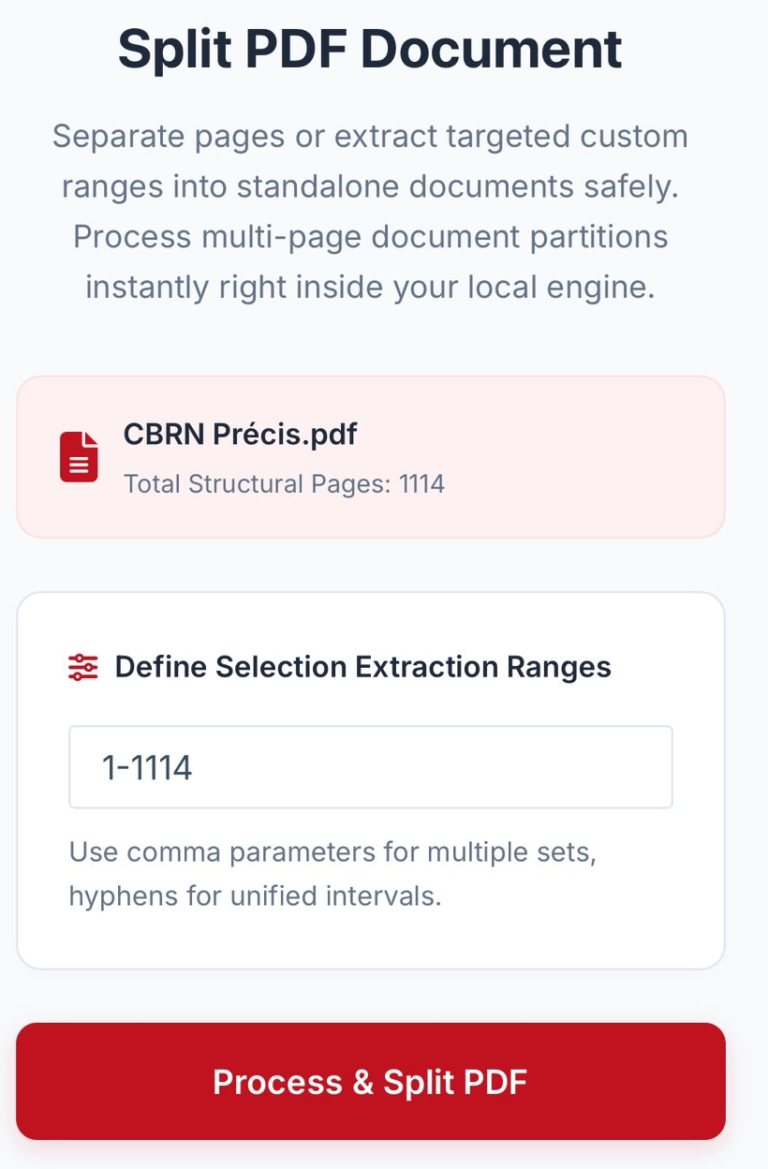
The Split PDF tool helps you break large PDF files into smaller parts.
Features
- Extract specific pages
- Split by page range
- Remove unnecessary pages
- Create multiple PDFs
Why Use Split PDF?
Large files are difficult to share. Splitting makes them easier to manage.
How to Use
- Upload PDF
- Select pages
- Click split
- Download files
Best Use Cases
- Extract chapters from books
- Separate invoices
- Organize reports
👉 CTA: Split PDF files easily and manage your documents better today!
🔄 Why Choose ProKitBag PDF Tools for Online PDF Tools?
ProKitBag offers a complete PDF solution with multiple benefits:
✔ 1. Free to Use
No subscription required.
✔ 2. Fast Processing
Get results in seconds.
✔ 3. Mobile Friendly
Works on all devices.
✔ 4. No Installation
100% browser-based tools.
✔ 5. Secure Platform
Files are processed safely.
📞 Contact Us – ProKitBag Support
If you face any issue while using tools, you can always contact us.
Why Contact Us?
- Tool errors
- File issues
- Feature requests
- General support
👉 CTA: Need help? Contact ProKitBag Support anytime for quick assistance!
🔥 How These Online PDF Tools Improve Productivity
Using online PDF tools helps in:
- Saving time
- Reducing manual work
- Improving workflow
- Enhancing document management
- Increasing efficiency
Whether you are a student or business professional, these tools simplify your work.
📊 Real-Life Use Cases
Students
- Assignments
- Notes
- Projects
Businesses
- Reports
- Contracts
- Invoices
Freelancers
- Client proposals
- Portfolios
Government Work
- Forms
- Certificates
❓ Frequently Asked Questions (FAQs)
1. Are ProKitBag PDF tools free?
Yes, all tools are free to use.
2. Do I need software installation?
No, everything works online.
3. Is file data safe?
Yes, files are processed securely.
4. Can I use tools on mobile?
Yes, all tools are mobile-friendly.
5. Can I edit PDFs without Adobe?
Yes, you can edit PDFs online easily.
🎯 Final Conclusion
ProKitBag provides a complete set of online PDF tools that help users manage documents efficiently. Whether you want to convert images, edit PDFs, merge files, split pages, or sign documents, everything is available in one place.
These tools are designed to be:
✔ Fast
✔ Free
✔ Secure
✔ Easy to use
Related Tools
- PDF Converter
- JPG to PDF
- Merge PDF
- Edit PDF
- Sign PDF
- Split PDF
- Compress PDF
- Images to PDF
- PDF to JPG
- PDF to Word
- Word to PDF
- Excel to PDF
- PDF to Excel
- HTML to PDF
- PDF to PowerPoint
- PowerPoint to PDF
- Rotate PDF
- Delete PDF Pages
- Unlock PDF File
- PDF Security
👉 Start Using ProKitBag PDF Tools Now and Manage Your Documents Faster, Easier & Smarter Than Ever!