Word to PDF Converter Online Free – 100% Secure & Fast Tool
Introduction: Why Word to PDF Conversion Matters
Have you ever finished writing an important document in Microsoft Word and then struggled to share it with someone because it doesn’t look the same on their device? Maybe the margins got weird. Maybe the fonts shifted. It’s frustrating — especially if you’re sharing proposals, resumes, legal papers, or academic assignments. That’s where a Word to PDF converter online free, secure, and fast becomes your lifesaver.
Think of it as sealing your document in a protective envelope: once it’s in PDF format, everything stays exactly as you intended — no surprises, no layout breakages, and it looks professional on any device or platform. In fact, this format is now the standard for legal documents, job applications, and file submissions worldwide.
👉 Ready to convert? Try our tool now and get your PDF instantly!
Convert Word to PDF → Fast, Secure, and Free
What Is a Word to PDF Converter?
How It Works: Basics Explained
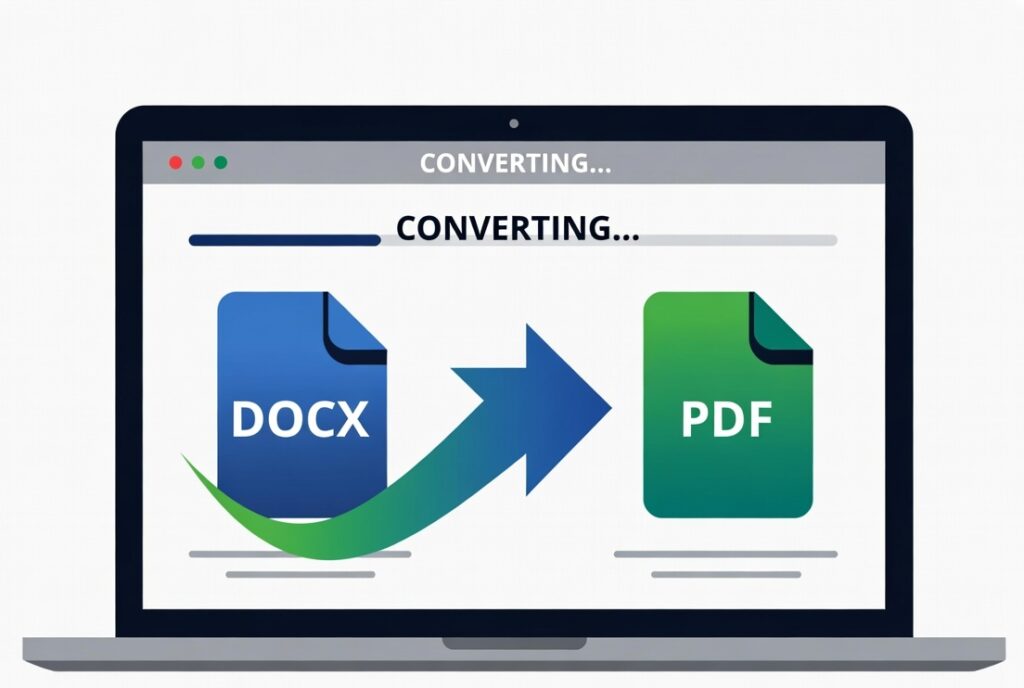
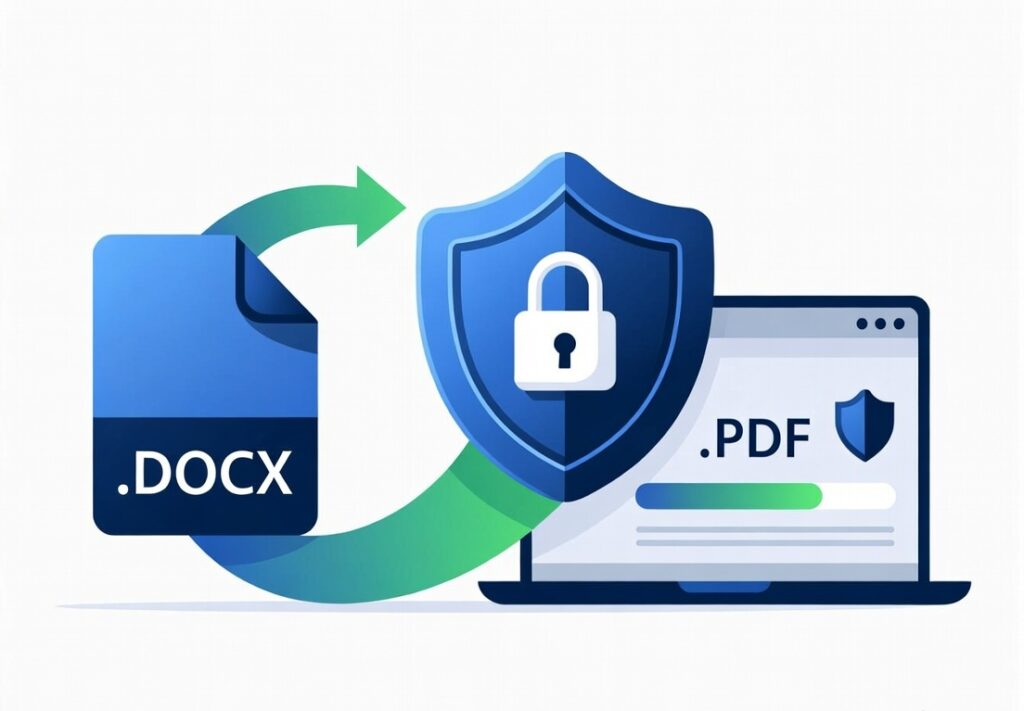
A Word to PDF converter is an online tool that takes your Microsoft Word files — including both .doc and .docx formats — and transforms them into a PDF file you can open anywhere, without needing Word installed. At its core, the tool reads the structure, layout, fonts, and images of your Word file and maps them into the PDF format seamlessly.
Most modern converters work entirely in your web browser, meaning no software installation needed. You simply upload your file, click a button, and download your PDF. That’s it.
The Problem Most People Face With Word Files
Formatting Breaks Across Devices
Have you ever emailed a Word doc only to find that the recipient saw headers in different places, or fonts reflowed awkwardly? That’s because Word relies on fonts and formatting settings that may not exist on other computers. This unpredictability is annoying and time‑wasting.
Sharing Issues With Word
Beyond formatting, Word files can be large, editable by anyone (which isn’t always great), and sometimes blocked by email or cloud service restrictions. PDFs solve all of these issues — they’re compact, consistent, and universally accessible.
Why You Need a Free Secure Online Converter
Whether you’re a student submitting assignments or a professional sending reports, you want your documents to look exactly as you formatted them. A free online converter helps you:
- Preserve layout and fonts
- Avoid broken images, weird spacing, and weird page breaks
- Ensure compatibility on any device or platform
And most importantly — security matters. Many alleged “free converters” online may compromise your data or insert watermarks or advertisements, but trusted tools ensure your files are protected.
Key Features of the Best Word to PDF Tool
Security & Privacy
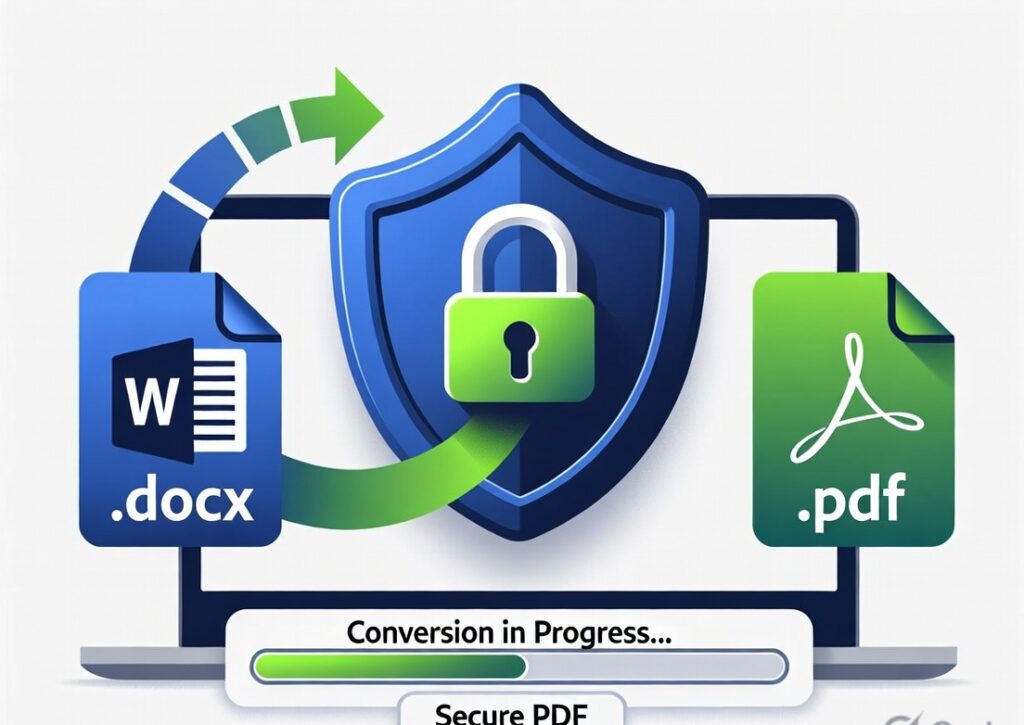
Top‑tier converters encrypt your file during transfer and delete everything immediately after conversion, so no one else gets access. Your document remains confidential and safe.
Speed & Performance
A great converter won’t keep you waiting. Most tools we recommend convert your file in seconds — even large documents — without slowing down.
Formatting Preservation
Bad converters ruin layouts. The best ensure fonts, tables, images, headers, and footers look perfect in the resulting PDF — exactly like your original Word file.
Step‑by‑Step: How to Use Our Tool
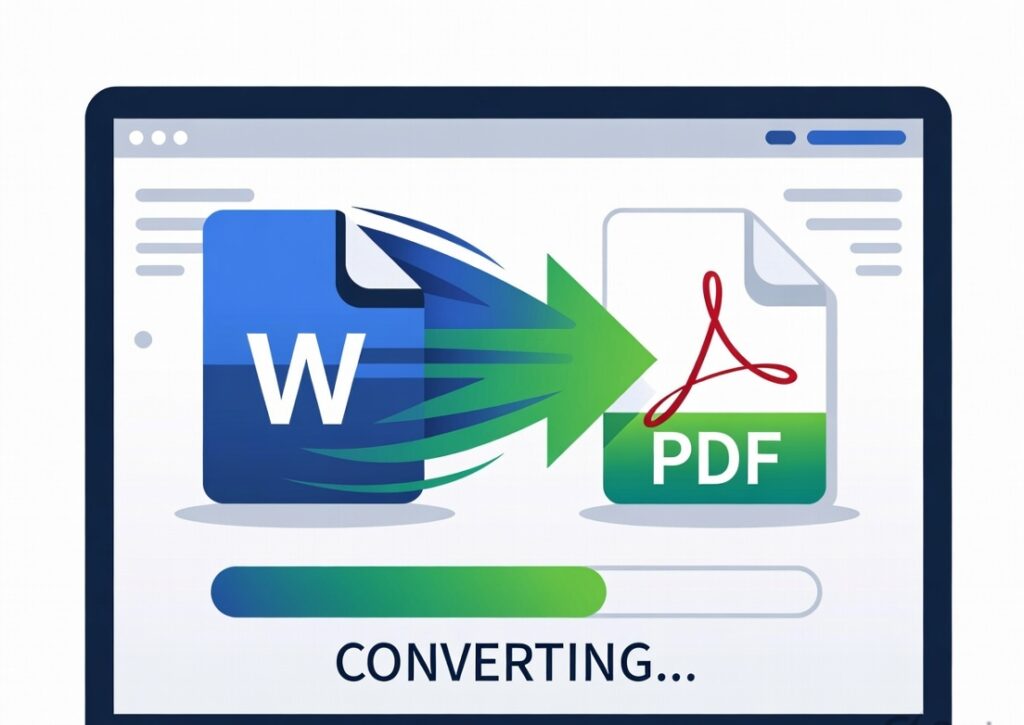
Using a Word to PDF converter online is easier than you might think:
- Click “Select File” or simply drag and drop your Word document.
- The converter will automatically upload and begin processing.
- Once done, download your newly created PDF file.
- Review your PDF — and share it confidently.
It’s that simple, fast, and secure.
Real‑Life Examples of When You’ll Use It
Do you remember the last time you had to submit your resume for a job application? Sending it as a Word document might cause formatting glitches on another device. But when you convert it to PDF first?
It looks polished, professional, and exactly how you intended. This increases your chances of leaving a strong impression — especially with recruiters.
Have a big academic assignment due? Professors often request PDF submissions because they preserve the exact layout of your formatting — which means no surprises and a better experience for the grader.
Benefits Explained (Beyond Just Conversion)
When you convert Word to PDF online, you get:
- Universal compatibility: PDFs open the same way everywhere.
- Security: PDFs support password protection and prevent unintentional editing.
- Professionalism: A PDF feels finished — like a polished final product.
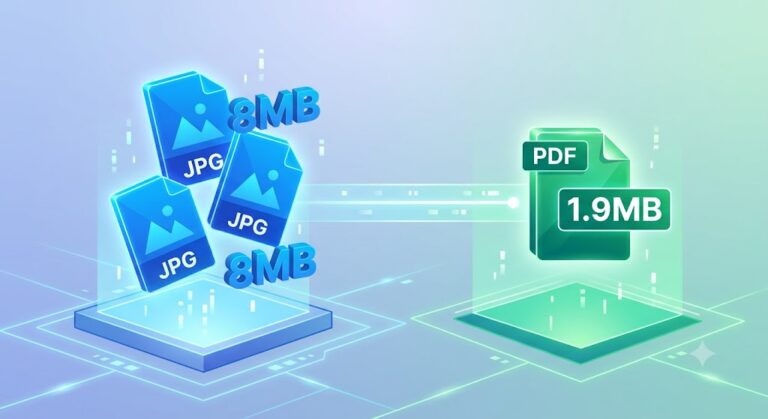
- Compression: PDF format often results in smaller file sizes, making sharing easier.
Use Cases: Who Needs It Most?
Students
Students frequently submit essays, projects, and thesis documents. A Word to PDF converter makes sure the formatting you labored on looks perfect when opened by professors.
Professionals
Business reports, proposals, and formal letters look far more professional in PDF format — and they are less likely to be accidentally altered.
Business Owners
Contracts, invoices, and official documents need to appear consistent and secure. PDF files offer exactly that.
Manual Method vs Online Tool (Comparison)
Here’s a quick comparison:
| Feature | Manual Save as PDF (Word) | Online Converter Tool |
|---|---|---|
| Requires software | ✔ | ❌ |
| Formatting issues | ⚠️ | ✔ |
| Secure & private | Limited | ✔ |
| No watermark | ✔ | ✔ |
| Works on any device | ❌ | ✔ |
As you can see, online tools often provide greater convenience and compatibility.
Why Choose ProKitBag’s Word to PDF Converter?
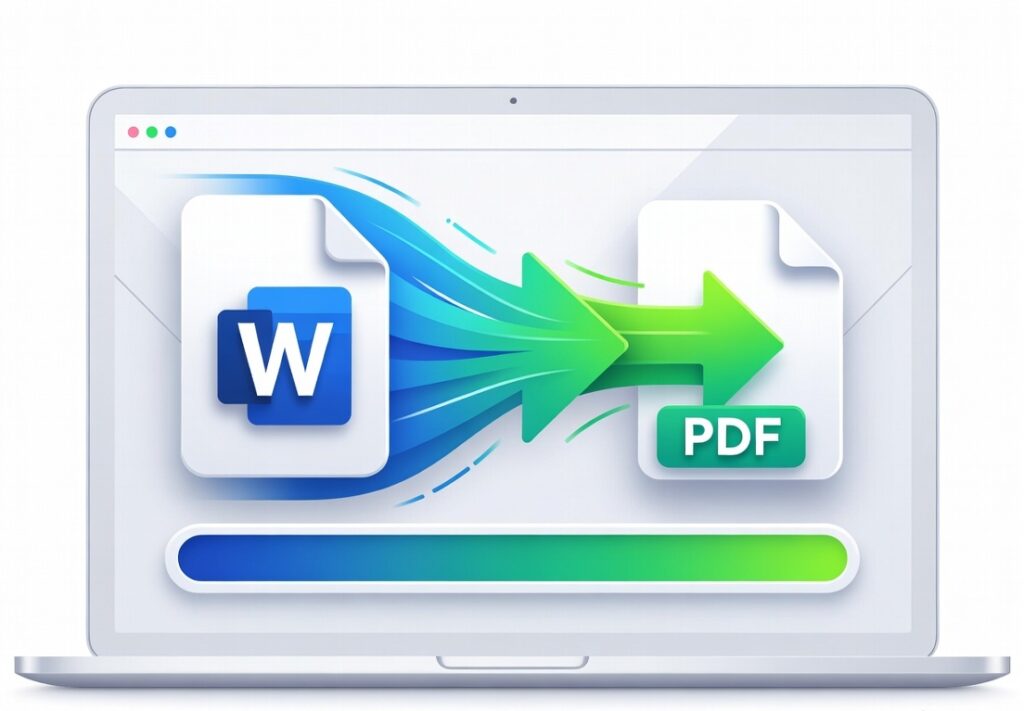
At ProKitBag, our tool is designed with speed, security, and simplicity in mind. You don’t need to install anything, create an account, or pay. Just upload your file and get a clean, perfectly formatted PDF instantly. It’s exactly what you want out of a fast & secure converter.
Plus, we offer other PDF tools like PDF to Word, Merge PDF, and Compress PDF tools — all free and easy to use.
Common Mistakes to Avoid
- Uploading sensitive documents to unknown converters
- Choosing tools that add watermarks or hidden costs
- Relying solely on browser “save as PDF” which can distort formatting
Ensure you always use a trusted, secure converter.
Pros & Cons of Online Word to PDF Converters
Pros:
✔ Fast and free
✔ No installation needed
✔ Preserves formatting
✔ Works on all devices
Cons:
✖ Requires internet connection
✖ Some tools limit file size or batch conversions
✖ Security varies across services (use trusted tools only)
Quick Summary Box
- Tool: Word to PDF Converter Online
- Cost: Free
- Security: High (encrypted & auto‑delete)
- Speed: Seconds per document
- Platforms: Any device with a browser
Frequently Asked Questions
1. What file formats can be converted?
Most online tools support both .doc and .docx formats
2. Is it really free and secure?
Yes — trusted converters are free, encrypt files, and auto‑delete documents after processing.
3. Do I need to register?
No, most online converters do not require registration.
4. Will the formatting stay the same?
Yes — good converters preserve fonts, images, headers, and tables.
5. Can I convert multiple files at once?
Some tools offer batch processing features.
6. Are there file size limits?
Each tool varies — some allow very large files, while others cap at a certain size.
7. Can I use it on mobile?
Yes — it’s browser‑based and works on all devices.
8. Does it add watermarks?
Trusted converters don’t add watermarks to your PDFs.
Final Thoughts & Call to Action
Stop struggling with formatting errors or compatibility issues when sharing your Word documents. Use our 100% free, secure, and fast Word to PDF converter online and get professional‑looking PDFs in seconds!
👉 Convert your Word file to PDF now!
Share, save, print, or secure your documents the right way — instantly.