
Remove extra spaces from text instantly with our free online tool. Clean up messy text and formatting in seconds.
Remove Extra Spaces
Remove Extra Space Tool
Introduction
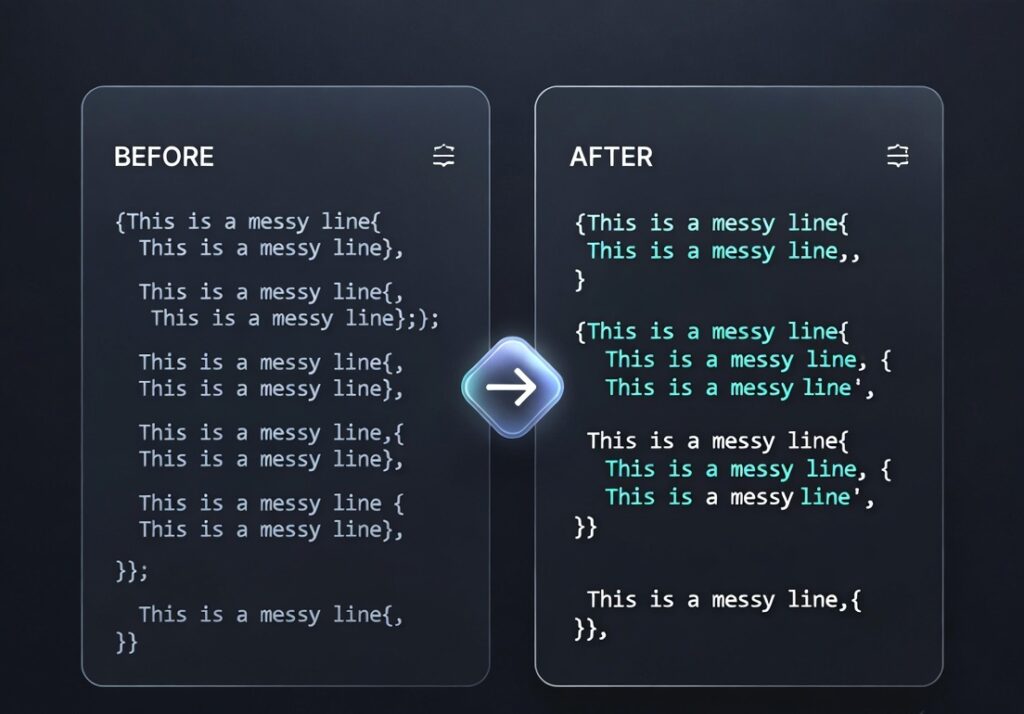
Formatting errors such as multiple spaces between words can make text look unprofessional and difficult to read. A free online remove extra spaces from text tool helps you quickly clean up unwanted spaces from your content.
The ProKitBag Remove Extra Space Tool automatically detects and removes unnecessary spaces, making your text neat and properly formatted. Whether you are working on documents, blog posts, or coding projects, this tool can save time and effort.
Instead of manually editing large text blocks, you can simply paste your text into the tool and let it instantly fix spacing issues.
How to Use
- Copy your text with spacing issues.
- Paste it into the text box.
- Click Remove Extra Spaces.
- Copy the cleaned text.
Features
• Instantly removes multiple spaces
• Cleans messy text formatting
• Works with large text blocks
• Simple interface
• Completely free tool
Benefits
• Improves text readability
• Saves editing time
• Ensures consistent formatting
• Useful for writers and developers
Why Use an Online Text Cleaning Tool?
Online tools like the ProKitBag Remove Extra Space Tool allow users to quickly fix formatting errors without installing software.
Related Tools
• Text Case Converter
• Word Counter
• Title Generator
👉 Clean Your Text Instantly