Excel to PDF Converter
Free Excel to PDF Converter – Convert Excel Files to PDF Instantly
Introduction
Excel spreadsheets are widely used for storing and managing data in offices, businesses, schools, and personal projects. However, sharing Excel files directly is not always convenient because formatting can change across different devices and software versions. This is why many users prefer converting Excel files into PDF format before sharing them.
A free Excel to PDF converter online makes this process extremely simple and efficient. Instead of installing heavy software or complicated applications, you can upload your Excel file and convert it into a professional PDF document within seconds.
PDF files are universally supported and preserve the exact formatting of your data. Whether you are sharing financial reports, invoices, charts, or business documents, converting Excel files to PDF ensures that the layout remains intact and easy to read on any device.
Our free Excel to PDF converter online is designed for students, professionals, accountants, and business users who need a quick and reliable solution for document conversion. With a simple interface and fast processing speed, you can convert Excel spreadsheets into PDF documents instantly without losing formatting or quality.
You May Also Visit:-
How to Use the Excel to PDF Converter
Using this free Excel to PDF converter online is extremely easy. Follow these steps:
Step 1
Open the Excel to PDF Converter tool page on the website.
Step 2
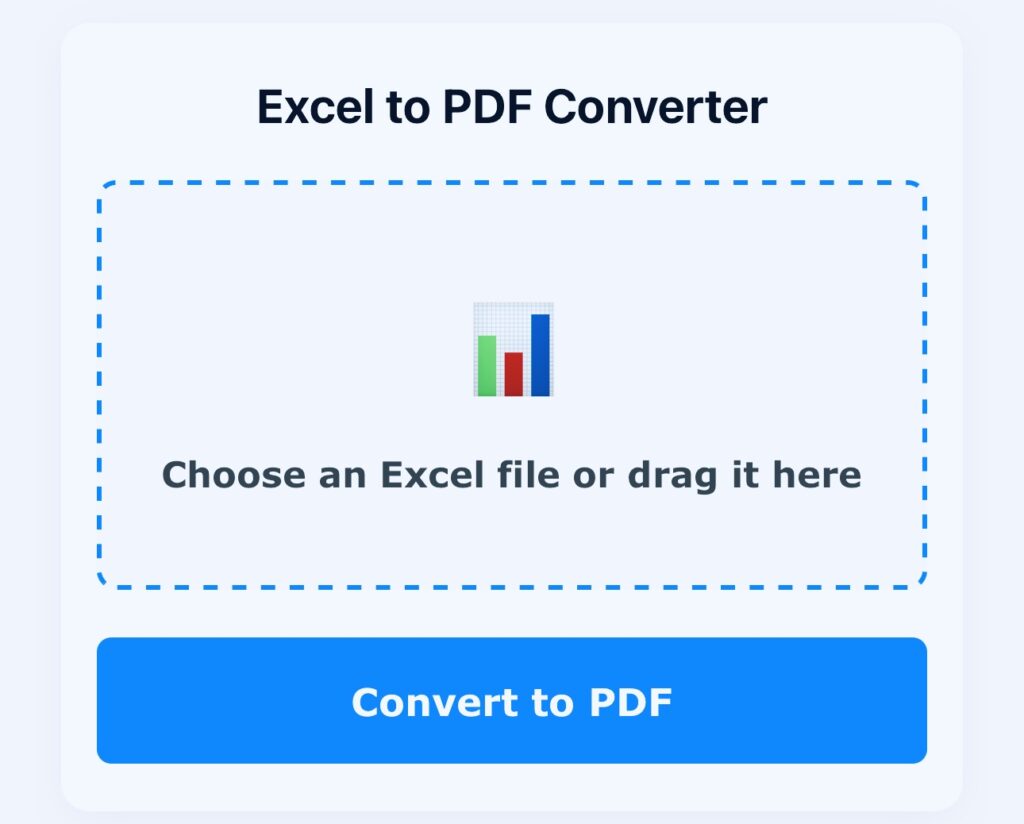
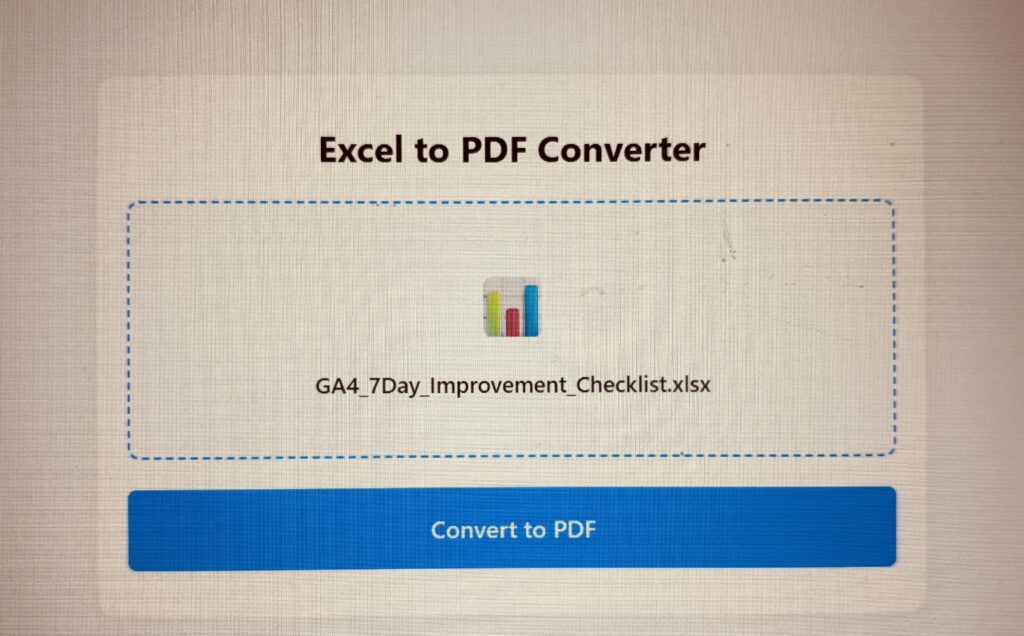
Click the Choose an Excel file or Drag it here button.
Step 3
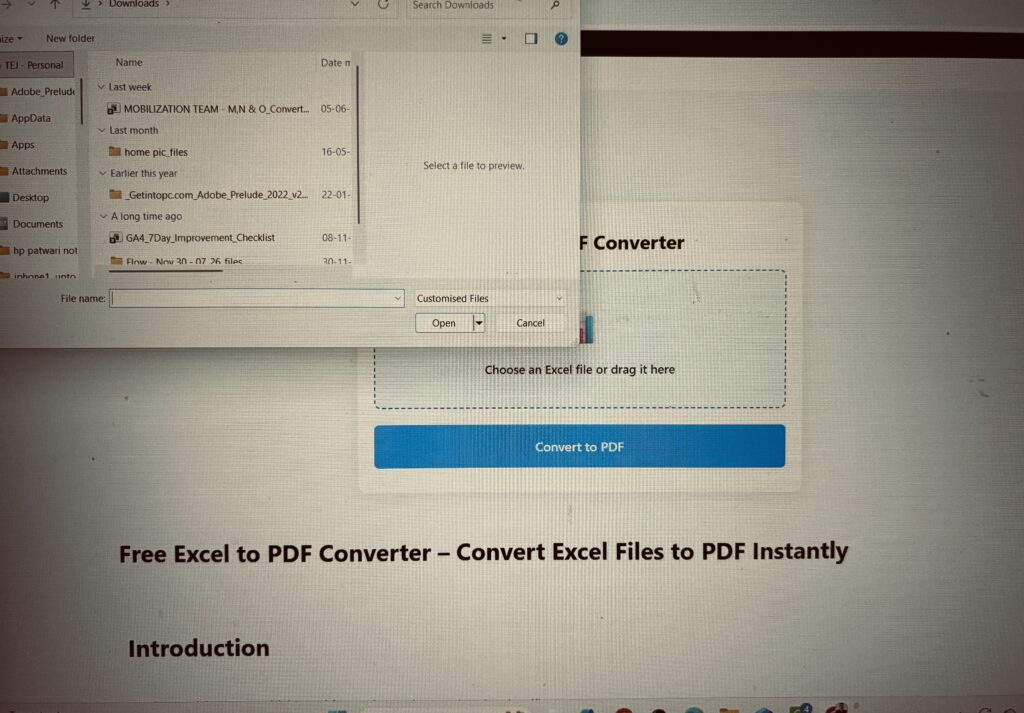
Select your Excel file from your computer. Supported formats include:
- XLS
- XLSX
Step 4
Click the Convert to PDF button.
Step 5
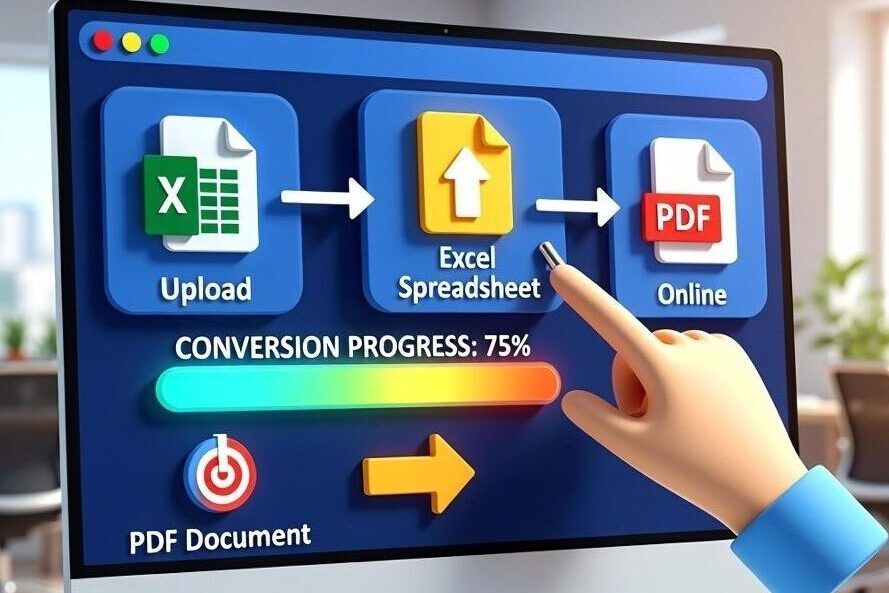
Wait a few seconds while the tool processes the file.
Step 6
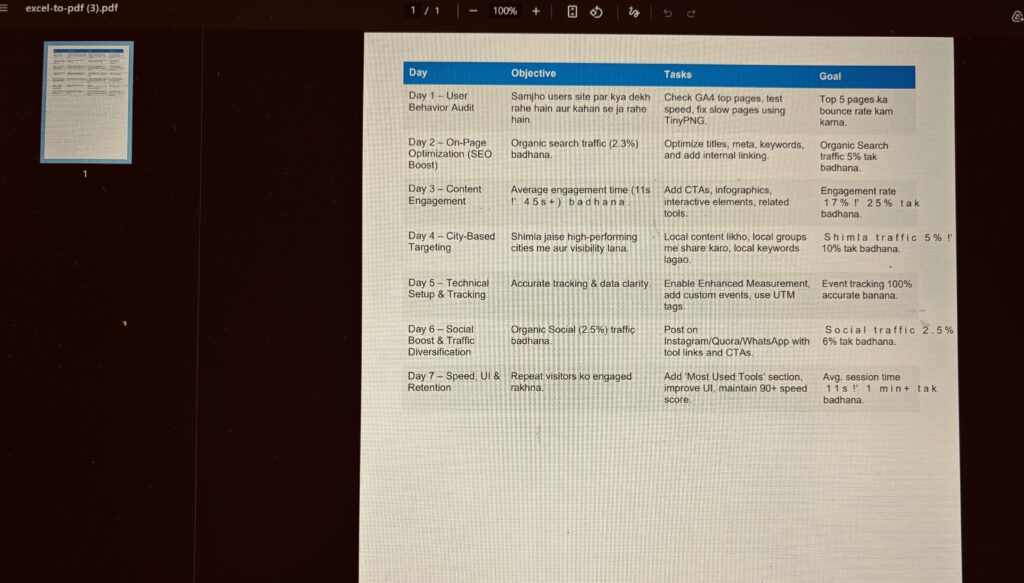
Download the converted PDF file instantly.
You can now share the PDF file through email, messaging apps, or cloud storage platforms.
Features of the Excel to PDF Converter
Our free Excel to PDF converter online includes several powerful features to simplify document conversion.
1 Fast File Conversion
Convert Excel spreadsheets into PDF documents within seconds.
2 High-Quality Output
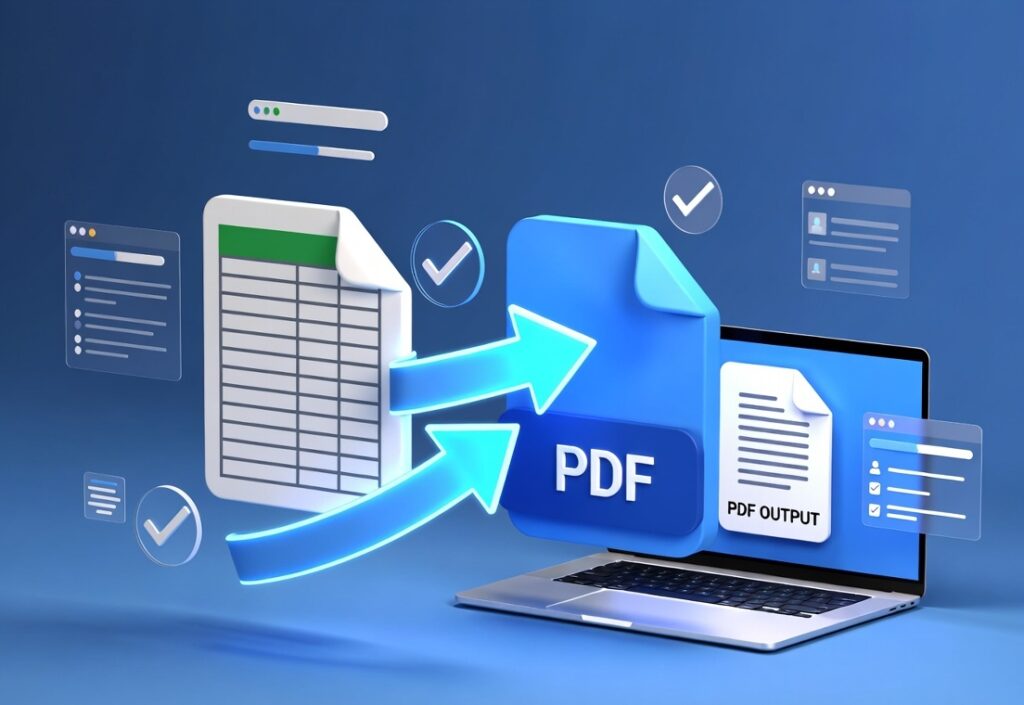
Maintains original formatting, charts, and tables.
3 Secure File Processing
Uploaded files are processed securely and automatically deleted after conversion.
4 No Installation Required
Works directly in your web browser without downloading software.
5 Multi-Device Compatibility
Use the tool on desktops, laptops, tablets, and smartphones.
6 Simple User Interface
Beginner-friendly design that anyone can use.
7 Free and Unlimited Usage
Convert multiple Excel files without paying any fees.
Benefits of Using the Excel to PDF Tool
Using a free Excel to PDF converter online offers many advantages for users.
Preserve Document Formatting
PDF files maintain the original layout and design of Excel spreadsheets.
Easy File Sharing
PDFs can be shared easily through email or online platforms.
Universal Compatibility
PDF files can be opened on any device without compatibility issues.
Professional Presentation
PDF documents look more professional when sharing reports or invoices.
Improved Data Security
PDF files are less editable compared to Excel spreadsheets.
Quick Document Conversion
Save time by converting files instantly without installing software.
Related Tools
You may also find these tools useful:
- PDF to Excel
- HTML to PDF
- PDF to PowerPoint
- PowerPoint to PDF
- Rotate PDF
- Delete PDF Pages
- Unlock PDF File
- PDF Security
FAQ Schema
What is an Excel to PDF converter?
An Excel to PDF converter is a tool that converts Excel spreadsheets into PDF documents while preserving formatting.
Is the Excel to PDF tool free?
Yes, this tool is completely free and does not require any subscription.
Can I convert XLSX files into PDF?
Yes, the tool supports both XLS and XLSX Excel formats.
Is my file secure during conversion?
Yes, uploaded files are processed securely and removed automatically after conversion.
Can I use this tool on mobile devices?
Yes, the Excel to PDF converter works on smartphones, tablets, and desktop computers.
🚀 Convert Excel Files to PDF Instantly
Use our Free Excel to PDF Converter Online and transform your spreadsheets into professional PDF documents within seconds.