
Introduction of Edit PDF
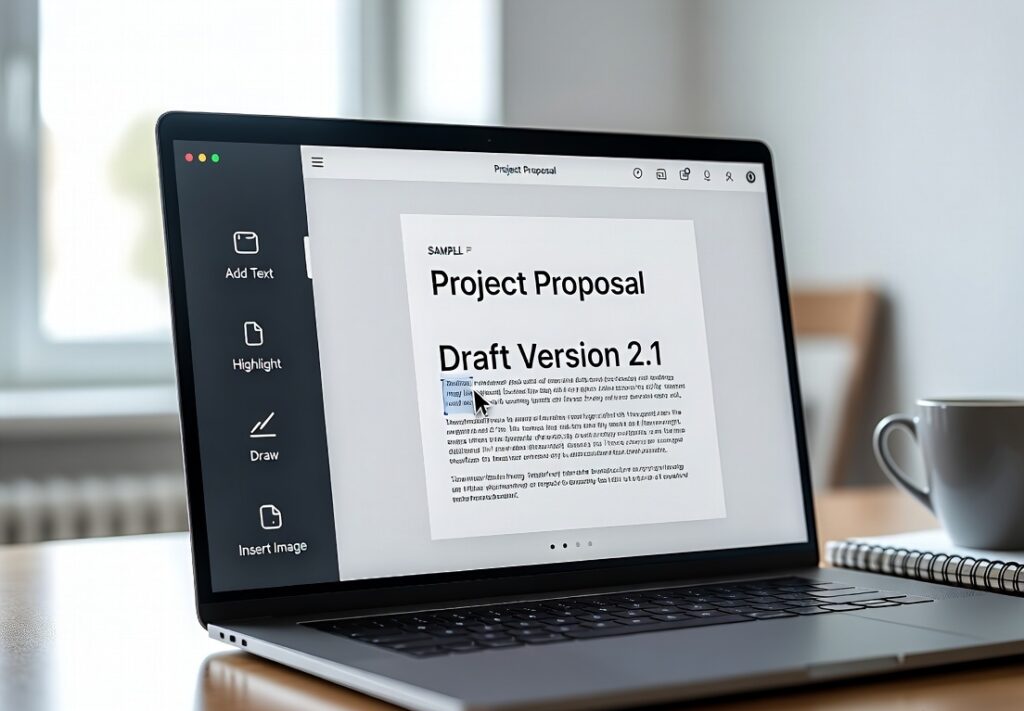
Edit PDF is a fast and user-friendly online platform designed to modify PDF documents effortlessly without requiring any software installation. It enables you to quickly add text, insert images, highlight key content, or use Sign PDF to add digital signatures. With a simple drag-and-drop interface, it optimizes workflow and boosts productivity for students, professionals, and businesses alike.
Beyond basic editing, you can reduce file sizes with Compress PDF, combine multiple documents using Merge PDF, or divide pages using Split PDF. If you need to change file formats, tools like PDF Converter and PDF to Word make document handling seamless. This comprehensive toolset saves valuable time while keeping your files organized, professional, and easy to update.
How to Use Edit PDF:
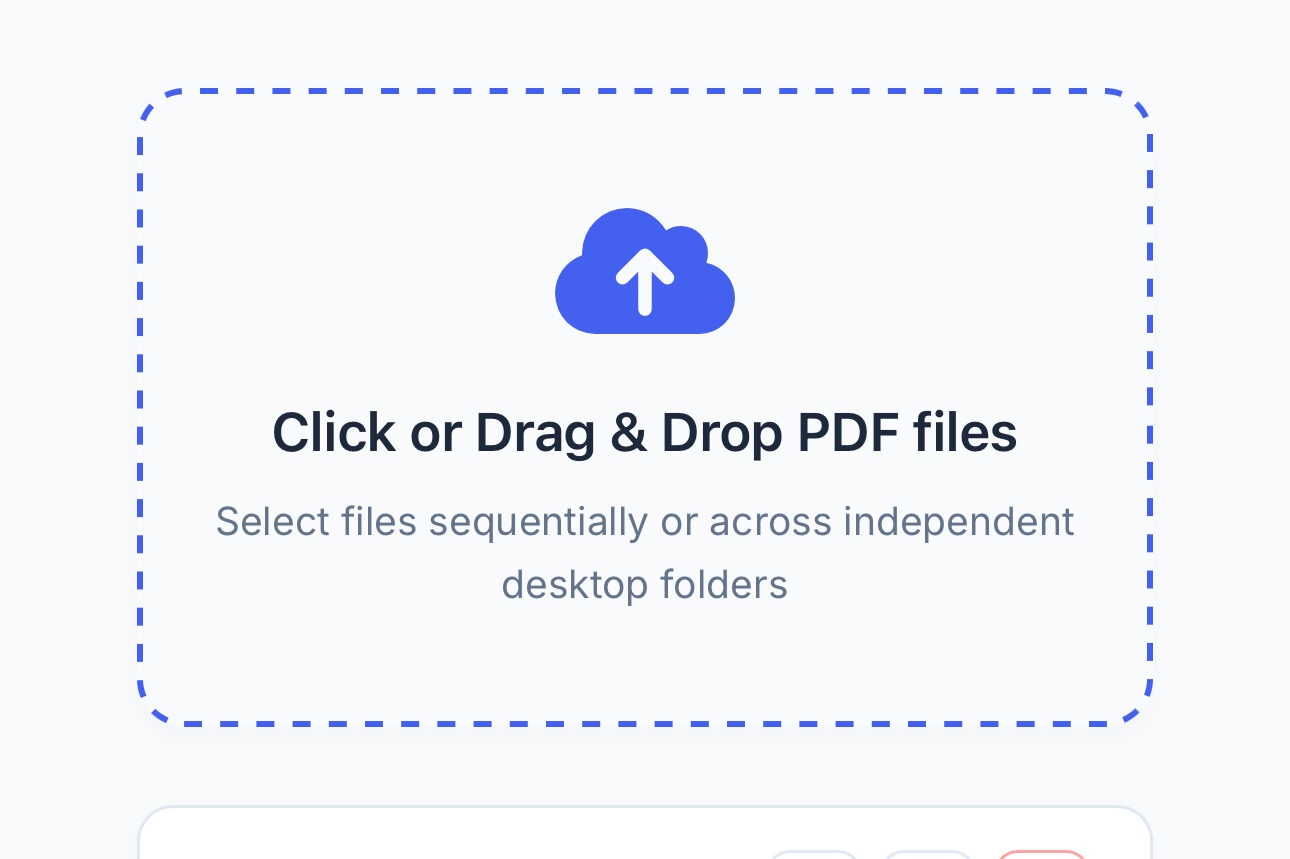
1. Upload the PDF file you want to edit.
2. Use available tools to add text, images, or annotations.
3. Make necessary changes to the document.
4. Click “Save” or “Download.”
5. Share or store the updated PDF as needed.
Best Features of Online PDF Editing Tools
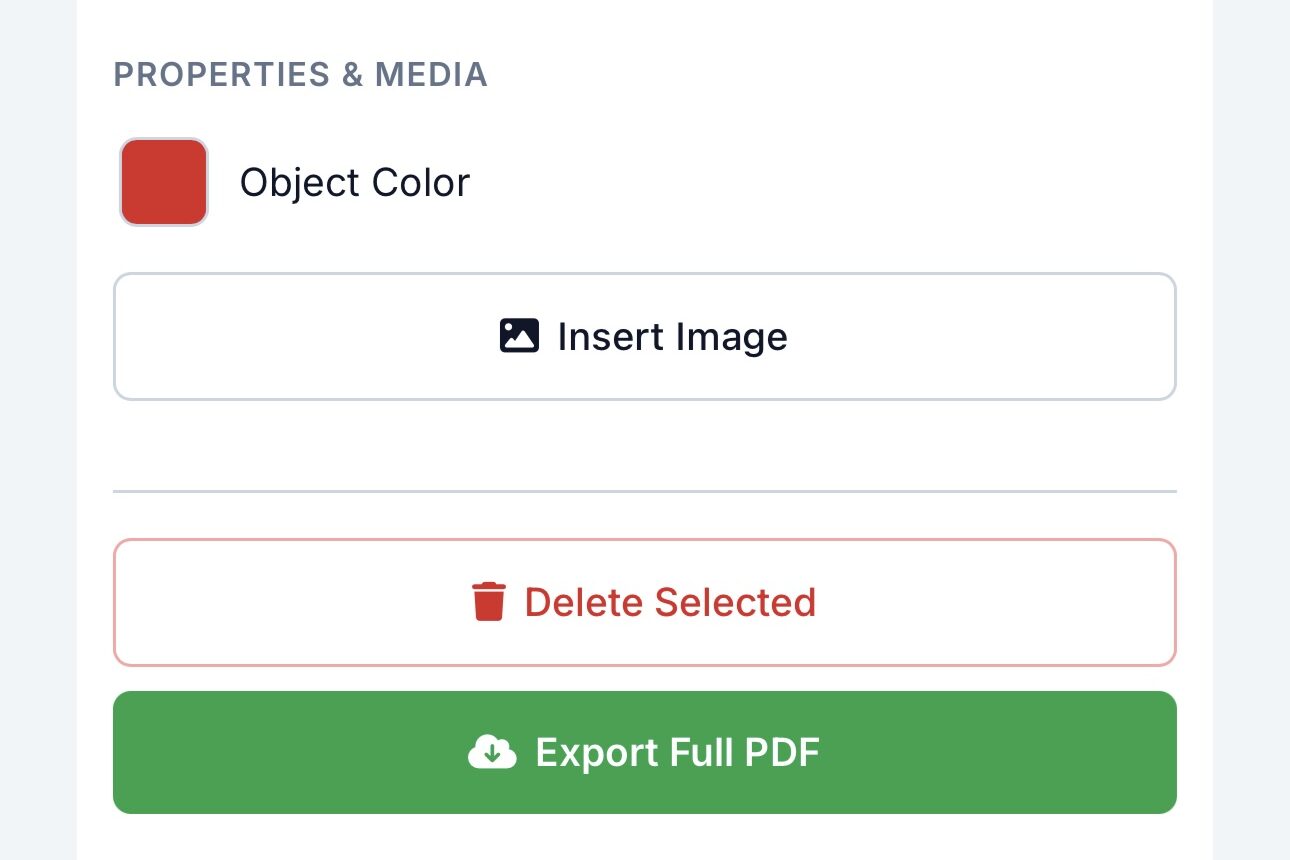
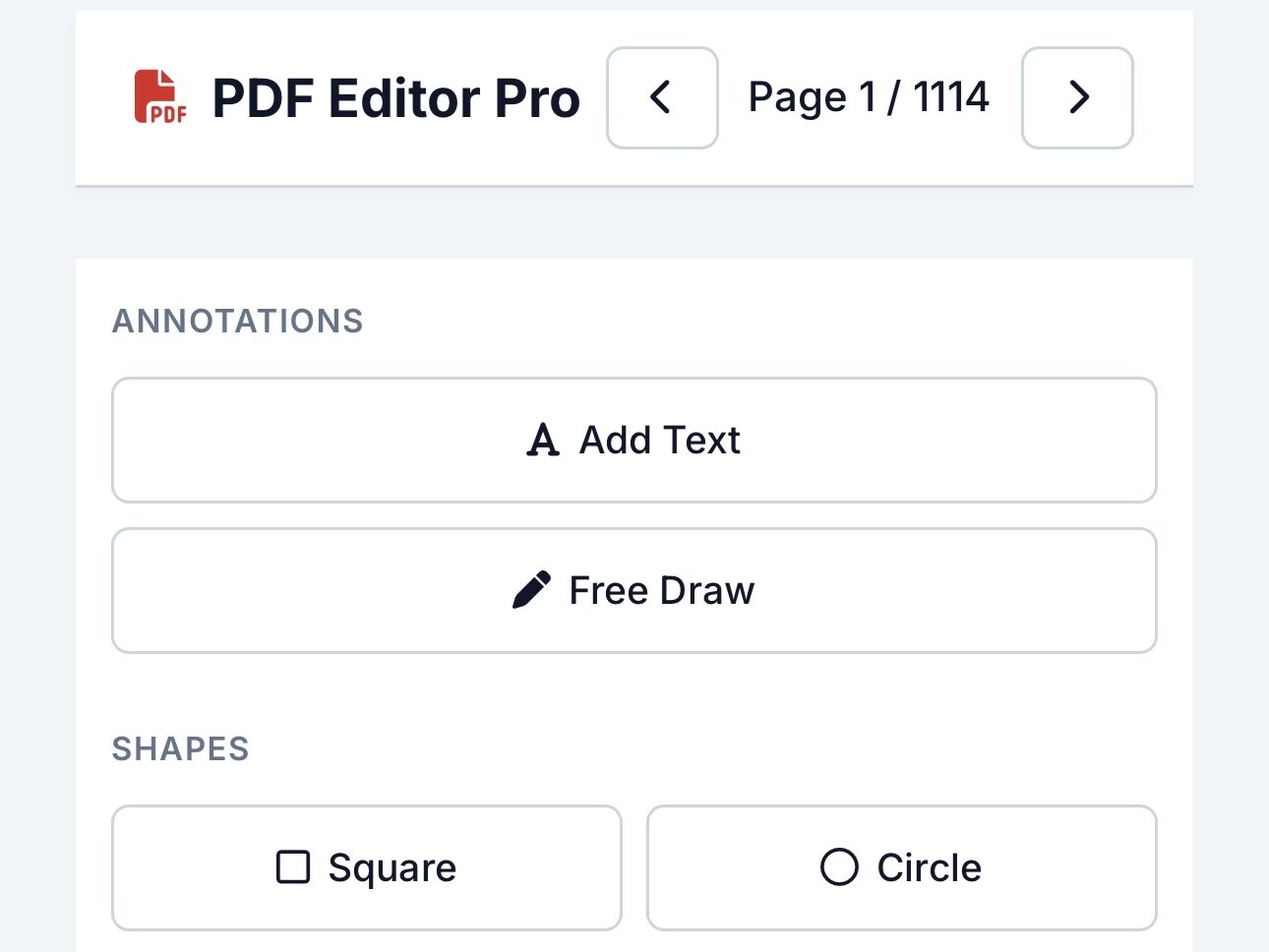
Online PDF editors allow you to modify documents directly in your browser without downloading heavy software. You can easily update text, highlight key sections, add images, or use Sign PDF to insert digital signatures in just a few clicks.
For full document control, you can reorganize pages using Delete PDF Pages or adjust layout orientation with Rotate PDF. Advanced platforms also let you combine multiple files using Merge PDF, divide documents with Split PDF, or optimize file sizes using Compress PDF—making file management fast, flexible, and effortless.
⸻
Best Online PDF Editing Tools
Several top-tier platforms cater to different document needs. Industry standards like Adobe Acrobat Online excel at high-quality professional editing, while Smallpdf and Sejda PDF Editor offer simple, browser-based modifications without installing software.
For an all-in-one suite, iLovePDF handles tasks like combining files with Merge PDF, separating pages using Split PDF, or shrinking sizes through Compress PDF. For fast, free, and watermark-free document handling on desktop or mobile, ProKitBag PDF Tools provides seamless editing along with quick conversion options like PDF to Word and PDF Converter.
Advantages of Editing PDF Online
Editing PDFs online saves time and removes the need for heavy software installation. It works on any device including mobile, laptop, and tablet. Most tools are free or affordable, making them accessible for everyone. Cloud-based editing also allows users to access files from anywhere, anytime without storage issues.
Common Uses of Edit PDF Tool
PDF editing is widely used for resume updates, office documentation, school assignments, business reports, invoice modifications, and legal document corrections. It is also useful for designers and marketers who frequently update content-based files.
Problems Users Face and Solutions of Edit PDF
One common issue is formatting changes after editing, which can be solved by using trusted tools like Adobe Acrobat or Smallpdf. Another problem is file upload failure, which usually happens due to large file size; compressing the file fixes it. Some free tools add watermarks, so using watermark-free tools like ProKitBag is a better option.
SEO Benefits of PDF Editing Pages
PDF editing-related content has high search demand because users constantly look for quick document solutions. These pages have evergreen traffic potential and rank well on Google. Tool-based pages also generate high click-through rates and improve user engagement time on websites.
Tips for Better PDF Editing With Edit PDF
Always keep a backup of original files before editing. Use high-speed internet for smooth uploading and downloading. Choose trusted platforms only to avoid data risks. Avoid uploading sensitive documents on unknown websites.
Future of PDF Editing Technology
In the future, AI-powered PDF editors will automatically fix formatting, suggest edits, and convert documents intelligently. Voice-based editing and smart automation will make document handling even easier, especially for business and education users.
Frequently Asked Questions (FAQs)
1. Is this tool free?
– Yes, free to use online.
2. Can I edit multiple PDFs?
– Yes, one at a time; batch editing coming soon.
3. Does it preserve formatting?
– Yes, original layout remains intact.
4. Do I need an account?
– No signup required.
5. Is it secure?
– Yes, files are processed safely in-browser.
Related Tools:
- PDF Converter
- JPG to PDF
- Merge PDF
- Edit PDF
- Sign PDF
- Split PDF
- Compress PDF
- Images to PDF
- PDF to JPG
- PDF to Word
- Word to PDF
- Excel to PDF
- PDF to Excel
- HTML to PDF
- PDF to PowerPoint
- PowerPoint to PDF
- Rotate PDF
- Delete PDF Pages
- Unlock PDF File
- PDF Security