
Fast PDF Conversion, No Registration Needed
Convert your PDFs instantly without creating an account or downloading software. Just upload your file and get an editable document in seconds.
Fully Editable Word Documents
Receive a clean DOCX file that works seamlessly with Microsoft Word, Google Docs, and other popular word processors. Edit, format, and share with ease.
Perfect for Editing and Teamwork
Turn static PDFs into editable Word files for quick updates, content reuse, document revisions, and smoother collaboration with your team.
Works Across All Devices
Use ProKitBag directly from your browser on Windows, Mac, Linux, Android, or iPhone. Enjoy fast PDF conversions anytime, anywhere.
Secure and Privacy-Focused
Your files are protected with secure encryption during processing. We respect your privacy and automatically remove uploaded files after a limited period to keep your data safe.
How to Convert PDF to Word Online for Free
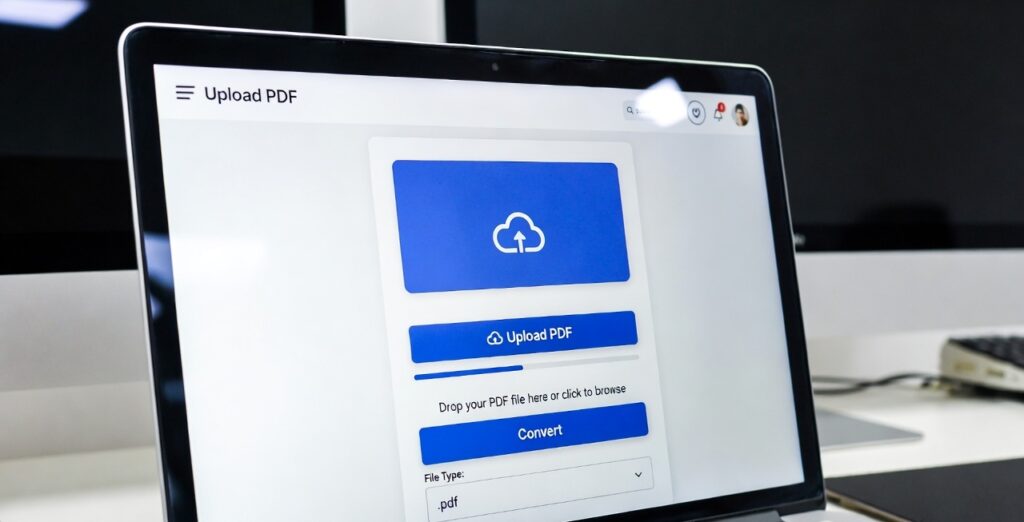
- Select or drag your PDF file into the ProKitBag PDF to Word converter.
- Click Convert Now to begin the conversion process.
- Our tool will quickly convert your PDF into a fully editable Word document.
- Download the DOCX file and edit it in Microsoft Word, Google Docs, or your preferred word processor.
Related Tools
• Excel to PDF
• PDF to JPG Tool
• Merge PDF
• Compress PDF
• Word to PDF Converter
How to Convert PDF to Word Without Losing Formatting (100% Free & Fast)
Converting a PDF into an editable Word document can be frustrating—especially when formatting breaks, fonts change, or images shift. If you want to convert PDF to Word without losing formatting, this guide will show you the safest and fastest methods.
Whether you’re using mobile, Windows, Mac, or any operating system, online PDF conversion makes the process simple and secure.
1️⃣ Use a Reliable Online PDF to Word Tool
The easiest method is using a trusted online converter. A high-quality tool preserves:
• Text alignment
• Fonts and styles
• Images and tables
• Page layout
Most modern tools allow quick PDF conversion without signup, so you can upload and download instantly.
2️⃣ Convert PDF to Word Online for Free
If you’re wondering how to convert PDF to Word online for free, follow these simple steps:
1. Open the PDF to Word converter tool
2. Upload your PDF file
3. Click Convert
4. Download the editable DOC file
No installation needed. No account required.
This makes it perfect for students, professionals, and quick office work.
3️⃣ Quick PDF Conversion Without Sign Up
Many users don’t want to create accounts. The best converters offer:
• Instant upload
• Automatic processing
• Direct download
• No watermark
This ensures PDF to Word for free conversion without sign up in just seconds.
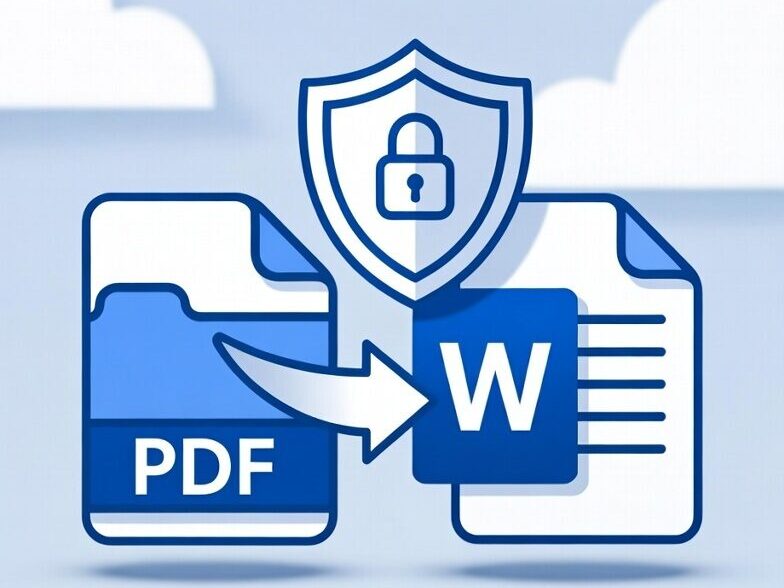
4️⃣ Safe Document Processing
Security is very important when uploading documents online. A good PDF converter provides:
• Secure file encryption
• Auto file deletion after processing
• No data storage
Safe document processing ensures your private PDFs remain confidential during conversion.
5️⃣ Convert PDF to Word on Any Operating System
One big advantage of online PDF conversion is compatibility. You can convert files on:
• Windows
• macOS
• Linux
• Android
• iPhone
Because everything runs in the browser, you don’t need special software. This makes online PDF conversion without losing quality extremely convenient.
6️⃣ Scanned PDF to DOC with OCR
If your file is scanned (image-based PDF), normal converters may not work properly. You need OCR (Optical Character Recognition).
OCR technology:
• Detects text inside images
• Converts scanned PDF to editable DOC
• Maintains paragraph structure
This is especially useful for old documents, printed notes, or government files.
7️⃣ Maintain Quality During Conversion
To avoid formatting issues:
• Use high-resolution PDFs
• Avoid corrupted files
• Choose a formatting-preserving converter
• Enable OCR for scanned documents
When done correctly, you can achieve online PDF conversion without losing formatting or quality.
How to Convert PDF to Word – Quick Summary
✔ Upload your PDF
✔ Click convert
✔ Download editable DOC
✔ No signup required
✔ Works on any device
✔ Supports scanned PDF with OCR
These tools help manage documents efficiently and improve productivity. Convert PDF files into editable Word documents in seconds.
Frequently Asked Questions (FAQ)
1. How do I convert a PDF to Word using ProKitBag?
Simply upload your PDF file, click the Convert To Word button, and download the editable DOCX file once the conversion is complete.
2. Is the ProKitBag PDF to Word Converter free to use?
Yes. ProKitBag allows you to convert PDF files to Word documents online without any registration or subscription fees.
3. Do I need to install software to convert PDF to Word?
No. The tool works entirely in your web browser, so there's nothing to download or install.
4. Can I use the PDF to Word Converter on mobile devices?
Yes. ProKitBag works on Android phones, iPhones, tablets, laptops, and desktop computers.
5. Will my PDF formatting be preserved after conversion?
Our converter aims to maintain the original text, images, tables, and layout as accurately as possible for easier editing.
6. Is my uploaded PDF file secure?
Yes. Your files are processed securely, and uploaded documents are automatically removed after processing to protect your privacy.
7. Can I convert scanned PDFs to Word documents?
Scanned PDFs may require OCR (Optical Character Recognition) technology to extract text and create an editable Word document.
8. What file format will I receive after conversion?
You will receive a DOCX file that can be opened and edited in Microsoft Word, Google Docs, and other compatible word processors.
9. Is there a file size limit for PDF conversion?
File size limits may vary depending on browser capabilities and server resources. Large files may take longer to process.
10. Can I convert multiple PDF files at once?
The current tool is designed for single-file conversion to ensure faster processing and better conversion accuracy.
11. Does the converter work on Windows and Mac?
Yes. ProKitBag is compatible with Windows, macOS, Linux, Android, and iOS devices.
12. Why should I convert a PDF to Word?
Converting a PDF to Word allows you to edit content, update information, reuse text, make corrections, and collaborate more effectively.
{
"@context": "https://schema.org",
"@graph": [
{
"@type": "SoftwareApplication",
"name": "PDF to Word Converter",
"url": "https://prokitbag.com/pdf-to-word/",
"applicationCategory": "BusinessApplication",
"operatingSystem": "Windows, macOS, Linux, Android, iOS",
"description": "Convert PDF files into editable Word documents online for free. Fast, secure, browser-based PDF to DOCX converter with mobile support.",
"publisher": {
"@type": "Organization",
"name": "ProKitBag",
"url": "https://prokitbag.com"
},
"offers": {
"@type": "Offer",
"price": "0",
"priceCurrency": "USD"
},
"featureList": [
"PDF to Word Conversion",
"DOCX Download",
"Mobile Friendly",
"Browser Based Processing",
"Secure File Processing",
"No Registration Required",
"Cross Platform Support",
"Fast Conversion"
]
},
{
"@type": "FAQPage",
"mainEntity": [
{
"@type": "Question",
"name": "How do I convert a PDF to Word using ProKitBag?",
"acceptedAnswer": {
"@type": "Answer",
"text": "Upload your PDF file, click Convert To Word, and download the editable DOCX file."
}
},
{
"@type": "Question",
"name": "Is the PDF to Word Converter free?",
"acceptedAnswer": {
"@type": "Answer",
"text": "Yes, ProKitBag provides free PDF to Word conversion without registration."
}
},
{
"@type": "Question",
"name": "Do I need to install software?",
"acceptedAnswer": {
"@type": "Answer",
"text": "No. The converter works directly in your web browser."
}
},
{
"@type": "Question",
"name": "Can I use the converter on mobile devices?",
"acceptedAnswer": {
"@type": "Answer",
"text": "Yes. It works on Android phones, iPhones, tablets, laptops, and desktop computers."
}
},
{
"@type": "Question",
"name": "Will formatting be preserved after conversion?",
"acceptedAnswer": {
"@type": "Answer",
"text": "The tool aims to preserve text, images, tables, and page layouts as accurately as possible."
}
},
{
"@type": "Question",
"name": "Is my uploaded PDF secure?",
"acceptedAnswer": {
"@type": "Answer",
"text": "Yes. Files are processed securely and automatically removed after processing."
}
},
{
"@type": "Question",
"name": "Can scanned PDFs be converted to Word?",
"acceptedAnswer": {
"@type": "Answer",
"text": "Scanned PDFs may require OCR technology to create editable Word documents."
}
},
{
"@type": "Question",
"name": "What format will I receive?",
"acceptedAnswer": {
"@type": "Answer",
"text": "You will receive a DOCX file compatible with Microsoft Word and Google Docs."
}
}
]
},
{
"@type": "BreadcrumbList",
"itemListElement": [
{
"@type": "ListItem",
"position": 1,
"name": "Home",
"item": "https://prokitbag.com/"
},
{
"@type": "ListItem",
"position": 2,
"name": "PDF Tools",
"item": "https://prokitbag.com/pdf-tools/"
},
{
"@type": "ListItem",
"position": 3,
"name": "PDF to Word Converter",
"item": "https://prokitbag.com/pdf-to-word/"
}
]
}
]
}