
Information
🌐 Windows • macOS • Linux • Android • iPhone
How to Use Organize PDF Tools
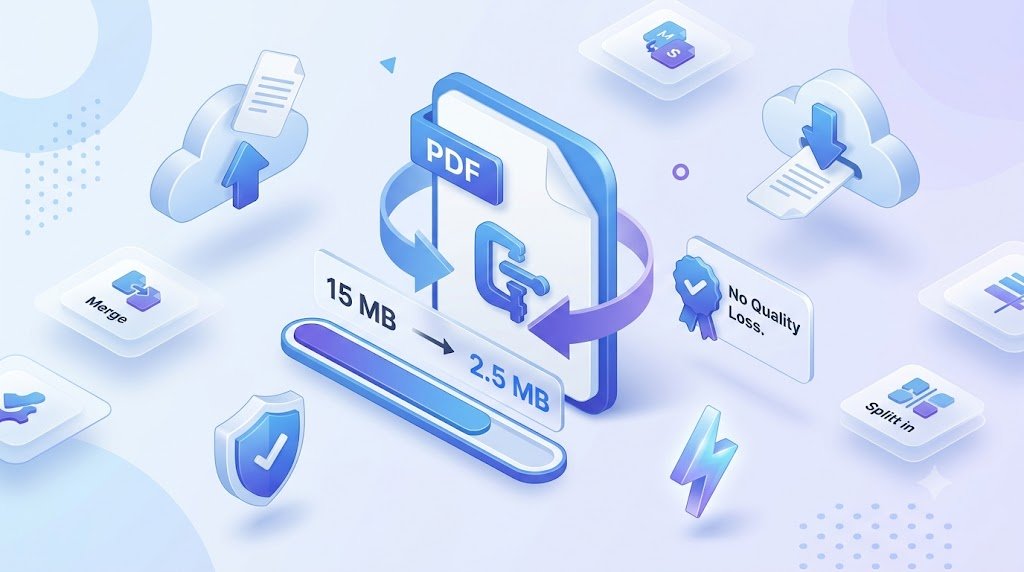
How it works
1. Upload Your PDF
Click the Upload PDF button and select the PDF file you want to optimize from your device.
2. Optimize the File
Our tool automatically analyzes and compresses your PDF using advanced optimization techniques to reduce file size while preserving quality.
3. Wait a Few Seconds
The optimization process is completed within seconds, depending on the size of your document.
4. Download Your Optimized PDF
Once the process is complete, download your optimized PDF instantly. Your file will be smaller, easier to share, and ready for email, web uploads, or storage.
Why Use Our Optimize PDF Tool?
- ⚡ Fast and automatic PDF optimization
- 📉 Reduce PDF file size without losing quality
- 🔒 Secure file processing and automatic deletion
- 💻 Works on Windows, macOS, Linux, Android, and iPhone
- ☁️ No software installation or registration required
What others are saying
“Optimizing PDF files has never been easier. I uploaded my document, reduced its file size without losing quality, and downloaded the optimized PDF in seconds. Fast, simple, and hassle-free!”
“Reducing PDF file size has never been easier. Upload your document, optimize it in seconds, and download a smaller, high-quality PDF with just a few clicks.”
Frequently Asked Questions (FAQs)
What does the Optimize PDF tool do?
The Optimize PDF tool reduces the file size of your PDF while maintaining the best possible quality. It helps you create smaller PDFs that are easier to upload, share, store, and email.
Will optimizing a PDF reduce its quality?
Our tool is designed to minimize quality loss while significantly reducing file size. Text remains clear, and images are compressed intelligently to maintain readability.
Is the Optimize PDF tool free to use?
Yes. You can optimize PDF files online for free without installing any software or creating an account.
Can I optimize large PDF files?
Yes. The tool supports large PDF documents, although the maximum upload size may depend on the platform’s limits. Large files are compressed efficiently while preserving document quality.
Is my PDF file secure?
Absolutely. Your uploaded PDF is processed securely, and all files are automatically deleted from our servers after processing to protect your privacy.
Can I optimize scanned PDF documents?
Yes. The tool can optimize scanned PDFs by compressing embedded images, helping reduce file size while keeping the document readable.
Will the formatting of my PDF change?
No. The Optimize PDF tool preserves your document’s layout, fonts, formatting, and page structure while reducing the overall file size.
Can I use the Optimize PDF tool on mobile devices?
Yes. The tool works on Windows, macOS, Linux, Android, iPhone, iPad, and any modern web browser. No app installation is required.
Why should I optimize a PDF before sharing it?
A smaller PDF uploads faster, downloads more quickly, takes up less storage space, and is easier to send via email or messaging apps. Optimized PDFs also improve website loading performance.
How do I optimize a PDF online?
Using the tool is simple:
Upload your PDF file.
Choose the optimization or compression level (if available).
Click Optimize PDF.
Wait a few seconds while the file is processed.
Download your optimized PDF instantly.