
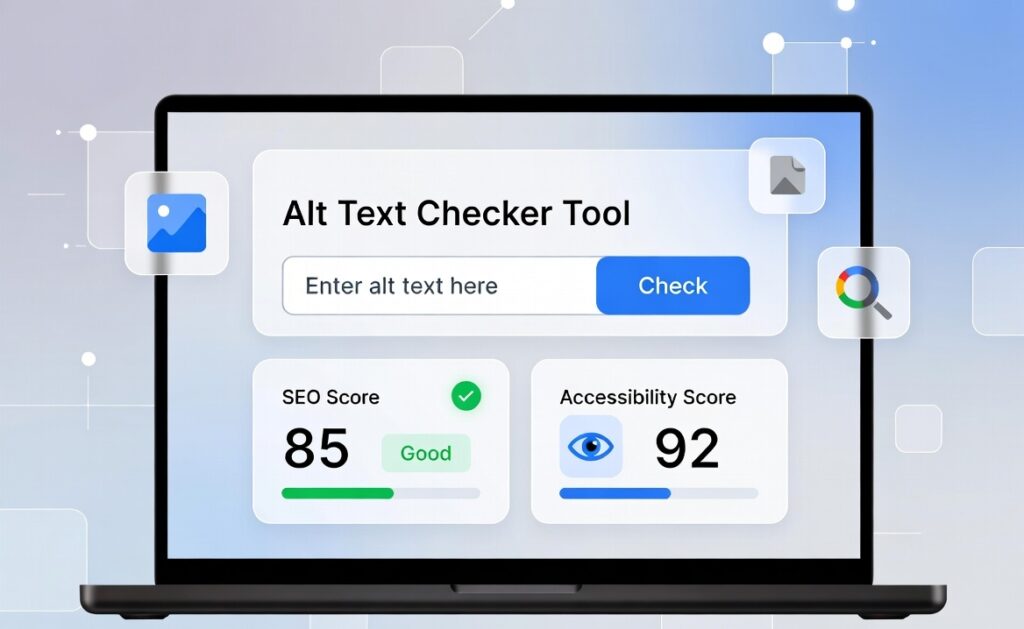
Alt Text Checker Tool
Check if your image alt text is SEO-friendly and optimized for accessibility and search engines.
Related Tools
🖼️ Advanced Guide to Alt Text Optimization (Alt Text Checker Tool)
Writing proper alt text is not just about describing an image—it is about helping search engines understand context, improving accessibility, and boosting SEO rankings.
The Alt Text Checker Tool helps you go beyond basic checking and provides a deeper level of optimization for your images.
🧠 What Makes Good Alt Text?
A good alt text should follow these principles:
✔ 1. Be Clear and Descriptive
Describe exactly what is shown in the image.
Example:
- “Calories calculator showing daily calorie requirement chart”
✔ 2. Keep It Short but Meaningful
Ideal length: 8–15 words
Too long alt text can reduce readability and SEO value.
✔ 3. Use Keywords Naturally
You can include keywords like:
- SEO tools online free
- image SEO optimization
- alt text checker tool
But avoid keyword stuffing.
✔ 4. Match Page Context
Alt text should always match the content of the page.
For example:
If the page is about SEO tools, the image should reflect SEO tools—not unrelated content.
⚙️ How Alt Text Checker Tool Improves Your SEO
Our tool analyzes your alt text using multiple SEO signals:
🔍 1. Keyword Relevance Check
It checks if your alt text matches your page topic.
📊 2. SEO Score Analysis
It provides a score based on:
- Keyword usage
- Length optimization
- Relevance
♿ 3. Accessibility Validation
Ensures alt text works for screen readers and visually impaired users.
🚫 4. Spam Detection
Detects:
- Keyword stuffing
- Irrelevant text
- Duplicate patterns
💡 5. Smart Suggestions
Provides improved SEO-friendly alt text instantly.
🚀 Why This Tool is Important for SEO Ranking
Google uses alt text to:
- Understand image content
- Rank images in Google Images
- Improve page relevance
- Enhance accessibility signals
Websites that optimize alt text properly often get:
✔ Higher Google rankings
✔ More organic traffic
✔ Better image search visibility
📈 SEO Impact of Alt Text Optimization
Using an optimized alt text strategy can help:
🔥 Increase Organic Traffic
Images appear in Google Image Search results.
🔥 Improve Page Relevance
Search engines understand your page better.
🔥 Boost Accessibility Score
Helps visually impaired users navigate content.
🔥 Enhance User Experience
Better structured content improves engagement.
🧩 Real Example (Before & After Optimization)
❌ Poor Alt Text Example:
“image seo seo seo best seo tool online free checker”
✅ Optimized Alt Text:
“Alt text checker tool analyzing image SEO for accessibility and ranking improvement”
🖼️ Where to Use Alt Text Checker Tool Results?
After optimizing alt text, you can use it in:
- Blog posts
- Product images
- Landing pages
- SEO articles
- E-commerce listings
- Social media images
🔗 Internal Linking (SEO Boost Section)
You should connect this tool with related Prokitbag tools:
🧠 SEO Tools Cluster:
- Image to Text (OCR) Tool
- SEO Tools Category Page
📊 Utility Tools Cluster:
- Percentage Calculator
- Age Calculator
🏥 Health Tools Cluster:
- BMI Calculator
- Calories Calculator Online
✍️ Example Internal Links in Content:
👉 “Improve your SEO workflow with our Image to Text (OCR) Tool.”
👉 “Check your website performance using our SEO Tools Category Page.”
👉 “Track health data using our BMI Calculator and Calories Calculator Online.”
📌 Best Practices for Alt Text SEO (Pro Tips)
✔ Use Natural Language
Write like a human, not a robot.
✔ Avoid Repetition
Do not repeat same keyword in every image.
✔ Add Context Words
Example:
- “dashboard”, “calculator”, “tool interface”
✔ Focus on User Intent
Think: What does user want to understand from this image?
📊 Common Mistakes to Avoid
❌ Keyword stuffing
❌ Very long sentences
❌ Irrelevant descriptions
❌ Missing alt text completely
❌ Copy-paste duplicate alt text
⚡ How Alt Text Checker Tool Helps Beginners
Even if you don’t know SEO, the tool:
- Guides you step by step
- Suggests better alt text
- Removes guesswork
- Improves content quality automatically
This makes it perfect for:
- Beginners
- Bloggers
- SEO learners
- Website owners
🌍 Final SEO Insight
Alt text is a small factor with big impact.
When optimized correctly using the Alt Text Checker Tool, it can:
- Improve your Google ranking
- Increase traffic from images
- Boost accessibility score
- Strengthen overall SEO performance
🚀 Final Conclusion
The Alt Text Checker Tool by Prokitbag is a powerful SEO utility that helps you ensure every image on your website is properly optimized for search engines and users.
By using this tool regularly, you can:
Build a stronger, search-friendly website
Improve SEO performance
Increase image search traffic
Enhance accessibility compliance
FAQs
Q1: Does it support multiple image formats?
A1: Yes, JPG, PNG, and GIF images are supported.
Q2: Can I check multiple images at once?
A2: Yes, batch checking is supported.
Q3: Does it suggest alt text automatically?
A3: Yes, it provides optimized alt text suggestions.