
A simple tool that generates smart UI/UX design ideas to improve your app experience.
UI/UX Design Suggestion Tool
Generate modern UI/UX ideas, layouts, color palettes, and UX improvements instantly for your apps and websites.
Try Tool
How It Works
Enter your idea → choose users → select style → get instant UI/UX suggestions.
UI/UX Design Suggestion Tool (2026) – Free AI Design Generator for App & Website UX Optimization
Introduction
The UI/UX Design Suggestion Tool is a powerful AI-based assistant designed to help developers, designers, and startups create modern, user-friendly app and website interfaces. In today’s digital world, user experience (UX) and user interface (UI) design play a major role in determining whether an application succeeds or fails. A poorly designed interface can reduce engagement, while a well-structured UI can significantly improve conversions and user satisfaction.
This tool solves that problem by instantly generating professional UI layouts, color palettes, UX flow suggestions, and conversion optimization ideas. Instead of spending hours brainstorming design structures, users can simply enter their app idea and get structured recommendations within seconds.
Whether you are building a SaaS platform, mobile application, eCommerce website, prokitbag website or startup MVP, this tool acts like a virtual UI/UX consultant. It helps you make better design decisions, improve usability, and create visually appealing digital products without advanced design skills.
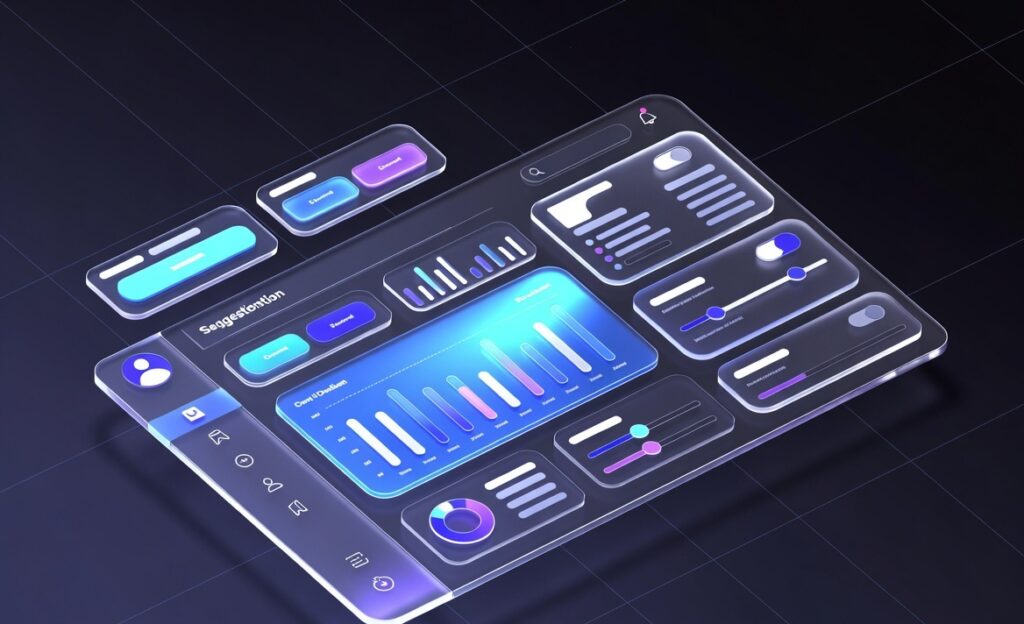
📑 Table of Contents
- What is UI/UX Design Suggestion Tool
- Key Features
- How to Use
- Benefits
- Comparison with Other Tools
- Use Cases
- Related Tools
- FAQs
- Conclusion
🎨 What is UI/UX Design Suggestion Tool?
The UI/UX Design Suggestion Tool is an AI-powered web application that analyzes your app idea and generates structured design recommendations. It provides UI layout ideas, UX improvements, color combinations, and conversion optimization strategies.
It works like a smart design assistant that helps you plan your product interface before development.
✨ Key Features
🎯 1. AI UI Suggestions
Generates complete UI structure including onboarding screens, dashboards, and navigation flow.
🌈 2. Color Palette Generator
Suggests modern UI color combinations for better visual appeal.
🧠 3. UX Optimization Tips
Improves user journey by reducing steps and improving clarity.
📱 4. Mobile-First Design Planning
Ensures responsive and mobile-friendly interface structure.
⚡ 5. Conversion Optimization
Suggests CTA placement, trust elements, and engagement improvements.
🧩 6. Component-Based Layout
Provides structured UI sections like cards, menus, and dashboards.
🛠️ How to Use UI/UX Design Suggestion Tool
Step 1: Enter Your Idea
Write your app or website concept (e.g., taxi booking app, SaaS dashboard).
Step 2: Define Target Users
Mention your audience such as students, travelers, or businesses.
Step 3: Choose Design Style
Select style preference like modern, minimal, luxury, or neon.
Step 4: Generate Suggestions
Click generate and get instant UI/UX recommendations.
Step 5: Apply Suggestions
Use output ideas to design your app in Figma, WordPress, or code.
🚀 Benefits of UI/UX Design Suggestion Tool
- Saves UI/UX design time
- Helps beginners create professional designs
- Improves user experience quality
- Increases conversion rates
- Reduces design cost
- Speeds up MVP development
- Helps freelancers deliver better client work
⚖️ Comparison with Other Tools
| Feature | UI/UX Design Tool | Figma | Adobe XD | Canva |
|---|---|---|---|---|
| AI Suggestions | ✅ Yes | ❌ No | ❌ No | ❌ No |
| UX Optimization | ✅ Yes | ⚠️ Manual | ⚠️ Manual | ❌ No |
| Layout Generation | ✅ Auto | Manual | Manual | Basic |
| Learning Curve | Easy | Medium | Medium | Easy |
| Speed | Fast | Slow | Slow | Medium |
👉 Conclusion: This tool is best for quick AI-powered design ideas, not manual editing.
💡 Use Cases
- SaaS product design
- Mobile app UI planning
- Startup MVP development
- Freelance UI/UX projects
- Agency proposal design
- Landing page structure planning
- Pinterest content creation
🔗 Related Tools
- Wireframe Generator Tool
- Landing Page Builder AI Tool
- Color Palette Generator Tool
- Figma UI Kit Templates
- SaaS Dashboard Builder
- UX Flow Planner Tool
- Mobile App Design Templates
❓ FAQs
1. What is UI/UX Design Suggestion Tool?
It is an AI tool that generates UI layouts and UX improvement ideas for apps and websites.
2. Is this tool free?
Yes, most versions of this tool are free for basic use.
3. Do I need design skills?
No, beginners can also use it easily.
4. Can I use it for client projects?
Yes, it is useful for freelancers and agencies.
5. Does it replace Figma or Adobe XD?
No, it supports idea generation, while Figma is for actual design work.
6. Is it good for SEO landing pages?
Yes, it helps structure high-converting landing pages.
🏁 Conclusion
The UI/UX Design Suggestion Tool is a powerful solution for anyone who wants to design better digital products faster. It simplifies the UI planning process, improves UX quality, and helps create conversion-focused designs without requiring advanced design skills.
From startups to freelancers, this tool is a must-have for faster product development and smarter design decisions. It bridges the gap between idea and execution by providing structured, AI-powered design guidance.