Utility Tools – Free Online Tools for Everyday Tasks
🔤🇮🇳 Roman to Hindi Converte
Convert Roman English text to Hindi and reverse Hindi to Roman instantly.
🔠Text Case Converter
Change text to UPPERCASE, lowercase, Title Case, or Sentence case easily.
🧮 Word Counter
Count words, characters, sentences, and paragraphs in real time.
✂️ Remove Extra Space
Remove extra spaces, tabs, and unwanted gaps from your text instantly.
🖼️📄 Image to Text (OCR)
Extract editable text from images quickly and accurately.
🔍 Plagiarism Checker
Check content for duplicate text and ensure originality.
🧾 JSON Formatter
Format and beautify JSON code for clean and easy reading.
🌐 URL Encoder Decoder
Encode or decode URLs safely for web and SEO purposes.
🧩 HTML Formatter
Beautify and organize HTML code into readable format.
🔡 Case Converter
Convert text between uppercase, lowercase, and other cases instantly.
🔢 Character Counter
Count characters with and without spaces in seconds.
✨ Fancy Text Generator
Create stylish and fancy text for social media and usernames.
🔗 Slug Generator
Convert text into SEO-friendly URL slugs automatically.
🧹 Remove Extra Space Tool
Clean text by removing duplicate and unnecessary spaces.
🔄 Reverse Text Tool
Reverse letters, words, or full text instantly.
🔗 Backlink Extractor
Extract backlinks from any website instantly.
Utility Tools – Free Online Tools for Everyday Tasks
Introduction
In today’s digital world, small everyday tasks often require quick and efficient solutions. Whether you need to count words in a document, convert files, extract text from images, or clean up messy formatting, online utility tools can save you time and effort.
The Utility Tools section on ProKitBag.com provides a collection of powerful yet simple web-based tools designed to help users complete common digital tasks instantly. These tools are built for students, writers, developers, marketers, and professionals who need fast results without installing complex software.
Instead of downloading different applications for each task, you can access multiple utilities directly from your browser. Our tools work on mobile phones, tablets, and desktop computers, making them accessible anytime and anywhere.
From text formatting tools to file conversion utilities, ProKitBag offers solutions that improve productivity and simplify digital work. Best of all, these tools are 100% free and require no registration.
Why Utility Tools Are Important
Utility tools are designed to solve everyday problems quickly. Instead of performing tasks manually, these tools automate repetitive processes and provide accurate results within seconds.
Key Benefits of Utility Tools
1. Save Time
Tasks that normally take several minutes can be completed in seconds.
2. Increase Productivity
Writers, bloggers, developers, and students can complete work faster using specialized tools.
3. No Installation Required
All tools run directly in your web browser, eliminating the need for downloads.
4. Accessible Anywhere
You can access these tools on any device connected to the internet.
5. Simple and User-Friendly
Most tools require only a few inputs to generate results instantly.
Popular Utility Tools on ProKitBag
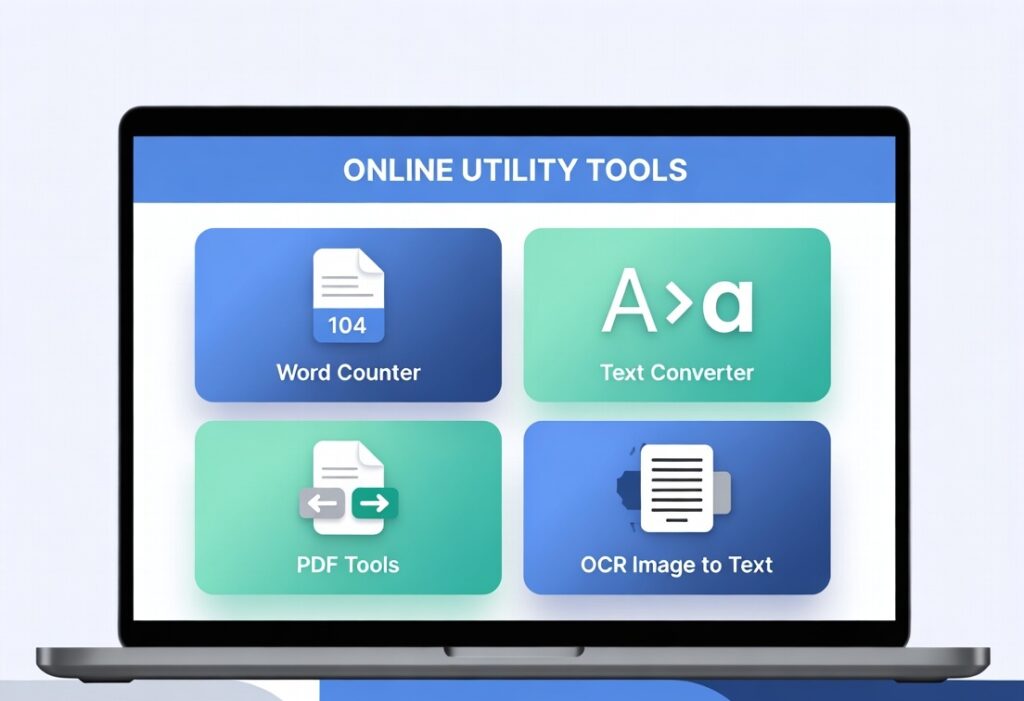
The Utility Tools section on ProKitBag includes several useful tools designed to simplify daily tasks.
Some popular utilities include:
- Word Counter Tool – counts words, characters, and sentences instantly
- Text Case Converter – converts text to uppercase, lowercase, or title case
- Remove Extra Spaces Tool – cleans unnecessary spaces from text
- Image to Text (OCR) – extracts text from images
- PDF Converter Tools – convert documents easily
These tools are widely used by students, bloggers, content writers, and digital marketers.
How to Use Utility Tools on ProKitBag
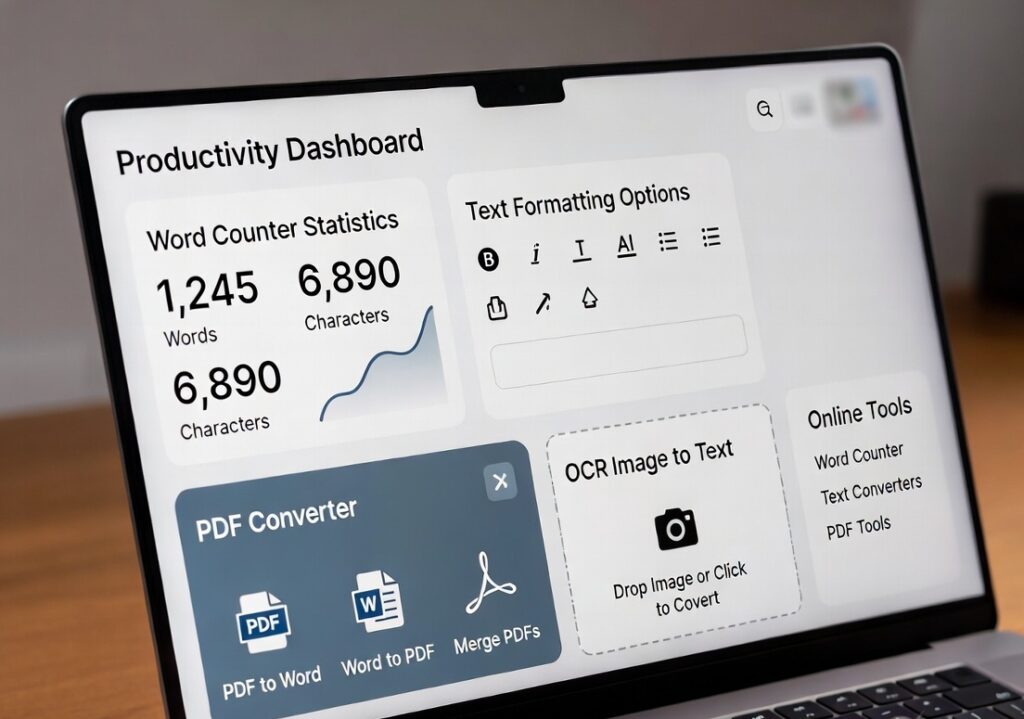
Using our online utility tools is extremely simple and requires only a few steps.
Step 1: Select the Tool
Visit the Utility Tools section and choose the tool that matches your requirement.
For example:
- Word Counter
- Text Case Converter
- Remove Extra Spaces
- Image to Text (OCR)
Step 2: Enter or Upload Data
Depending on the tool, you may need to:
- Paste text into the input box
- Upload a file or image
- Enter specific information
Step 3: Click the Process Button
Press the Convert, Calculate, or Process button.
The tool will automatically analyze the data and generate results instantly.
Step 4: Copy or Download the Result
After processing, you can:
- Copy the output text
- Download the converted file
- Use the cleaned or formatted content
These steps make the tools easy to use for beginners and professionals alike.
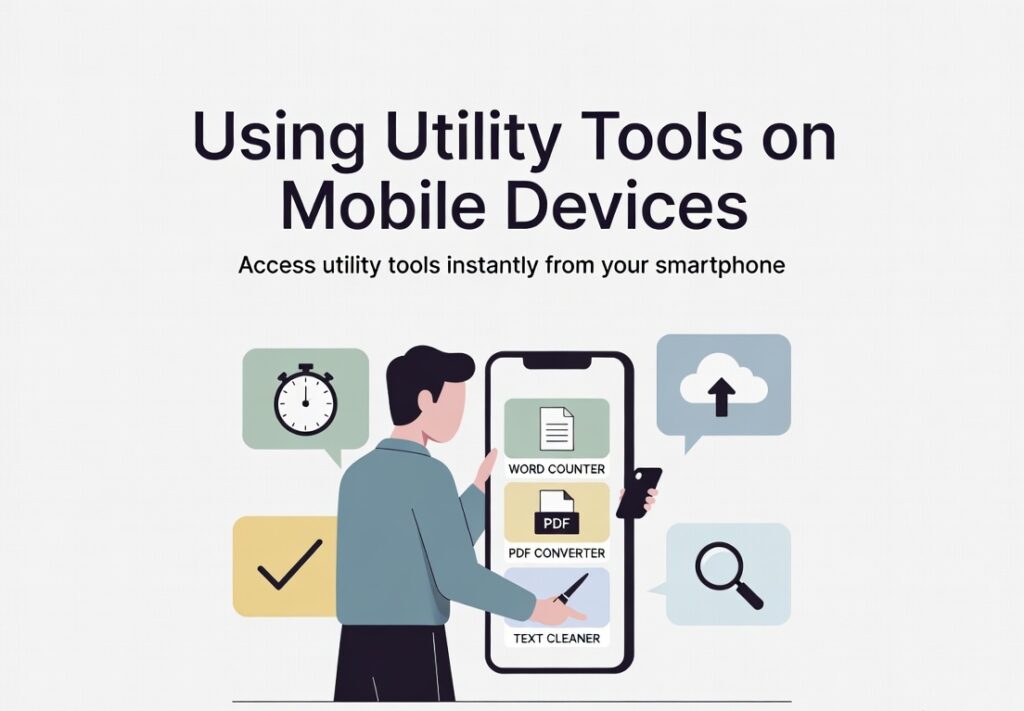
A user accessing online utility tools like word counter and PDF converter through a smartphone interface.
Tips for Using Online Utility Tools Efficiently
To get the best results from utility tools, keep the following tips in mind.
Choose the Right Tool
Use the specific tool designed for your task rather than performing the process manually.
Check Input Accuracy
Ensure that the text or file you upload is correct to avoid errors.
Use Multiple Tools Together
For example, you can first remove extra spaces and then convert text case.
Bookmark Frequently Used Tools
Saving tools you use regularly can save time in the future.
Related Tools (Internal Linking)
You may also find these tools helpful:
- Word Counter Tool
- Text Case Converter
- Remove Extra Spaces Tool
- Image to Text (OCR)
- PDF to Word Converter
If you want to check the length of your article before publishing, try our Word Counter Tool to instantly calculate words and characters.
You May Also Use / Check
These tools are widely used for document editing and file management, while online utility tools provide quick web-based alternatives.
FAQ
What are utility tools?
Utility tools are online applications designed to perform specific tasks such as text formatting, file conversion, or data analysis quickly.
Are online utility tools safe to use?
Yes, most reputable websites provide secure tools that process data instantly without storing user information.
Do I need to install software to use these tools?
No. Utility tools on ProKitBag work directly in your browser without requiring downloads.
Are these tools free?
Yes, all utility tools available on ProKitBag are free to use.
Make your digital work faster and easier today.
Explore the Utility Tools section on ProKitBag and start using powerful online tools to convert files, format text, and boost productivity instantly.
👉 Try the tools now and simplify your daily tasks in seconds.
Conclusion
Online utility tools play an important role in improving productivity and simplifying everyday digital tasks. Instead of spending time performing repetitive work manually, these tools provide quick solutions for text editing, file conversion, and data processing.
The Utility Tools collection on ProKitBag.com is designed to help users complete tasks faster using simple and efficient web-based applications. With no downloads required and instant results, these tools are ideal for students, writers, developers, and professionals.
By incorporating these tools into your daily workflow, you can save time, increase efficiency, and focus on more important tasks.