Delete unwanted PDF pages quickly with this simple, fast, and secure online tool.
Delete PDF Pages
✅ Related Tools
✅ Introduction
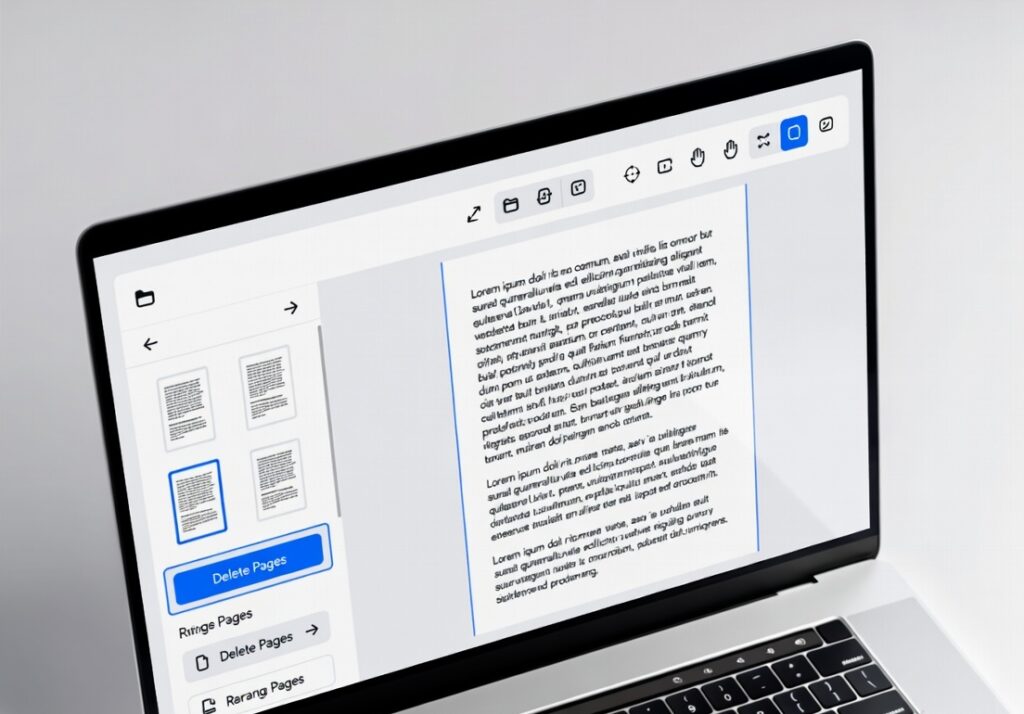
Easily delete unwanted pages from your PDF files with our free online PDF page remover. This tool allows you to remove specific pages quickly without affecting the rest of your document. Whether you want to clean up reports, remove blank pages, or organize files, this tool provides a fast and secure solution. It works smoothly on both mobile and desktop devices, ensuring a seamless experience anytime, anywhere. No software installation or technical skills are required—just upload your PDF, select pages to delete, and download the updated file instantly. Save time and manage your documents efficiently with this simple yet powerful tool.
✅ How to Use
- Upload your PDF file
- Enter page numbers you want to delete (e.g., 1,3,5)
- Click on “Delete Pages” button
- Wait for processing
- Download your updated PDF
✅ Benefits
- Remove unwanted pages instantly
- Fast and easy to use
- No installation required
- Works on all devices
- Secure file processing
- Maintains original quality
✅ Pro Tips
- Double-check page numbers before deleting
- Use preview (if available) to avoid mistakes
- Keep a backup of the original file
- Use smaller files for faster processing
- Organize pages before sharing documents
✅ FAQ Section
1. Is this tool free to use?
Yes, the delete PDF pages tool is completely free.
2. Can I delete multiple pages at once?
Yes, you can enter multiple page numbers separated by commas.
3. Will my file quality be affected?
No, the original quality of the PDF remains unchanged.
4. Is my file secure?
Yes, files are processed securely and not stored permanently.
5. Does it work on mobile devices?
Yes, it is fully mobile responsive and works on all devices.