Convert Word files to PDF instantly using our free Word to PDF converter. Fast, secure, and easy document conversion.
Word Counter
Word Counter Online – 5 Amazing Ways to Count Words and Characters Online
What is a Word Counter Online?
A Free Word Counter is an online tool that counts the number of words, characters, and sometimes sentences within a piece of text. It is commonly used by writers, bloggers, editors, students, and professionals to ensure their content meets specific length requirements.
For example, many platforms require content to stay within a certain limit:
- Blog articles may require 800–1200 words
- Social media captions may have character limits
- Academic essays often require minimum word counts
A word counter solves this problem instantly by analyzing your text and showing the exact count.
Count Words in Your Text Instantly
The ProKitBag Word Counter provides a simple and efficient way to measure the length of your text. Whether you are writing an email, essay, blog post, or research document, knowing the exact number of words can help you maintain clarity and structure.
Many writers also use word counters to improve productivity. By monitoring word count, they can track their daily writing goals and stay consistent with their content creation.
For example, a blogger may set a goal to write 1000 words per day, while a student may aim to complete a 500-word assignment.
Using an online word counter makes these tasks easier and more organized.
How to Use the Free Word Counter Online Tool
Using the ProKitBagWord Counter Online is simple and requires only a few steps:
- Copy or type your text into the input box.
- The tool will automatically analyze the content.
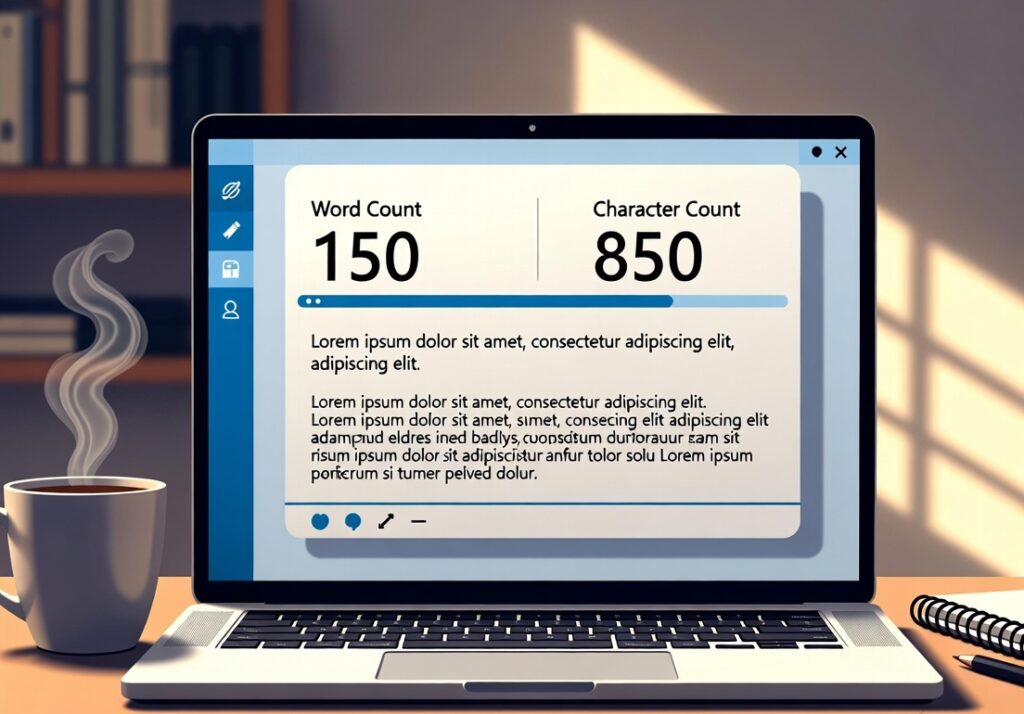
- View the word count and character count instantly.
- Edit your text and see the count update in real time.
The tool works directly in your browser and does not require any installation or downloads.
Key Features of the Word Counter Online
The ProKitBag Free Word Counter Online includes several useful features designed to make text analysis quick and easy.
Instant Word Counting
The tool automatically calculates the number of words as soon as text is entered.
Character Count
It shows both characters with spaces and characters without spaces.
Real-Time Updates
The count updates instantly whenever the text is edited.
Clean and Simple Interface
The tool is designed to be easy for beginners and professionals alike.
Works with Large Text Blocks
You can paste long articles or documents and still receive accurate results.
Completely Free
The tool can be used without any registration or payment.

Benefits of Using an Online FreeWord Counter Online
Using an online Free Word Counter provides several advantages for writers and professionals.
Improves Writing Efficiency
Writers can easily track their progress and stay within the desired word limit.
Perfect for Academic Writing
Students often need to meet strict word limits for essays, reports, and assignments. A fr ee word counter helps them check their work before submission.
Saves Time
Instead of manually counting words or using complicated software, the tool performs the task instantly.
Helps with SEO Content
Many SEO experts recommend specific article lengths for better search engine rankings. Bloggers can use a free word counter to ensure their content meets recommended word counts.
Supports Content Editing
Editors can quickly analyze text and determine whether the content is too short or too long.
Why Use an Online Word Counter Instead of Software?
Traditional word processing software often includes word count features, but online tools provide several advantages.
First, online tools work instantly in the browser without requiring installation. This means you can access the tool from any device including mobile phones, tablets, or computers.
Second, online word counters are lightweight and fast. They focus specifically on text analysis without unnecessary features.
The ProKitBag Word Counter is designed to be quick, accurate, and accessible from anywhere.
Who Can Use a Word Counter Online?
A Word Counter Online is useful for many different types of users.
Students use it to check essay and assignment word limits.
Bloggers use it to optimize article length for better search engine rankings.
Content writers use it to meet client requirements.
Editors use it to review and adjust content length.
Social media managers use it to stay within character limits for posts.
Because of its simplicity, anyone who writes text can benefit from using a word counter.
Tips for Better Writing with a Word Counter Online
Here are some simple tips to improve your writing using a word counter:
- Set a daily word goal to improve productivity.
- Avoid unnecessary words to keep writing clear.
- Use word counts to structure longer articles.
- Check character limits for social media posts.
- Edit and refine content after reaching the desired word length.
These strategies help writers produce more effective and organized content.
Related Tools
If you find the Word Counter useful, you may also like these tools available on ProKitBag:
• Text Case Converter – Convert text between uppercase, lowercase, title case, and sentence case.
• Remove Extra Space Tool – Remove unwanted spaces from text instantly.
• Character Counter (coming soon) – Count characters quickly for social media and writing tasks.
Conclusion
A Word Counter is an essential tool for anyone who works with text regularly. It simplifies the process of tracking word and character counts, helping writers stay organized and productive.
The ProKitBag FreeWord Counter Online offers a fast, reliable, and free solution for counting words online. Whether you are writing a blog post, preparing an academic assignment, or creating professional documents, this tool helps ensure your content meets the required length.
Start using the Word Counter today to improve your writing efficiency and manage your content more effectively.