Edit PDF files online quickly and easily with our free PDF editor. Add text, images, or annotations to your documents without installing any software. This simple and secure tool helps you modify PDFs instantly for work, study, or personal use.
📝 PDF Editor Prototype
PDF pages will appear here. Click inside text to edit.
Edit PDF Tool
Introduction
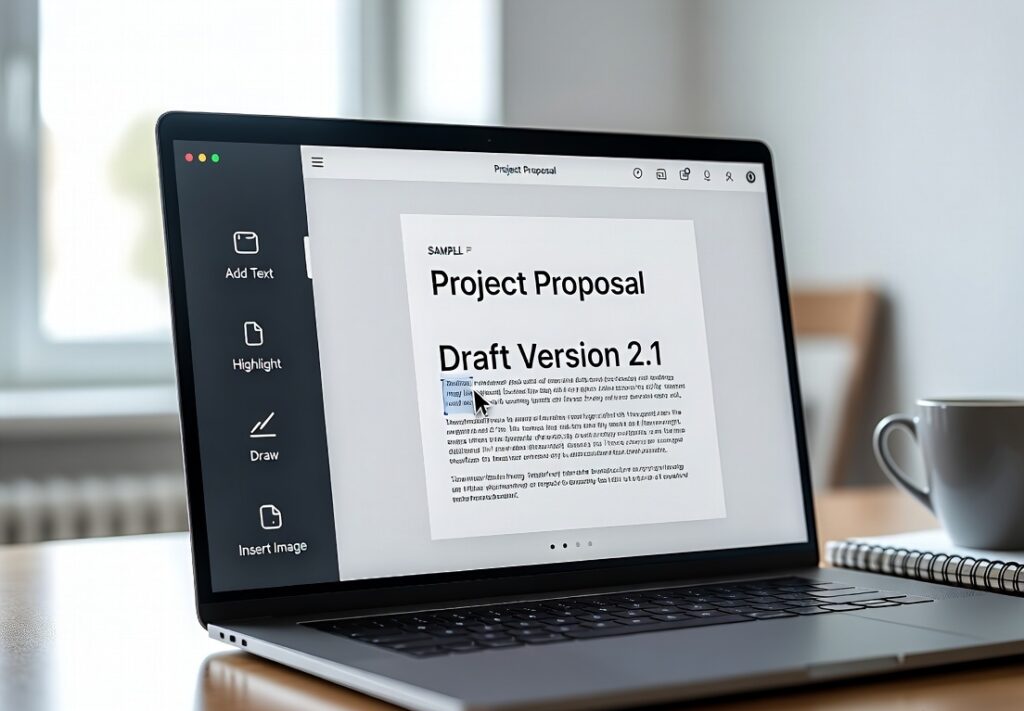
Edit PDF is an online tool that allows users to modify PDF documents easily and efficiently. Whether you want to add text, insert images, highlight content, or annotate, this tool provides all necessary features to make your PDFs editable without requiring software installation. Perfect for students, professionals, and businesses, Edit PDF ensures your documents remain professional and easy to update. The interface is simple, allowing users to drag and drop files, make edits, and save the modified PDF instantly. This tool saves time, improves workflow, and enhances document management for anyone who works with PDF files regularly.
How to Use:
1. Upload the PDF file you want to edit.
2. Use available tools to add text, images, or annotations.
3. Make necessary changes to the document.
4. Click “Save” or “Download.”
5. Share or store the updated PDF as needed.
FAQs
1. Is this tool free?
– Yes, free to use online.
2. Can I edit multiple PDFs?
– Yes, one at a time; batch editing coming soon.
3. Does it preserve formatting?
– Yes, original layout remains intact.
4. Do I need an account?
– No signup required.
5. Is it secure?
– Yes, files are processed safely in-browser.