Create images from text instantly with our free text to image generator. Turn quotes, messages, and captions into shareable visuals.
Free Text to Image Converter – Create Images from Text
Introduction
Visual content plays an important role in social media, marketing, and digital communication. A free onlineText to Image Converter tool allows users to transform simple text into attractive images.
The ProKitBag Text to Image Converter makes it easy to create shareable visuals from quotes, captions, and messages. Instead of using graphic design software, users can type their text, customize the design, and generate an image instantly.
This tool is perfect for bloggers, marketers, social media managers, and anyone who wants to create visually appealing content quickly.
How to Use
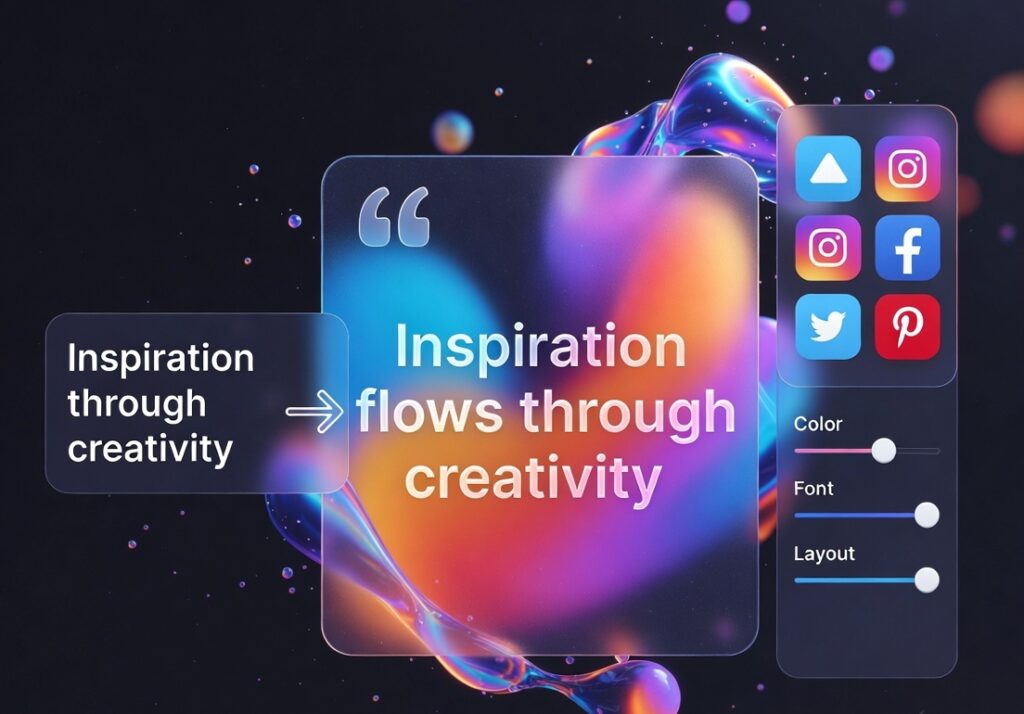
- Enter your text message.
- Select background style and font.
- Click Generate Image.
- Download the generated image.
Features
• Convert text into images instantly
• Customizable fonts and backgrounds
• High-quality image output
• Easy sharing on social media
• Completely free tool
Benefits
• Create engaging visual content
• Perfect for quotes and social posts
• No design skills required
• Fast and easy image generation
Different Ways to Use a Text to Image Converter
A text to image generator can be used in many creative ways across different platforms. One of the most common uses is creating quote images. Motivational quotes, inspirational messages, and famous sayings become more engaging when presented as visual graphics.
Bloggers often use this tool to create featured images for blog posts. Instead of searching for stock images, they can generate unique visuals using their article title or key message.
Social media managers use text to image tools to design Instagram posts, Facebook graphics, and Pinterest pins. Visual content performs better on social media because images attract more attention than plain text.
Businesses can also use this tool to create promotional banners, announcements, and marketing messages quickly without needing graphic design skills.
Advantages of Using a Text to Image Converter
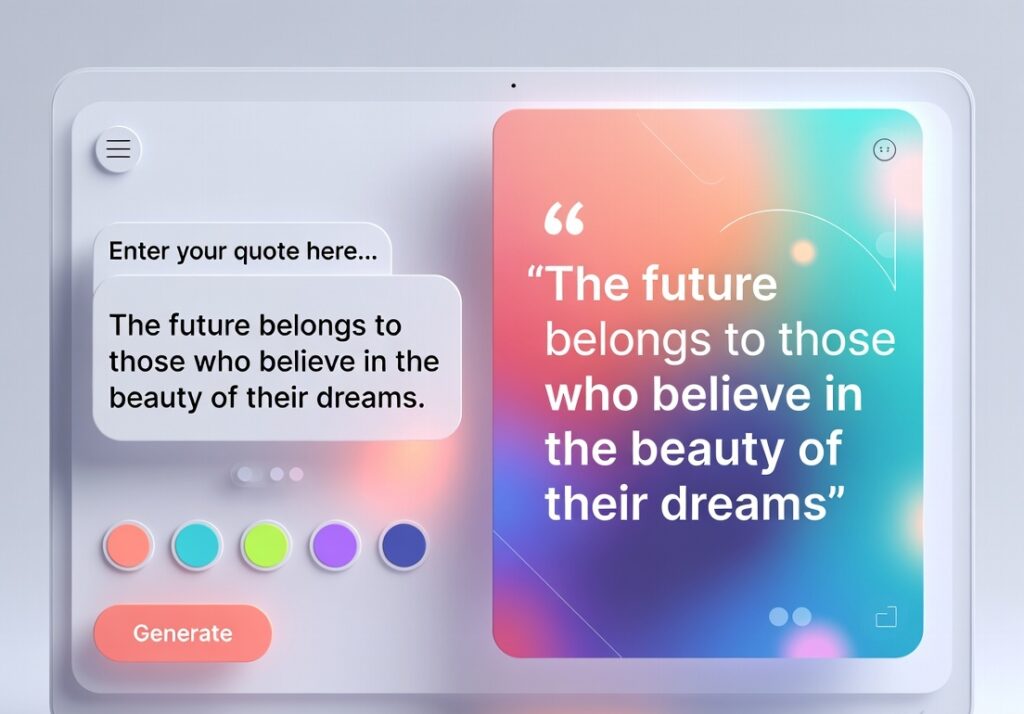
Using a text to image generator offers several advantages compared to traditional design methods. One major benefit is speed. Creating an image manually in graphic design software can take several minutes, while an online generator can produce an image in seconds.
Another advantage is simplicity. The tool is designed for beginners and does not require any design experience. Users only need to enter their text, select a style, and generate the image.
A text to image generator also helps maintain consistent visual branding. By choosing specific fonts, colors, and backgrounds, users can create a consistent style for their social media posts or website graphics.
Additionally, these tools work directly in the browser, meaning there is no need to install heavy software or purchase expensive design applications.
Who Can Benefit from a Text to Image Converter?
A text to image generator is useful for many types of users. Content creators and bloggers often use these tools to create quick visuals for articles, quotes, or headings.
Social media influencers can generate attractive posts that help increase engagement and attract more followers. Visual posts usually receive more likes, shares, and comments compared to plain text.
Digital marketers use text to image tools to create promotional graphics, advertisements, and announcements that grab the audience’s attention.
Students and teachers can also use the tool for presentations, educational posters, and visual notes. By turning important information into images, it becomes easier to understand and remember.
Because the tool is simple and accessible, it can be used by anyone who wants to communicate ideas visually.
Tips for Creating Better Text Images
While generating images from text is easy, using a few design tips can improve the quality of your visuals. First, keep the text short and clear. Images with concise messages are easier to read and more effective for social media.
Choosing the right background color is also important. Light text on a dark background or dark text on a light background improves readability.
Selecting a clean and readable font helps ensure that the message is clear even on smaller screens such as mobile devices.
It is also a good idea to use balanced spacing and alignment so that the text appears neat and professional.
By following these simple design tips, users can create attractive and effective text images that stand out online.
Why Use an Online Text to Image Converter?
Online generators allow users to create graphics instantly without design software. The ProKitBag Text to Image Tool helps create professional-looking visuals with minimal effort.
Related Tools
• Image Resize / Compressor
• SVG to JPG / PNG Converter
• Title Generator
👉 Generate Your Image from Text Now