Convert WEBP images to JPG or PNG instantly with our free online converter. Fast image conversion without losing quality.
WEBP to JPG PNG Converter – 6 Powerful Ways to Convert Images Online
Introduction
WEBP is a modern image format designed to reduce file size while maintaining high image quality. It is widely used on websites because it helps pages load faster and improves performance. However, the main challenge with WEBP files is that some devices, applications, and editing tools still do not fully support this format.
Because of this compatibility issue, many users need to convert WEBP images into more widely supported formats like JPG or PNG. These formats work smoothly across almost all platforms including smartphones, computers, design software, and websites.
A free WEBP to JPG PNG converter online allows users to quickly transform WEBP to JPG PNG Converter without installing any software. This makes the conversion process fast, simple, and accessible from any device.
The ProKitBag WEBP to JPG PNG Converter helps users convert images instantly while preserving image quality. Whether you are a blogger uploading images to your website, a designer preparing graphics, or a developer working with image assets, this tool provides a reliable solution for image conversion.
What is the WEBP Image Format?
WEBP is an advanced image format developed to improve web performance by reducing image file size. It uses modern compression techniques that allow images to remain visually clear while taking up less storage space.
Many websites prefer WEBP images because they help reduce page load time and improve overall website speed.
However, despite its advantages, WEBP is not supported everywhere. Some image editing software, older browsers, and certain applications may not open WEBP files properly. This is why converting WEBP images into WEBP to JPG PNG Converter is often necessary.
How to Use
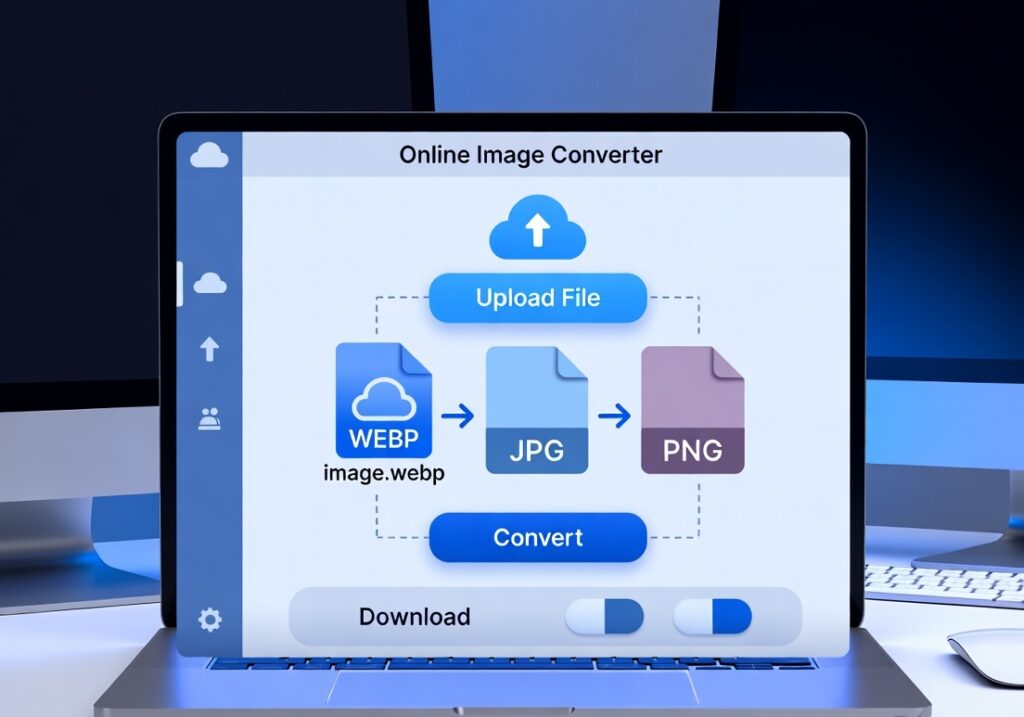
Using the ProKitBag WEBP to JPG or PNG converter is very simple. You only need a few steps to convert your image.
- Upload your WEBP image file from your device.
- Select the output format you want (JPG or PNG).
- Click the Convert button to start the conversion process.
- Download the converted image instantly.
The tool works directly in your browser and does not require any installation.
Key Features of the WEBP to JPG PNG Converter
The ProKitBag converter includes several helpful features that make image conversion quick and efficient.
Fast WEBP Image Conversion
The tool processes images quickly so you can convert files within seconds.
Supports Multiple Formats
You can convert WEBP files into both JPG and PNG formats depending on your needs.
High-Quality Output
The converter preserves image clarity and quality during the conversion process.
Simple Interface
The tool has an easy-to-use interface that allows anyone to convert images without technical knowledge.
Free Online Tool
Users can convert images without paying fees or installing software.
6 Powerful Ways to Convert WEBP to JPG PNG Converter Online
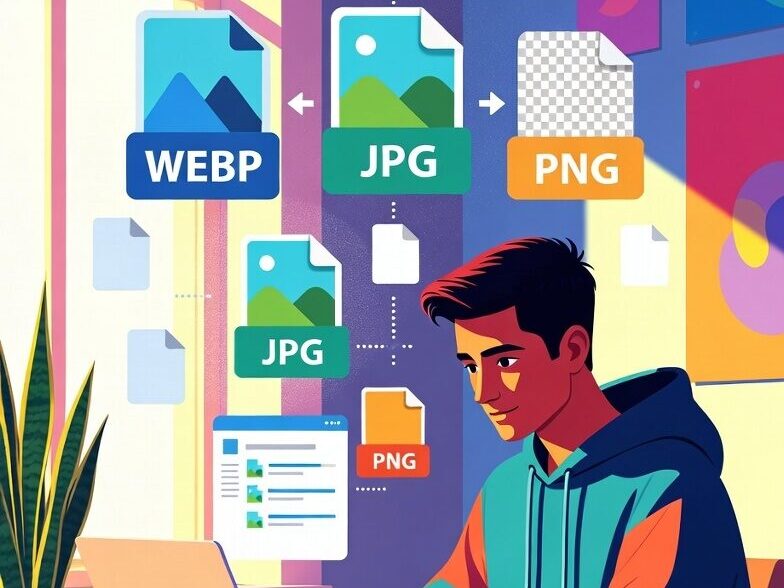
Converting WEBP images can help solve several common problems related to compatibility and usability. Here are six powerful ways this conversion can benefit users.
1. Improve Image Compatibility
JPG and PNG are widely supported image formats that work on almost every platform and device. By converting WEBP images into these formats, you can ensure that your images open correctly on all devices.
2. Upload Images to More Platforms
Some websites and content management systems do not allow WEBP uploads. Converting your image into JPG or PNG makes it easier to upload images to websites, blogs, and online platforms.
3. Edit Images in Design Software
Many design tools and photo editing applications work better with JPG or PNG images. Converting WEBP files ensures compatibility with popular editing programs.
4. Share Images Easily
When sharing images through email, messaging apps, or social media, JPG and PNG formats are more universally accepted. Converting images ensures that recipients can view them without issues.
5. Maintain High Image Quality
A good converter preserves the quality of the original image. This means you can convert WEBP images without losing important details or visual clarity.
6. Save Time with Instant Conversion
Online converters allow you to convert images quickly without downloading software or learning complex editing tools.
Benefits
Compatible Image Format
JPG and PNG formats work across almost all devices, browsers, and applications. Converting WEBP images ensures maximum compatibility.
Easy Image Conversion
Online converters simplify the process of changing image formats. Users only need to upload the file and select the desired format.
Saves Time
Instead of using complicated image editing software, online tools allow instant conversion in just a few seconds.
Useful for Websites
Many website platforms still prefer JPG or PNG images. Converting WEBP images ensures they can be uploaded and displayed correctly.
When Should You Convert WEBP to images?
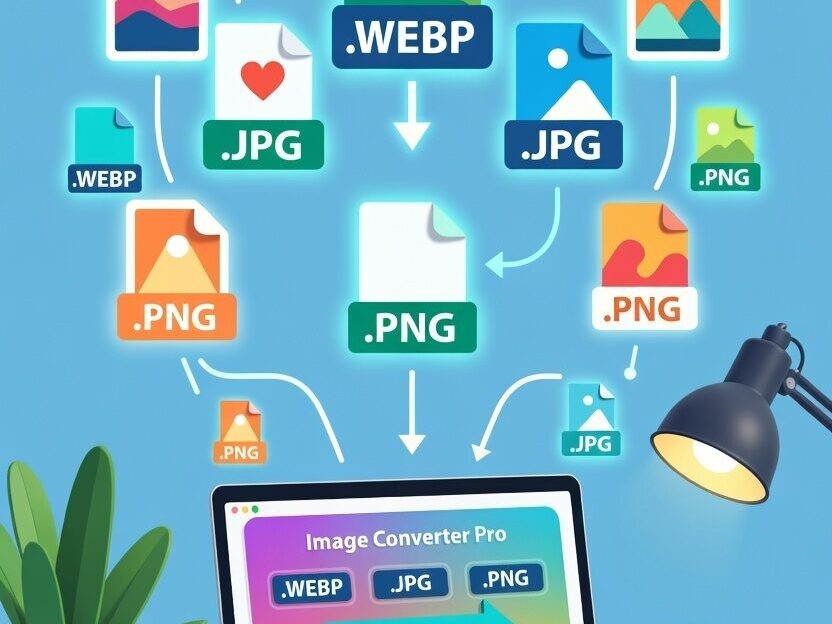
There are several situations where converting WEBP images becomes necessary.
- When uploading images to platforms that do not support WEBP
- When editing images in software that cannot open WEBP files
- When sharing images with people using older devices
- When preparing images for presentations or documents
In these situations, converting the image into JPG or PNG ensures better compatibility and usability.
Tips for Choosing Between JPG and PNG
When converting WEBP images, it is important to choose the right format.
JPG Format
JPG is best for photographs and large images where smaller file size is important.
PNG Format
PNG is better for graphics, logos, and images that require transparency or sharper details.
Selecting the appropriate format ensures the best results for your images.
Why Use an Online WEBP to JPG PNG Converter?
Online converters are becoming increasingly popular because they are fast, simple, and convenient.
Unlike traditional image editing software, online tools do not require installation. You can convert images directly in your browser using any device, including smartphones, tablets, or computers.
The ProKitBag WEBP to JPG PNG Converter provides a quick solution for users who need reliable image conversion without complicated steps.
Related Tools
You may also find these tools useful on ProKitBag:
• SVG to JPG / PNG Converter – Convert vector graphics into raster images instantly.
• Image Compressor Tool – Reduce image file size without losing quality.
• Resize Image Tool – Change image dimensions for websites or social media.
• Text to Image Generator – Create images from text for posts and graphics.
Conclusion
WEBP images are excellent for reducing file sizes and improving website performance, but they are not always compatible with every platform or application. Converting WEBP files into JPG or PNG formats ensures that images can be easily opened, edited, and shared.
The ProKitBag WEBP to JPG PNG Converter provides a simple and reliable way to convert images instantly without installing any software. With its fast processing, high-quality output, and easy interface, this tool is perfect for bloggers, designers, developers, and everyday users.
If you frequently work with images online, having a reliable WEBP converter can save time and ensure your images remain accessible across all devices and platforms.
Start using the WEBP to JPG PNG Converter today to make image conversion faster and easier.