Bulk URLs Analyzer
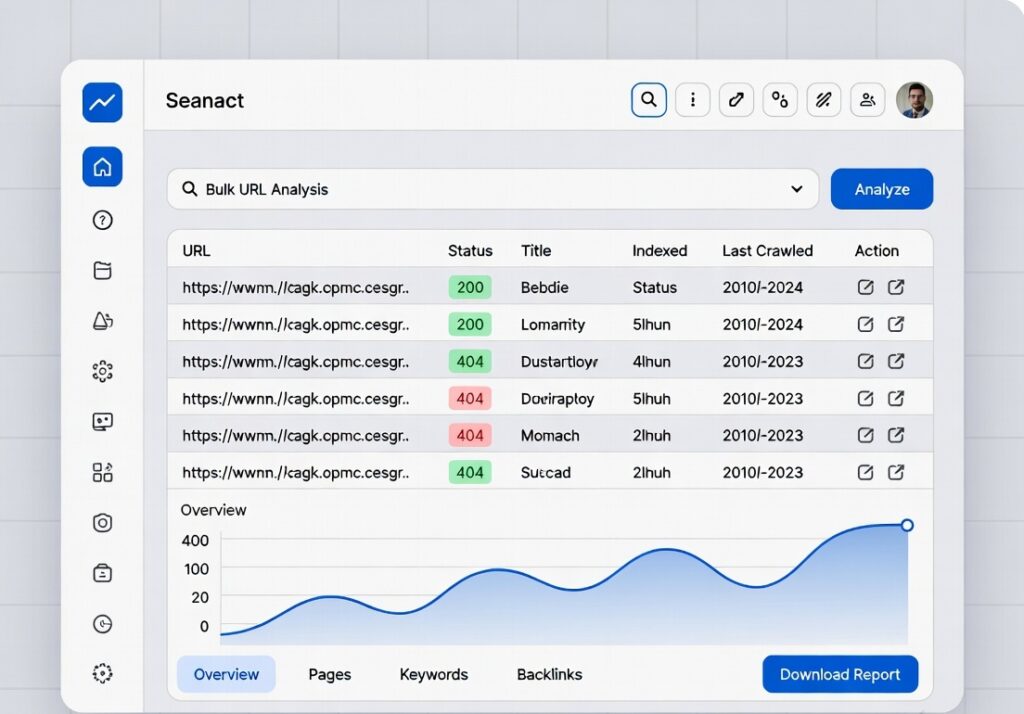
Analyze multiple URLs for SEO elements like title, meta description, and page size. Enter one URL per line.
| URL | Status | Title | Description |
|---|
Bulk URLs Analyzer
📌 Introduction
Analyze multiple website URLs quickly with this powerful Bulk URLs Analyzer. Check status codes, SEO metrics, and page details in one click. Perfect for SEO experts, bloggers, and developers who want fast, accurate insights to improve website performance and indexing.
How to Use the Bulk URLs Analyzer:
- Enter multiple URLs (one per line)
- Click the Analyze URLs button
- View results like status codes and SEO data
- Identify errors or issues quickly
- Export or copy results for further use
Key Features:
- ✅ Analyze multiple URLs at once
- ✅ Check HTTP status codes (200, 404, etc.)
- ✅ Fast and accurate results
- ✅ Simple and user-friendly interface
- ✅ Works on mobile and desktop
- ✅ 100% free online tool

Why Use This Tool?
- Save time by analyzing URLs in bulk
- Detect broken links and errors instantly
- Improve website SEO and indexing
- Optimize website performance efficiently
Who Can Use This Tool?
- SEO experts
- Bloggers
- Web developers
- Digital marketers
- Website owners
Example:
Input URLs:
- example.com
- testsite.com/page
Output:
- example.com → Status: 200 (OK)
- testsite.com/page → Status: 404 (Not Found)
🔍
bulk url analyzer, check multiple urls, seo url checker, bulk link checker, website status checker tool
Frequently Asked Questions
1. What is a Bulk URLs Analyzer?
A Bulk URLs Analyzer is a tool that checks multiple URLs at once for status codes, SEO data, and performance.
2. Is this tool free?
Yes, it is completely free to use.
3. Can I check broken links?
Yes, the tool helps identify broken or non-working URLs.
4. Does it work on mobile?
Yes, it is fully responsive and works on all devices.
You May Also Visit
- Try our AI Tone Checker & Rephraser
- Use our Backlink Extractor Tool
- Explore our PDF Tools
📢
👉 Start using the Bulk URLs Analyzer now and optimize your website faster with accurate insights!