
📊 Excel to PDF Converter Online – Convert Spreadsheets into Perfect PDFs Instantly
In today’s fast-paced digital world, sharing information securely and efficiently is no longer a luxury—it’s a necessity. Whether you’re a student preparing an assignment, a freelancer sending a client invoice, or a business analyst sharing financial reports, Microsoft Excel is often your go-to tool for organizing data.
But there’s one problem — Excel files can be bulky, easily modified, and sometimes lose formatting when opened on different devices. That’s where Prokitbag’s Excel to PDF Converter comes to your rescue.
Our tool helps you convert Excel files into polished, professional PDFs instantly—without installing any software or losing the original design. Let’s explore why this tool is essential for modern professionals and how you can use it effortlessly.
💡 Why Convert Excel to PDF?
Converting Excel to PDF isn’t just about file type—it’s about control, consistency, and convenience. A PDF preserves every cell, font, and color exactly as you designed it, regardless of where it’s viewed.
Here’s why users around the world prefer turning their Excel sheets into PDFs:
✅ Universal Format
PDFs can be opened on any device, OS, or browser—Windows, Mac, Android, or iOS. You never have to worry about compatibility issues again.
✅ Print-Ready Layout
Excel documents can shift margins or lose charts when printed. PDF ensures your layout remains fixed, giving a clean, professional look.
✅ Secure & Tamper-Proof
Once converted to PDF, your data becomes read-only. You can even add password protection or restrict editing to prevent unauthorized changes.
✅ Compressed File Size
Large Excel files can slow down sharing or email uploads. Converting to PDF reduces file size while keeping clarity intact.
✅ Professional Presentation
A polished PDF gives your report, invoice, or presentation a corporate-ready look that impresses clients and colleagues alike.
📈 Common Use Cases for Excel to PDF Conversion
Let’s see how different users benefit from this simple yet powerful conversion tool:
- Students: Submit formatted reports, graphs, and data analysis neatly.
- Freelancers: Send invoices or proposals to clients securely.
- Accountants: Share balance sheets or financial summaries confidently.
- Project Managers: Export task schedules and team trackers without distortion.
- HR Professionals: Generate employee evaluation reports in shareable PDF format.
No matter your field, converting Excel to PDF saves time, enhances professionalism, and ensures consistency.
⚙️ How to Convert Excel to PDF Online with Prokitbag
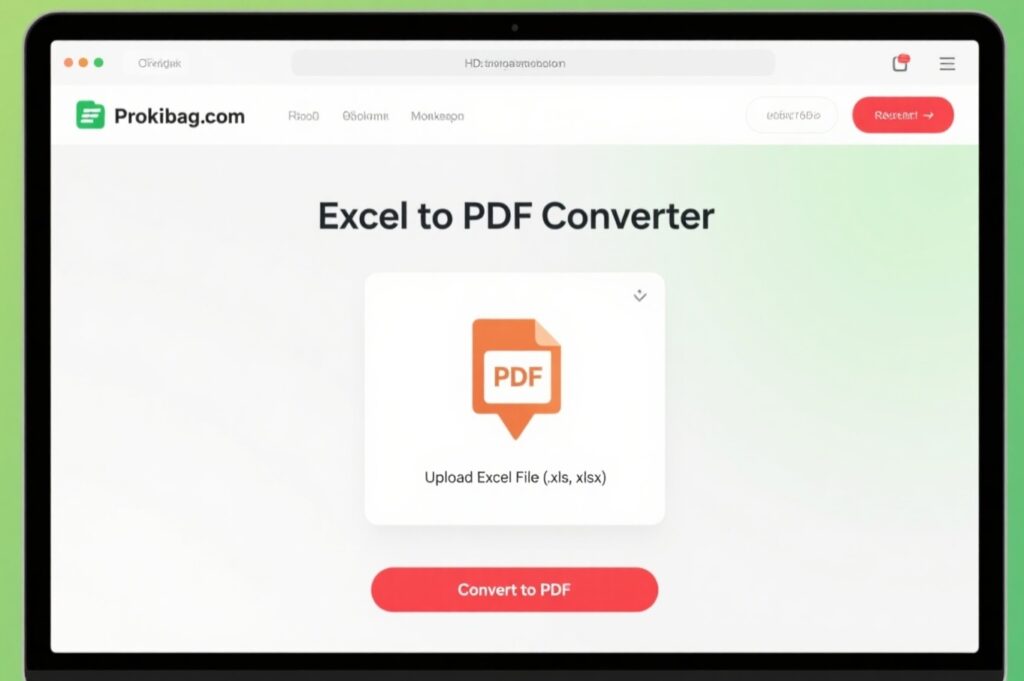
You don’t need to download software or sign up for anything. Follow these three simple steps to convert your Excel file:
🔹 Step 1: Upload Your File
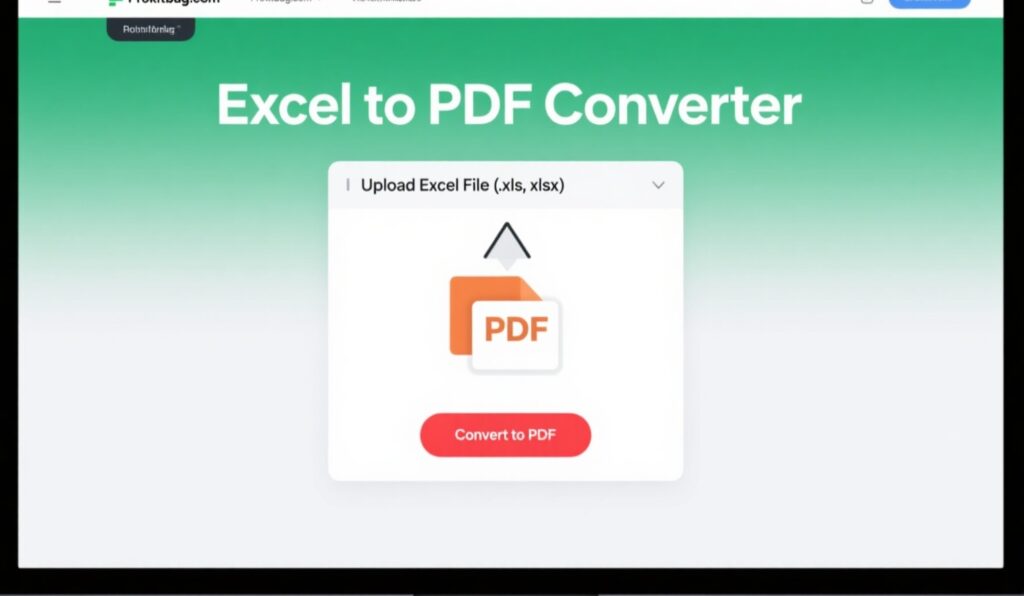
Visit Prokitbag.com and open the Excel to PDF Converter tool. Drag and drop your Excel file (.xls or .xlsx) or use the upload button.
🔹 Step 2: Convert Instantly
Click on “Convert to PDF”. Our smart algorithm processes your spreadsheet instantly while keeping every table, chart, and formula layout intact.
🔹 Step 3: Download Your PDF
Within seconds, your file is ready! Click Download to save it to your device. You can now share, print, or store it anywhere.
✅ No registration. No watermarks. No hidden charges. <div style=”text-align:center; margin: 20px 0;”> <a href=”/excel-to-pdf” style=”padding: 12px 24px; background-color: #4CAF50; color: white; text-decoration: none; font-weight: bold; border-radius: 6px;”>🔄 Convert Excel to PDF Now</a> </div>
🚀 Key Features of Prokitbag’s Excel to PDF Converter
Here’s what makes our tool one of the best free converters online:
🌐 100% Online
No downloads, installations, or software setup needed — convert directly in your browser.
⚡ Lightning-Fast Conversion
Upload, convert, and download within seconds. Ideal for professionals on tight schedules.
🔒 Secure Uploads
We respect your privacy — files are automatically deleted after processing to ensure safety.
🎯 Accurate Formatting
Your charts, tables, colors, and cell borders are preserved pixel-perfectly during conversion.
💡 User-Friendly Interface
Designed for everyone — from beginners to business experts. Just upload and click convert!
📱 Mobile-Responsive
Convert files seamlessly on smartphones or tablets without losing performance.
🔁 Comparison with Other Tools
| Feature | Prokitbag | SmallPDF | iLovePDF | Adobe Acrobat Online |
|---|---|---|---|---|
| Free Access | ✅ | ⚠️ Limited | ⚠️ Limited | ❌ Paid |
| No Watermark | ✅ | ❌ | ✅ | ✅ |
| Fast Conversion | ✅ | ✅ | ✅ | ✅ |
| Secure Auto-Delete | ✅ | ✅ | ✅ | ✅ |
| No Sign-Up Needed | ✅ | ❌ | ❌ | ❌ |
| Mobile-Friendly | ✅ | ✅ | ✅ | ✅ |
👉 Result: Prokitbag gives you all premium features completely free, while others hide them behind subscriptions or limits.
🧰 Related Tools on Prokitbag
Boost your productivity with our other free tools:
- Word to PDF Converter – Create professional PDFs from Word documents instantly.
- PDF to Word Converter – Turn PDFs back into editable Word files in seconds.
- PDF Compressor – Shrink PDF sizes without quality loss.
All tools are free, fast, and designed for secure online processing — perfect for both personal and professional use.
🧠 Expert Tips for Best PDF Conversion Results
To get the most accurate and clean output:
- Set Print Area in Excel: Highlight the exact range you want to export before converting.
- Adjust Page Orientation: Use Landscape or Portrait based on your data layout.
- Remove Extra Blank Columns/Rows: Avoid unnecessary white spaces in your PDF.
- Preview Before Conversion: Check alignment, margins, and chart placement.
- Name Files Clearly: Use meaningful file names for easy organization.
Following these quick steps ensures every converted PDF looks crisp and professional.
📚 Trusted Source for File Conversion
Want to know more about PDF standards and compatibility?
👉 Check out Adobe’s official guide on PDF format.
❓ Frequently Asked Questions
1. Is Prokitbag’s Excel to PDF Converter free to use?
Yes! It’s 100% free — no sign-ups, no limits, and no watermarks.
2. Does it work with both .xls and .xlsx files?
Absolutely. You can upload any Microsoft Excel file, old or new.
3. Will my Excel formatting change after conversion?
No. The tool preserves fonts, charts, cell styles, and formatting exactly.
4. Is my uploaded file stored anywhere?
No, all uploaded files are deleted automatically after processing for privacy.
5. Can I use this on my phone or tablet?
Yes. The tool is completely mobile-responsive and works on any browser.
🧩 Who Should Use Prokitbag’s Excel to PDF Converter?
This tool is perfect for:
- 📘 Students: Submitting well-formatted project sheets.
- 💼 Business Professionals: Sharing presentations and reports securely.
- 📈 Accountants & Analysts: Generating balance sheets and summaries.
- 🧾 Freelancers: Sending invoices that look professional on any device.
- 🏢 Corporate Teams: Archiving data sheets without formatting errors.
No matter your purpose, this converter helps you simplify your workflow and save time.
🏁 Final Words: Convert Excel to PDF Instantly — The Smarter Way
In just a few clicks, you can turn your Excel spreadsheets into clean, compact, and shareable PDFs.
No formatting issues. No software installations. No hassles.
Prokitbag’s Excel to PDF Converter ensures your data looks professional, stays secure, and is ready to share anytime, anywhere.
Whether you’re working from home, in the office, or on the go — this tool is your reliable partner for effortless file conversion. <div style=”text-align:center; margin: 30px 0;”> <a href=”/excel-to-pdf” style=”padding: 14px 28px; background-color: #007BFF; color: white; text-decoration: none; font-size: 16px; font-weight: bold; border-radius: 8px;”>🚀 Try Excel to PDF Converter for FREE</a> </div>